
Arduino 101串口发送数据,串口助手接收不到
2016-03-231.6万

AI 快速预览详细
本文讨论了Arduino 101在波特率9600下无法通过串口发送数据的问题。首先,确认Arduino 101的串口配置是否正确,并确保波特率设置为9600。接着,检查串口助手和IDE的串口监视器是否正常工作。最后,确保接收端的波特率设置与发送端一致。通过这些步骤,可以快速定位并解决串口通信问题,节省调试时间。

创作许可协议
本项目采用 None(不开放任何权利,保留所有权利) 进行许可。
创作许可协议
本项目采用 None(不开放任何权利,保留所有权利) 进行许可。

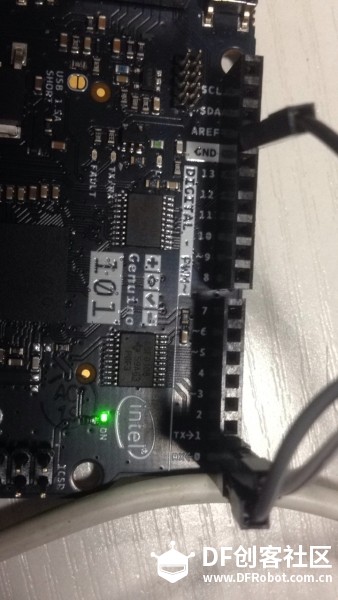
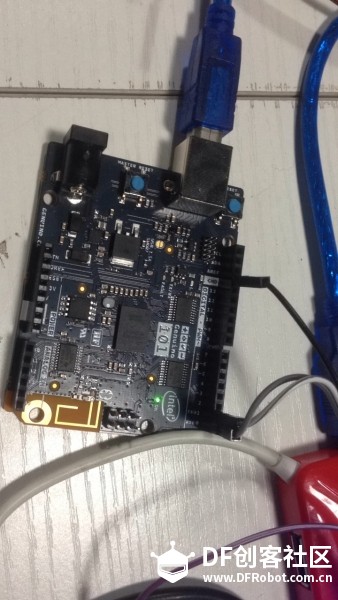



Opening and closing the USB Serial port at a baud rate other than 1200bps will not reset the 101. To use the serial monitor, and see what your sketch does from the beginning, you'll need to add few lines of code inside the setup(). This will ensure the Curie module will wait for the serial port to open before executing the sketch:
while (!Serial) ;
可以把程序贴一下!