用Boson&Arduino实现跳一跳外挂装置
2018-01-031.3万

精华项目
AI 快速预览详细
本文介绍了如何使用Boson模块和Arduino主控板制作跳一跳外挂装置。通过角度传感器和舵机模拟手指触摸屏幕,实现自动化操作。材料清单包括尺子、按钮模块、角度传感器模块、舵机、导电胶布、棉签、Arduino主控板+扩展板、导电线。代码上传后,通过串口监视器可以实时查看角度传感器的值,并通过按下按钮触发舵机动作。最终效果是能够实现自动化操作,轻松刷高分。
|
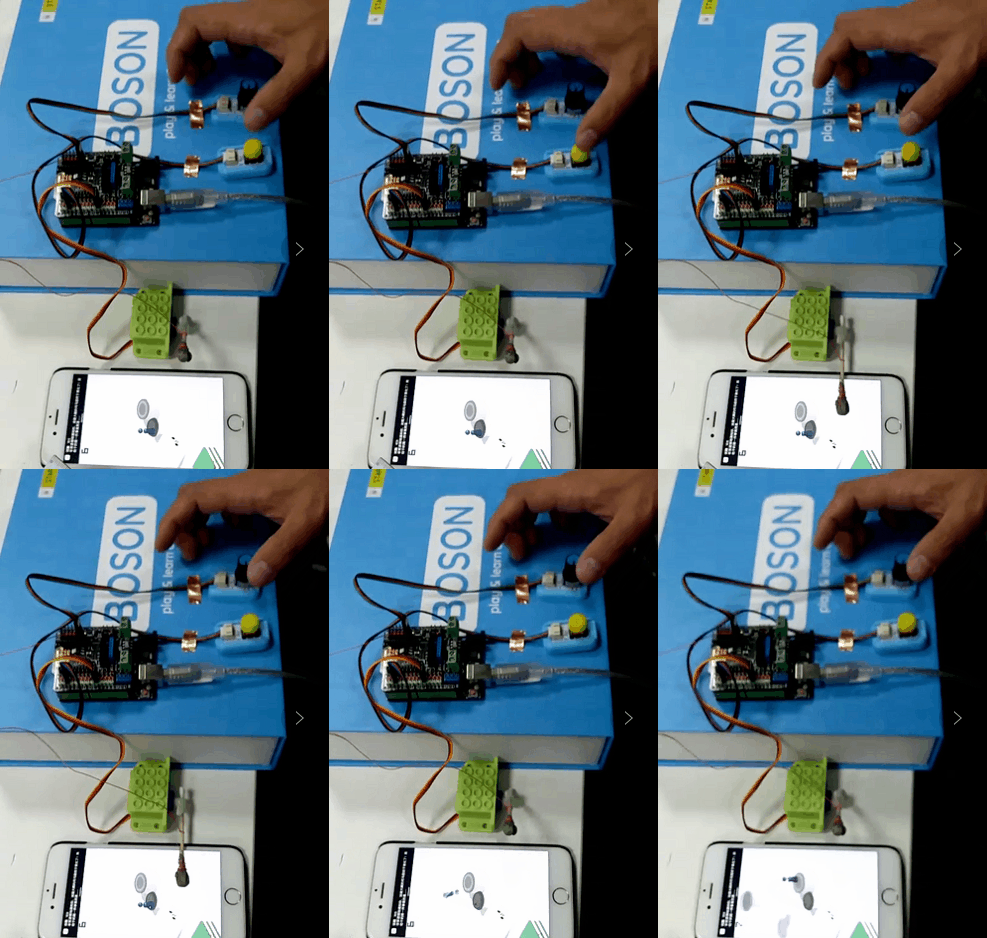
最近微信推出的小游戏“跳一跳” 刷爆了朋友圈 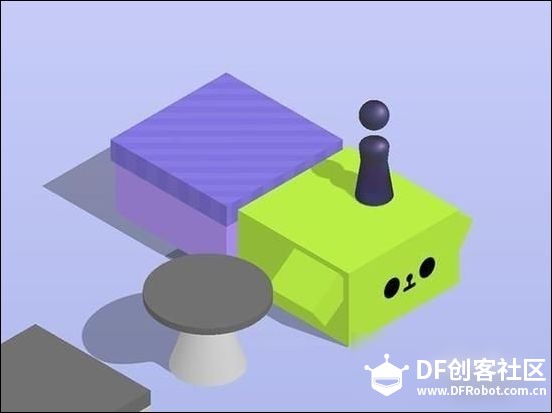 如何才能刷到2999分? 光靠手指是不行的,还是要外援! 接下来我们来教大家用Boson模块+Arduino主控板制作简单的外挂装置~ !用玩游戏的方式学编程! 先上效果图 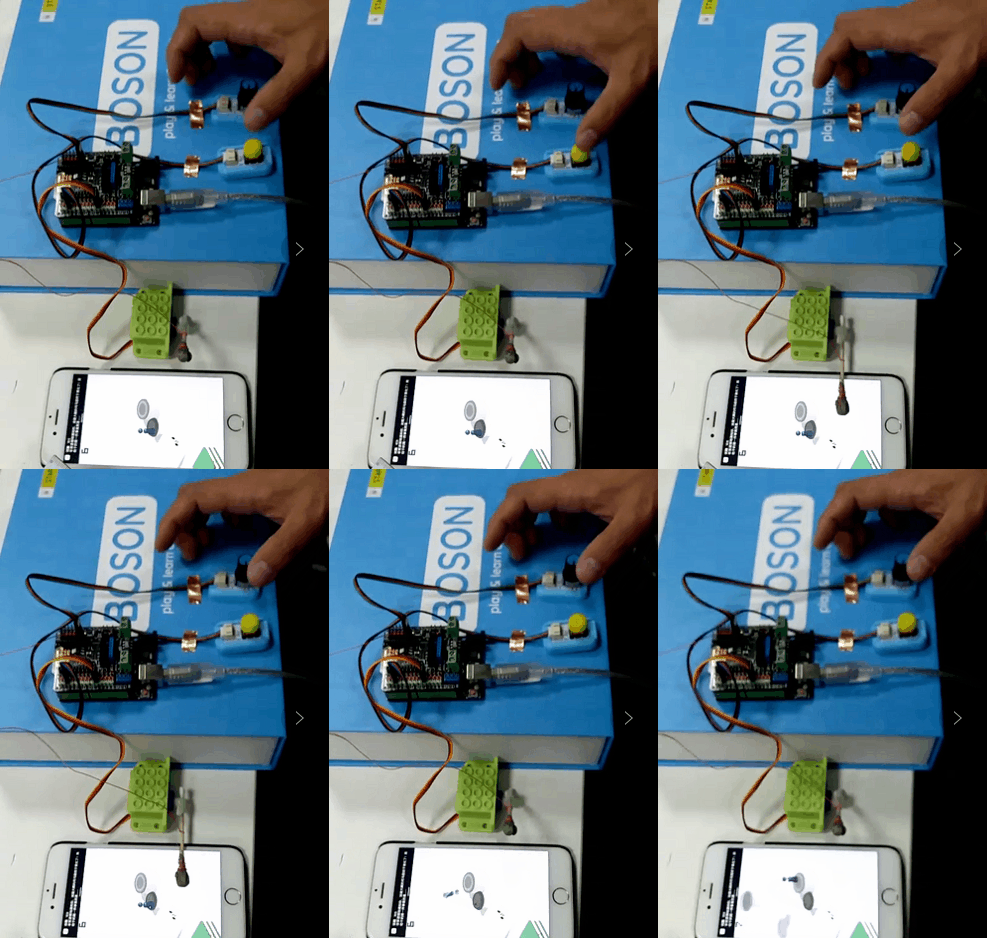 材料清单:  尺子,按钮模块,角度传感器模块,舵机,导电胶布,棉签,Arduino主控板+扩展板,导电线 硬件制作: 1. 将角度传感器连到A0,黄色按钮模块连到数字2号口,舵机连接到数字9号口(PMW) 2. 将棉签裹上一层导电布,然后将导电布一段接上5V导电线,(可直接连接至扩展板),即可模拟手指触摸屏幕~  代码上传: 打开ArduinoIDE ,上传代码 [mw_shl_code=c,true]#include <Servo.h> Servo myservo; int pos = 0; float val = 0.00; const int buttonPin = 2; const int ledPin = 13; //Variables will change: int buttonPushCounter = 0; int buttonState = 0; int lastButtonState = 0; void play(){ int t = val*300; myservo.write(0); delay(500); myservo.write(60); delay(t); myservo.write(0); delay(500); } void setup() { // put your setup code here, to run once: pinMode(buttonPin, INPUT); pinMode(ledPin, OUTPUT); Serial.begin(9600); myservo.attach(9); myservo.write(0); delay(500); } void loop() { // put your main code here, to run repeatedly: val = analogRead(A0); val = (val+1)*0.02; Serial.println(val); buttonState = digitalRead(buttonPin); //compare the buttonState to its previous state if (buttonState != lastButtonState){ //if the state has changed, increment the counter if (buttonState == HIGH){ buttonPushCounter++; play(); Serial.println("on"); Serial.print("number of button pushes: "); Serial.println(buttonPushCounter); }else{ //if the current state is LOW then the button //wend from on to off: Serial.println("off"); } //dalay a little bit to avoid bouncing delay(50); } lastButtonState = buttonState; }[/mw_shl_code] 打开Arduino IDE 的工具,点击串口监视器, 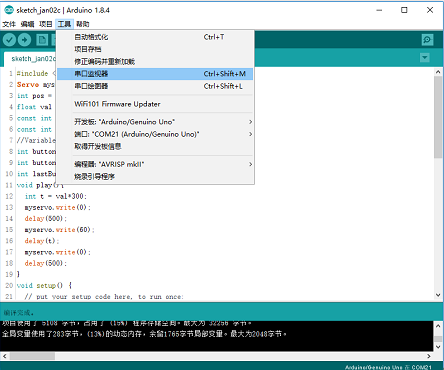 开始游戏: 1.先用尺子测量距离屏幕上盒子之间的距离; 2.通过角度模拟器的输入实际测量的盒子之间的距离 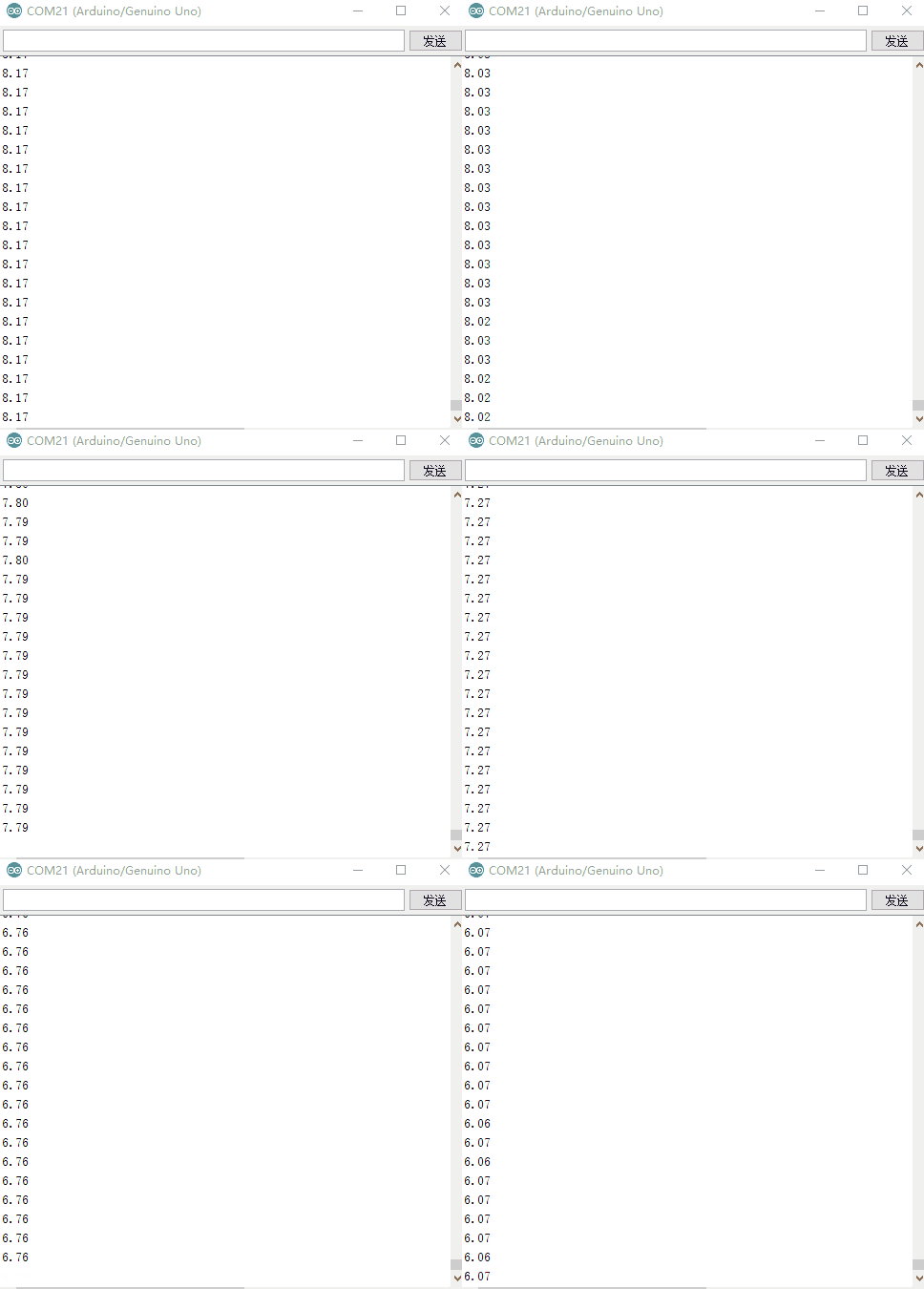 3.按下黄色按钮,舵机就会按对应的时间按压屏幕,然后就尽情地跳跳跳吧~ |
-
Boson 3.gif (1.68 MB, 下载次数: 3576)