

无论何时何地查看家里的煤气值
2019-12-281.1万

AI 快速预览详细
本文介绍了一个基于ESP8266和MQ7烟雾模块的家庭煤气监测项目。通过详细的硬件连接图和代码示例,展示了如何将传感器数据上传到Thingspeak平台,并通过手机应用实时查看煤气值。项目简单易懂,适合初学者尝试。
|
这是个物联网IOT时代,万物互联的一天一定会到来。 今天介绍的是一个煤气IOT项目。 用到的模块如下 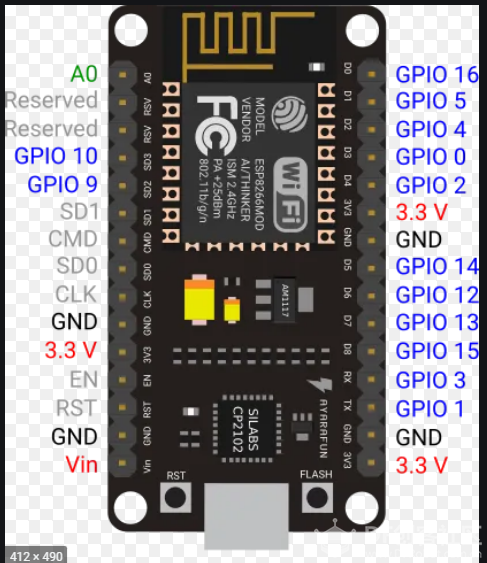 ESP8266 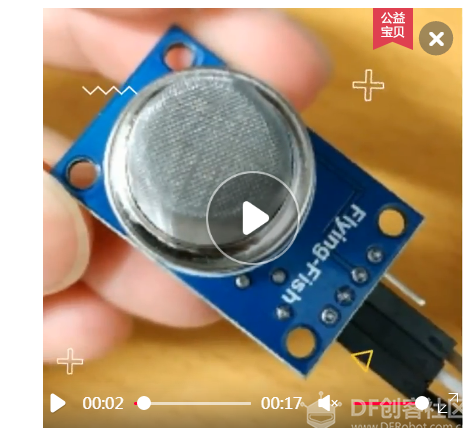 MQ7烟雾模块 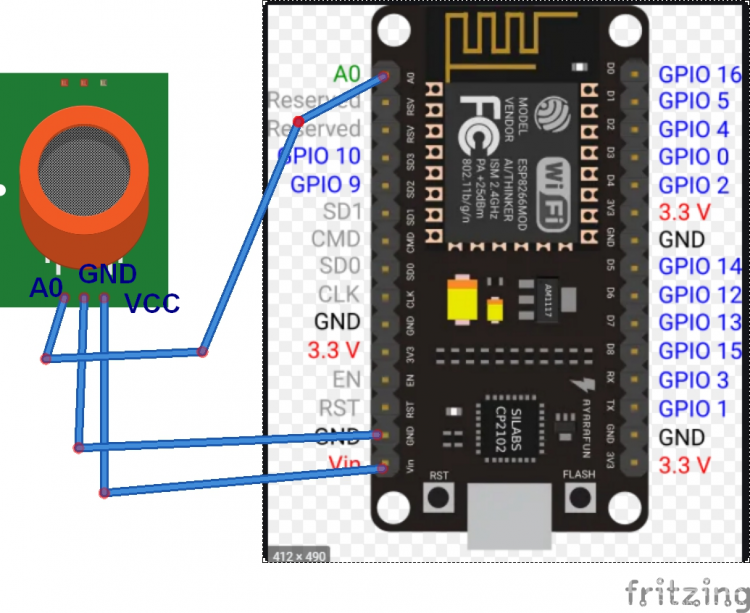 连线图 代码部分 [mw_shl_code=applescript,true]//-----------gada888---------- #include <ESP8266WiFi.h> String apiKey = ""; const char *ssid = ""; const char *pass = ""; const char* server = "api.thingspeak.com"; WiFiClient client; void setup() { Serial.begin(115200); delay(10); Serial.println("Connecting to "); Serial.println(ssid); WiFi.begin(ssid, pass); while (WiFi.status() != WL_CONNECTED) { delay(500); Serial.print("."); } Serial.println(""); Serial.println("WiFi connected"); } void loop() { float h = analogRead(A0); if (isnan(h)) { Serial.println("Failed to read from MQ-5 sensor!"); return; } if (client.connect(server, 80)) { String postStr = apiKey; postStr += "&field1="; postStr += String(h/1023*100); postStr += "r\n"; client.print("POST /update HTTP/1.1\n"); client.print("Host: api.thingspeak.com\n"); client.print("Connection: close\n"); client.print("X-THINGSPEAKAPIKEY: " + apiKey + "\n"); client.print("Content-Type: application/x-www-form-urlencoded\n"); client.print("Content-Length: "); client.print(postStr.length()); client.print("\n\n"); client.print(postStr); Serial.print("Gas Level: "); Serial.println(h/1023*100); Serial.println("Data Send to Thingspeak"); } client.stop(); Serial.println("Waiting..."); // thingspeak needs minimum 15 sec delay between updates. delay(1500); }[/mw_shl_code] ------------- String apiKey = ""; ----------thingspeak API密码 const char *ssid = ""; --------wifi名 const char *pass = "";---------wifi密码 ------------以上三项要填个人的信息 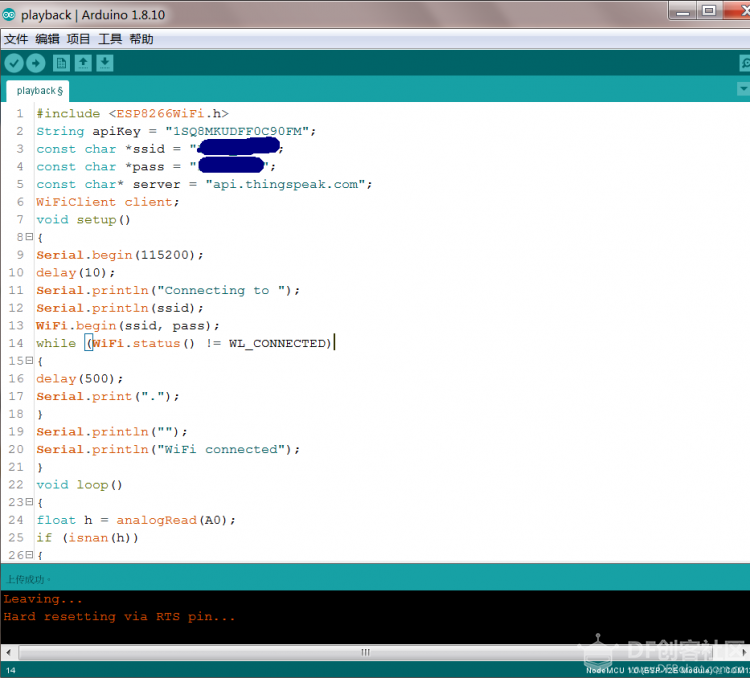 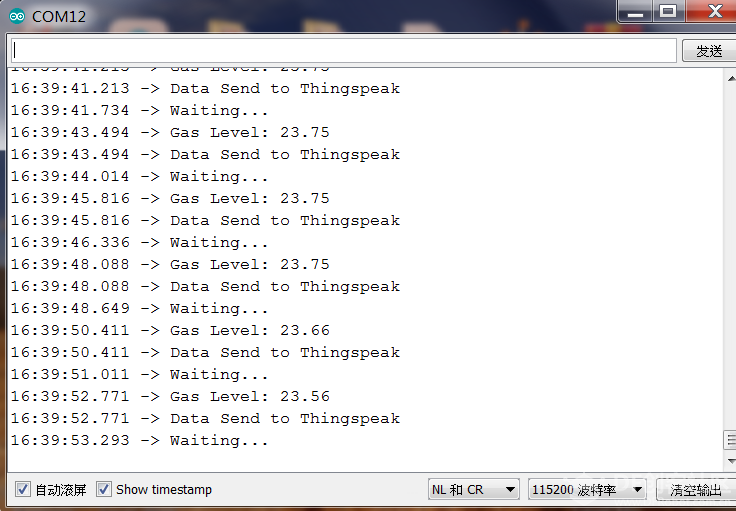 thingspeak.com注册账号 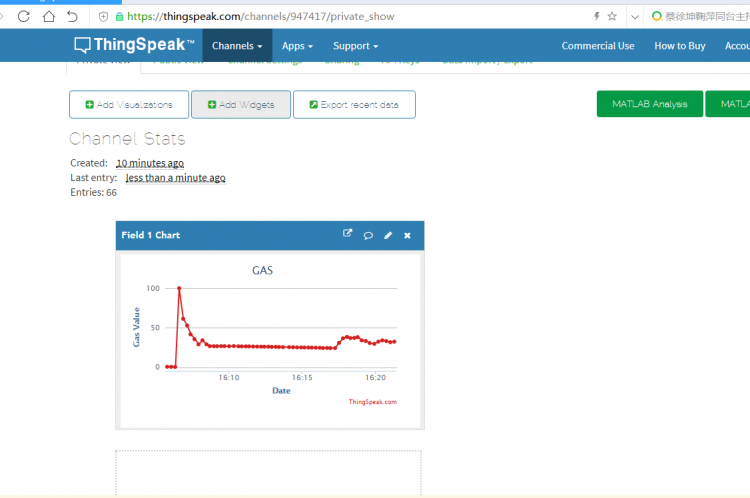 上图是在网站注册后看到的页面。 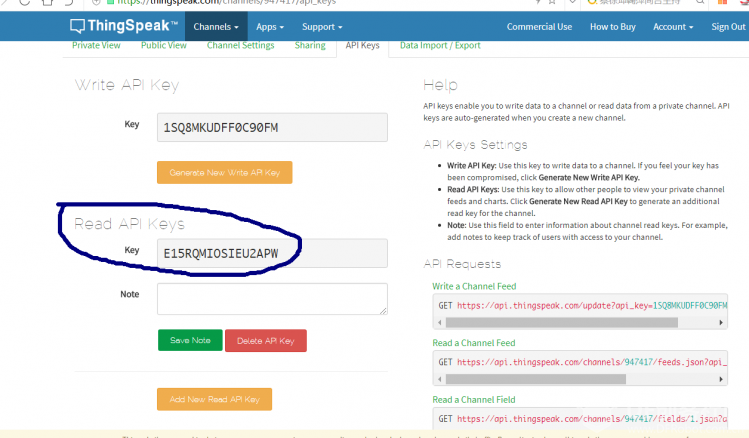 记得这个号,在下面的手机app段有用到。 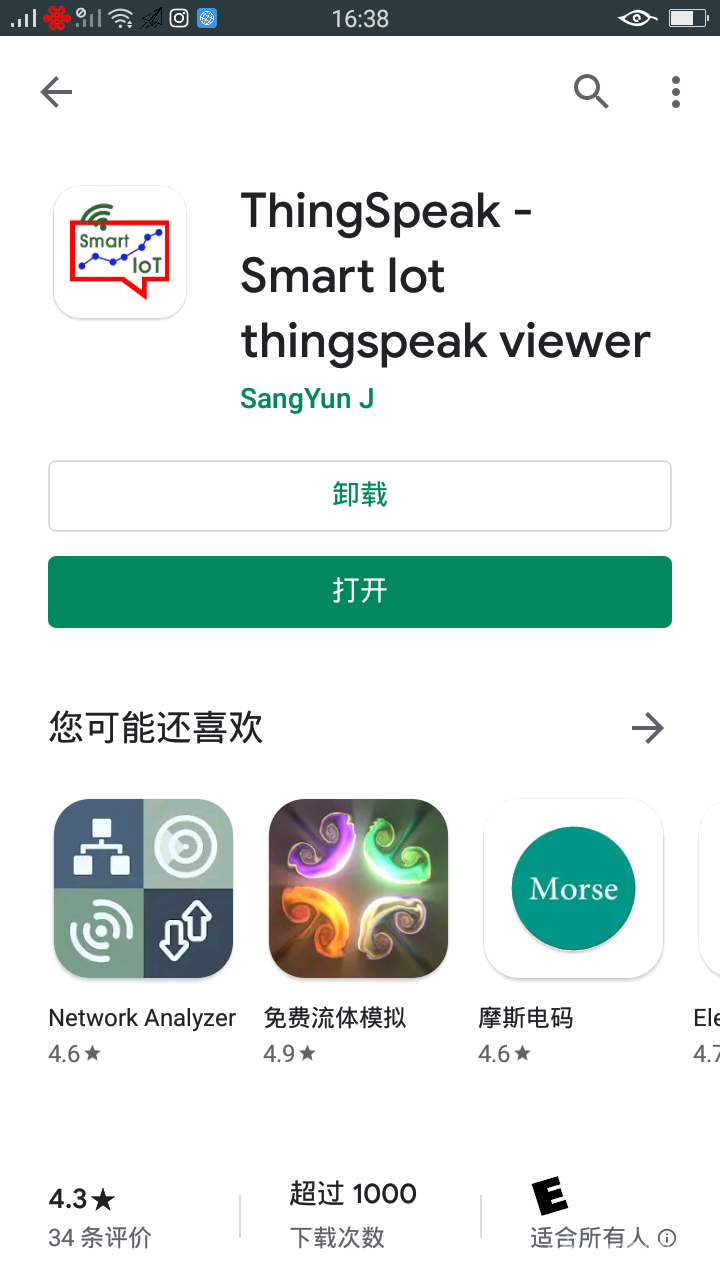 下载这个安卓app 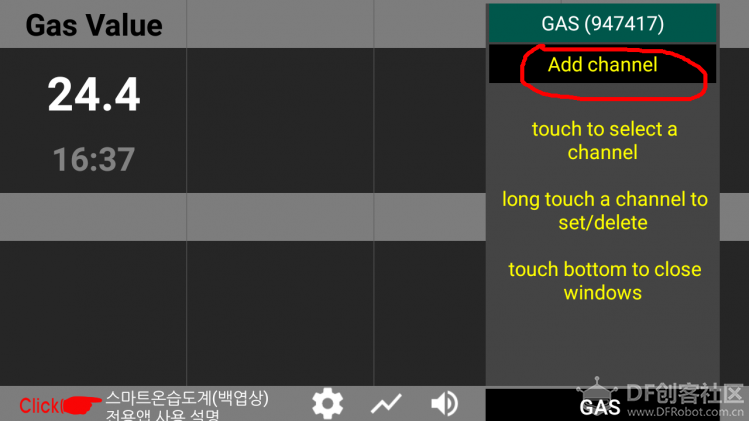 add chanell里填入你的channel id。六位数字,以及你的readable API(读取API) add chanell里填入你的channel id。六位数字,以及你的readable API(读取API)这是手机app页面的实时Gas读数。 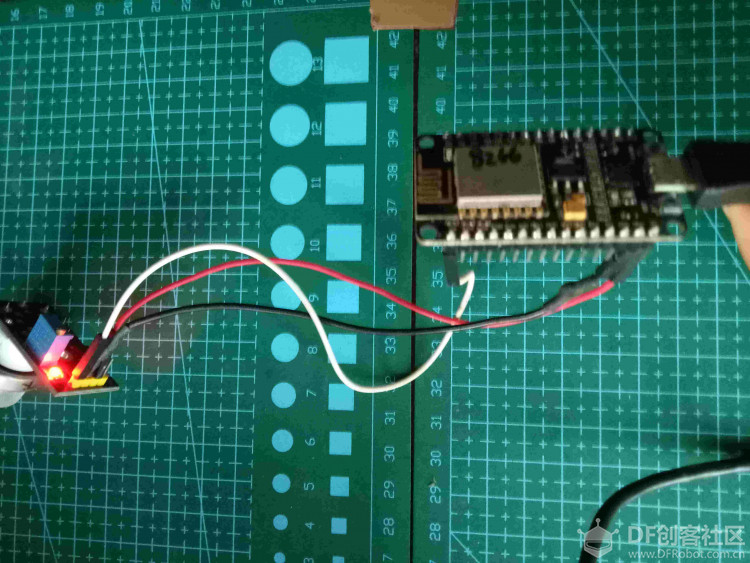 这时候只要项目通电,那么你在任何有wifi的地方就可以通过手机看到气体传感的读数。 |


