

MicroPython动手做(33)——物联网之天气预报
2020-06-192.5万
AI 快速预览详细
本文介绍了如何使用MicroPython实现天气预报。首先,文章详细解释了天气现象和天气过程。然后,提供了具体的实现步骤,帮助初学者和零基础用户轻松上手。通过本文,你可以学会如何收集和分析气象数据,从而预测未来的天气状况。
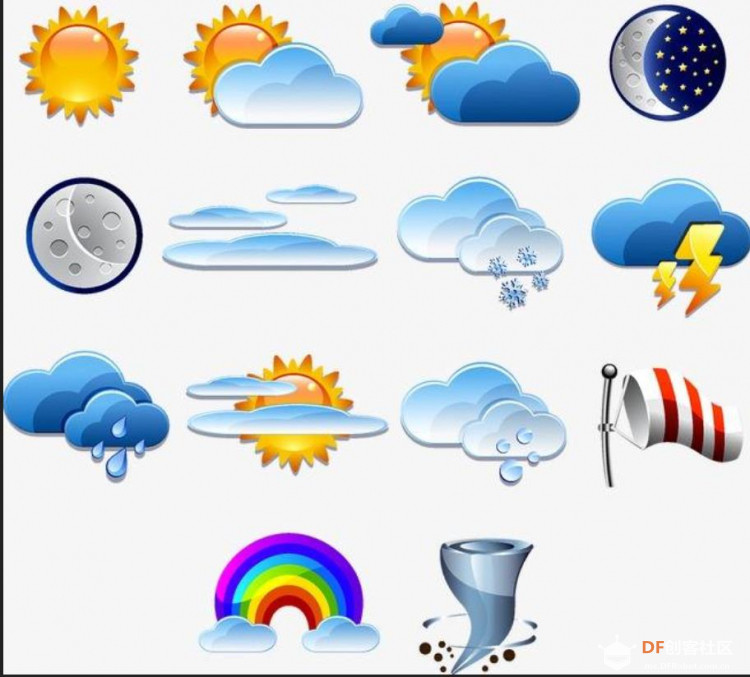 天气(自然现象) 是指某一个地区距离地表较近的大气层在短时间内的具体状态。而天气现象则是指发生在大气中的各种自然现象,即某瞬时内大气中各种气象要素(如气温、气压、湿度、风、云、雾、雨、闪、雪、霜、雷、雹、霾等)空间分布的综合表现。 天气过程就是一定地区的天气现象随时间的变化过程。各种天气系统都具有一定的空间尺度和时间尺度,而且各种尺度系统间相互交织、相互作用。许多天气系统的组合,构成大范围的天气形势,构成半球甚至全球的大气环流。天气系统总是处在不断新生、发展和消亡过程中,在不同发展阶段有着其相对应的天气现象分布。 |
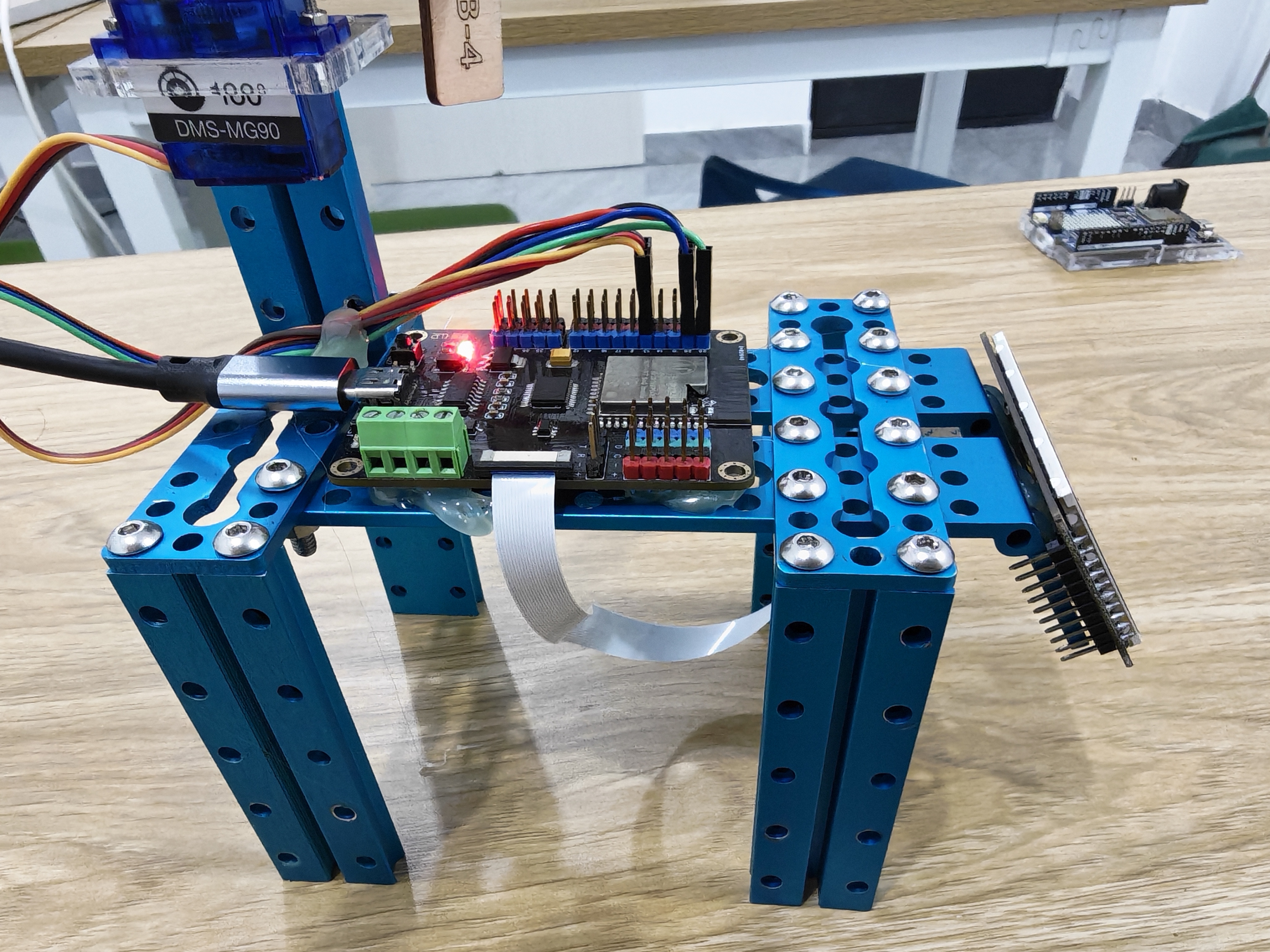

P 上海 Y 福州 T 北京 H 重庆 O 深圳 N 济南
[mw_shl_code=python,false]#MicroPython动手做(33)——物联网之天气预报
#六位触摸按键选择城市天气预报
from machine import Timer
from mpython import *
import urequests
import network
import ntptime
import music
import json
touch_threshold = {'P': 400, 'Y': 400, 'T': 400, 'H': 400, 'O': 400, 'N': 400}
tim12 = Timer(12)
_status_p = _status_y = _status_t = _status_h = _status_o = _status_n = 0
def on_touchpad_P_pressed():pass
def on_touchpad_P_unpressed():pass
def on_touchpad_Y_pressed():pass
def on_touchpad_Y_unpressed():pass
def on_touchpad_T_pressed():pass
def on_touchpad_T_unpressed():pass
def on_touchpad_H_pressed():pass
def on_touchpad_H_unpressed():pass
def on_touchpad_O_pressed():pass
def on_touchpad_O_unpressed():pass
def on_touchpad_N_pressed():pass
def on_touchpad_N_unpressed():pass
def timer12_tick(_):
global _status_p, _status_y, _status_t, _status_h, _status_o, _status_n
try:
touchPad_P.read();pass
except:
return
if touchPad_P.read() < touch_threshold['P']:
if 1 != _status_p:_status_p = 1;on_touchpad_P_pressed()
elif 0 != _status_p:_status_p = 0;on_touchpad_P_unpressed()
if touchPad_Y.read() < touch_threshold['Y']:
if 1 != _status_y:_status_y = 1;on_touchpad_Y_pressed()
elif 0 != _status_y:_status_y = 0;on_touchpad_Y_unpressed()
if touchPad_T.read() < touch_threshold['T']:
if 1 != _status_t:_status_t = 1;on_touchpad_T_pressed()
elif 0 != _status_t:_status_t = 0;on_touchpad_T_unpressed()
if touchPad_H.read() < touch_threshold['H']:
if 1 != _status_h:_status_h = 1;on_touchpad_H_pressed()
elif 0 != _status_h:_status_h = 0;on_touchpad_H_unpressed()
if touchPad_O.read() < touch_threshold['O']:
if 1 != _status_o:_status_o = 1;on_touchpad_O_pressed()
elif 0 != _status_o:_status_o = 0;on_touchpad_O_unpressed()
if touchPad_N.read() < touch_threshold['N']:
if 1 != _status_n:_status_n = 1;on_touchpad_N_pressed()
elif 0 != _status_n:_status_n = 0;on_touchpad_N_unpressed()
def weather_getWeather(_weather, _city):
if weather_serveraddr=="http://www.tianqiapi.com":
nowResult = urequests.get(weather_serveraddr+"/api/?appid="+weather_appid+"&appsecret="+weather_appsecret+"&version=v6&cityid="+_city)
json=nowResult.json()
nowResult.close()
return json[_weather]
else:
nowResult = urequests.get(weather_serveraddr+"/api/weather/?appid="+weather_appid+"&appsecret="+weather_appsecret+"&version=v6&cityid="+_city)
json=nowResult.json()
nowResult.close()
return json[_weather]
brightness=9
weather_serveraddr = "http://www.tianqiapi.com"
weather_appid = "85215611"
weather_appsecret = "Kx8r5ZCY "
# 事件回调函数
def on_touchpad_P_pressed():
global g_my_variable
music.pitch(147, 500)
oled.fill(0)
oled.DispChar("上海", 0, (1-1)*16, 1)
oled.DispChar(weather_getWeather("wea", "101020100"), 0, (2-1)*16, 1)
oled.DispChar((str("最低温度:") + str(weather_getWeather("tem2", "101020100"))), 0, (3-1)*16, 1)
oled.DispChar((str("最高温度:") + str(weather_getWeather("tem1", "101020100"))), 0, (4-1)*16, 1)
oled.show()
def on_touchpad_H_pressed():
global g_my_variable
music.pitch(175, 500)
oled.fill(0)
oled.DispChar("重庆", 0, (1-1)*16, 1)
oled.DispChar(weather_getWeather("wea", "101040100"), 0, (2-1)*16, 1)
oled.DispChar((str("最低温度:") + str(weather_getWeather("tem2", "101040100"))), 0, (3-1)*16, 1)
oled.DispChar((str("最高温度:") + str(weather_getWeather("tem1", "101040100"))), 0, (4-1)*16, 1)
oled.show()
def on_touchpad_Y_pressed():
global g_my_variable
music.pitch(247, 500)
oled.fill(0)
oled.DispChar("福州", 0, (1-1)*16, 1)
oled.DispChar((str("天气情况:") + str(weather_getWeather("wea", "101230101"))), 0, (2-1)*16, 1)
oled.DispChar((str("最低温度:") + str(weather_getWeather("tem2", "101230101"))), 0, (3-1)*16, 1)
oled.DispChar((str("最高温度:") + str(weather_getWeather("tem1", "101230101"))), 0, (4-1)*16, 1)
oled.show()
def on_touchpad_O_pressed():
global g_my_variable
music.pitch(196, 500)
oled.fill(0)
oled.DispChar("深圳", 0, (1-1)*16, 1)
oled.DispChar(weather_getWeather("wea", "101280601"), 0, (2-1)*16, 1)
oled.DispChar((str("最低温度:") + str(weather_getWeather("tem2", "101280601"))), 0, (3-1)*16, 1)
oled.DispChar((str("最高温度:") + str(weather_getWeather("tem1", "101280601"))), 0, (4-1)*16, 1)
oled.show()
def on_touchpad_T_pressed():
global g_my_variable
music.pitch(165, 500)
oled.fill(0)
oled.DispChar("北京", 0, (1-1)*16, 1)
oled.DispChar(weather_getWeather("wea", "101010100"), 0, (2-1)*16, 1)
oled.DispChar((str("最低温度:") + str(weather_getWeather("tem2", "101010100"))), 0, (3-1)*16, 1)
oled.DispChar((str("最高温度:") + str(weather_getWeather("tem1", "101010100"))), 0, (4-1)*16, 1)
oled.show()
def on_touchpad_N_pressed():
global g_my_variable
music.pitch(220, 500)
oled.fill(0)
oled.DispChar("济南", 0, (1-1)*16, 1)
oled.DispChar(weather_getWeather("wea", "101120101"), 0, (2-1)*16, 1)
oled.DispChar((str("最低温度:") + str(weather_getWeather("tem2", "101120101"))), 0, (3-1)*16, 1)
oled.DispChar((str("最高温度:") + str(weather_getWeather("tem1", "101120101"))), 0, (4-1)*16, 1)
oled.show()
tim12.init(period=100, mode=Timer.PERIODIC, callback=timer12_tick)
my_wifi = wifi()
my_wifi.connectWiFi("zh","zy1567")
while not (my_wifi.sta.isconnected()):
pass
rgb[1] = (0*brightness//9, 102*brightness//9, 0*brightness//9)
rgb.write()
music.pitch(131, 50)
ntptime.settime(8, "ntp.ntsc.ac.cn")
oled.fill(0)
oled.DispChar("触摸按键选城市", 0, (1-1)*16, 1)
oled.DispChar("P 上海 Y 福州", 0, (2-1)*16, 1)
oled.DispChar("T 北京 H 重庆", 0, (3-1)*16, 1)
oled.DispChar("O 深圳 N 济南", 0, (4-1)*16, 1)
oled.show()[/mw_shl_code]
链接:http://www.tianqiapi.com/user/index
激活账号,获取APPID和APPSecret(密钥)
链接:http://www.tianqiapi.com/user/register
链接:http://www.tianqiapi.com
向前倾斜为安徽合肥,向后为福建福州
向左为上海,向右为北京
[mw_shl_code=python,false]#MicroPython动手做(33)——物联网之天气预报
#使用三轴传感器选择城市天气预报
from mpython import *
import urequests
import network
import ntptime
import music
import json
brightness=9
weather_serveraddr = "http://server.mindplus.top"
weather_appid = "31982666"
weather_appsecret = "E6MtBcxQ"
def weather_getWeather(_weather, _city):
if weather_serveraddr=="http://www.tianqiapi.com":
nowResult = urequests.get(weather_serveraddr+"/api/?appid="+weather_appid+"&appsecret="+weather_appsecret+"&version=v6&cityid="+_city)
json=nowResult.json()
nowResult.close()
return json[_weather]
else:
nowResult = urequests.get(weather_serveraddr+"/api/weather/?appid="+weather_appid+"&appsecret="+weather_appsecret+"&version=v6&cityid="+_city)
json=nowResult.json()
nowResult.close()
return json[_weather]
my_wifi = wifi()
my_wifi.connectWiFi("zh","zy1567")
while not (my_wifi.sta.isconnected()):
pass
rgb[1] = (0*brightness//9, 102*brightness//9, 0*brightness//9)
rgb.write()
music.pitch(165, 50)
ntptime.settime(8, "ntp.ntsc.ac.cn")
while True:
if (accelerometer.get_x() < -0.3):
music.pitch(196, 50)
oled.fill(0)
oled.DispChar("安徽 合肥", 0, (1-1)*16, 1)
oled.DispChar(weather_getWeather("wea", "101220101"), 0, (2-1)*16, 1)
oled.DispChar((str("最低温度:") + str(weather_getWeather("tem2", "101220101"))), 0, (3-1)*16, 1)
oled.DispChar((str("最高温度:") + str(weather_getWeather("tem1", "101220101"))), 0, (4-1)*16, 1)
oled.show()
if (accelerometer.get_x() > 0.3):
music.pitch(262, 50)
oled.fill(0)
oled.DispChar("福建 福州", 0, (1-1)*16, 1)
oled.DispChar(weather_getWeather("wea", "101230101"), 0, (2-1)*16, 1)
oled.DispChar((str("最低温度:") + str(weather_getWeather("tem2", "101230101"))), 0, (3-1)*16, 1)
oled.DispChar((str("最高温度:") + str(weather_getWeather("tem1", "101230101"))), 0, (4-1)*16, 1)
oled.show()
if (accelerometer.get_y() > 0.3):
music.pitch(392, 50)
oled.fill(0)
oled.DispChar("上海", 0, (1-1)*16, 1)
oled.DispChar(weather_getWeather("wea", "101020100"), 0, (2-1)*16, 1)
oled.DispChar((str("最低温度:") + str(weather_getWeather("tem2", "101020100"))), 0, (3-1)*16, 1)
oled.DispChar((str("最高温度:") + str(weather_getWeather("tem1", "101020100"))), 0, (4-1)*16, 1)
oled.show()
if (accelerometer.get_y() < -0.3):
music.pitch(659, 50)
oled.fill(0)
oled.DispChar("北京", 0, (1-1)*16, 1)
oled.DispChar(weather_getWeather("wea", "101010100"), 0, (2-1)*16, 1)
oled.DispChar((str("最低温度:") + str(weather_getWeather("tem2", "101010100"))), 0, (3-1)*16, 1)
oled.DispChar((str("最高温度:") + str(weather_getWeather("tem1", "101010100"))), 0, (4-1)*16, 1)
oled.show()[/mw_shl_code]
无需注册,不用密钥,不要设置,挺简单的一个办法
[mw_shl_code=python,false]#MicroPython动手做(33)——物联网之天气预报
#使用mindplus sever服务器获取天气预报
from mpython import *
import urequests
import network
import ntptime
import music
import json
brightness=9
weather_serveraddr = "http://server.mindplus.top"
weather_appid = "31982666"
weather_appsecret = "E6MtBcxQ"
def weather_getWeather(_weather, _city):
if weather_serveraddr=="http://www.tianqiapi.com":
nowResult = urequests.get(weather_serveraddr+"/api/?appid="+weather_appid+"&appsecret="+weather_appsecret+"&version=v6&cityid="+_city)
json=nowResult.json()
nowResult.close()
return json[_weather]
else:
nowResult = urequests.get(weather_serveraddr+"/api/weather/?appid="+weather_appid+"&appsecret="+weather_appsecret+"&version=v6&cityid="+_city)
json=nowResult.json()
nowResult.close()
return json[_weather]
my_wifi = wifi()
my_wifi.connectWiFi("zhz","zy156721")
while not (my_wifi.sta.isconnected()):
pass
rgb[1] = (0*brightness//9, 102*brightness//9, 0*brightness//9)
rgb.write()
music.pitch(392, 50)
oled.fill(0)
oled.DispChar("福建 福州", 0, (1-1)*16, 1)
oled.show()
ntptime.settime(8, "ntp.ntsc.ac.cn")
oled.DispChar(weather_getWeather("wea", "101230101"), 0, (2-1)*16, 1)
oled.DispChar((str("最低温度:") + str(weather_getWeather("tem2", "101230101"))), 0, (3-1)*16, 1)
oled.DispChar((str("最高温度:") + str(weather_getWeather("tem1", "101230101"))), 0, (4-1)*16, 1)
oled.show()[/mw_shl_code]
[mw_shl_code=python,false]#MicroPython动手做(33)——物联网之天气预报
#按下AB键查询今明二天的天气和生活指数
from mpython import *
import network
import json
import urequests
import time
import music
my_wifi = wifi()
my_wifi.connectWiFi("zh", "zy1567")
def on_button_a_down(_):
time.sleep_ms(10)
if button_a.value() == 1: return
music.play('G5:1')
oled.fill(0)
oled.DispChar((''.join([str(x) for x in [w1["results"][0]["location"]["name"], "今天", w1["results"][0]["daily"][0]["text_day"], "", w1["results"][0]["daily"][0]["low"], " - ", w1["results"][0]["daily"][0]["high"], " 度", w1["results"][0]["daily"][0]["high"]]])), 0, 0, 1)
oled.DispChar((str("穿衣指数 : ") + str(w2["results"][0]["suggestion"]["dressing"]["brief"])), 0, 16, 1)
oled.DispChar((str("运动指数 : ") + str(w2["results"][0]["suggestion"]["sport"]["brief"])), 0, 32, 1)
oled.DispChar((str("紫外线指数 : ") + str(w2["results"][0]["suggestion"]["uv"]["brief"])), 0, 48, 1)
oled.show()
def on_button_b_down(_):
time.sleep_ms(10)
if button_b.value() == 1: return
music.play('B5:1')
oled.fill(0)
oled.DispChar((''.join([str(x) for x in [w1["results"][0]["location"]["name"], "明天", w1["results"][0]["daily"][1]["text_day"], " ", w1["results"][0]["daily"][1]["low"], " - ", w1["results"][0]["daily"][1]["high"], " 度", w1["results"][0]["daily"][1]["high"]]])), 0, 0, 1)
oled.DispChar((str("穿衣指数 : ") + str(w2["results"][0]["suggestion"]["dressing"]["brief"])), 0, 16, 1)
oled.DispChar((str("感冒指数 : ") + str(w2["results"][0]["suggestion"]["flu"]["brief"])), 0, 32, 1)
oled.DispChar((str("旅游指数 : ") + str(w2["results"][0]["suggestion"]["travel"]["brief"])), 0, 48, 1)
oled.show()
def get_seni_weather(_url, _location):
_url = _url + "&location=" + _location.replace(" ", "%20")
response = urequests.get(_url)
json = response.json()
response.close()
return json
button_a.irq(trigger=Pin.IRQ_FALLING, handler=on_button_a_down)
button_b.irq(trigger=Pin.IRQ_FALLING, handler=on_button_b_down)
w1 = get_seni_weather("https://api.seniverse.com/v3/weather/daily.json?key=SSY9pi-U4QH-ZDrf", "ip")
w2 = get_seni_weather("https://api.seniverse.com/v3/life/suggestion.json?key=SSY9pi-U4QH-ZDrf", "ip")
rgb[1] = (int(0), int(102), int(0))
rgb.write()
time.sleep_ms(1)
music.play('E5:1')
oled.fill(0)
oled.DispChar("按下AB键查询天气预报", 0, 16, 1)
oled.show()[/mw_shl_code]
[mw_shl_code=python,false]#MicroPython动手做(33)——物联网之天气预报
#当地天气预报及六项生活指数
from mpython import *
import network
import json
import urequests
my_wifi = wifi()
my_wifi.connectWiFi("zh", "zy1567")
def get_seni_weather(_url, _location):
_url = _url + "&location=" + _location.replace(" ", "%20")
response = urequests.get(_url)
json = response.json()
response.close()
return json
w1 = get_seni_weather("https://api.seniverse.com/v3/weather/daily.json?key=SSY9pi-U4QH-ZDrf", "ip")
w2 = get_seni_weather("https://api.seniverse.com/v3/life/suggestion.json?key=SSY9pi-U4QH-ZDrf", "ip")
oled.fill(0)
oled.DispChar((''.join([str(x) for x in [w1["results"][0]["location"]["name"], " ", w1["results"][0]["daily"][0]["text_day"], " ", w1["results"][0]["daily"][0]["low"], " - ", w1["results"][0]["daily"][0]["high"], " 度"]])), 0, 0, 1)
oled.DispChar((str("穿衣指数 : ") + str(w2["results"][0]["suggestion"]["dressing"]["brief"])), 0, 16, 1)
oled.DispChar((str("运动指数 : ") + str(w2["results"][0]["suggestion"]["sport"]["brief"])), 0, 32, 1)
oled.DispChar((str("紫外线指数 : ") + str(w2["results"][0]["suggestion"]["uv"]["brief"])), 0, 48, 1)
oled.show()[/mw_shl_code]