缘起:
前几天, 和 RBK 聊起了关于 Jetson Nano 应用的实例, 也许可以在创客嘉年华上做个有趣的应用. 我突然想到Jetson Nano 设备上运行的是 Ubuntu Linux 系统, 也许可以尝试通过接入一个摄像头, 用 opencv(视觉框架)来进行视觉应用的开发实验, 由于之前在树莓派4B 上已经通过 opencv结合 mediapipe库实现了面部检测,面部 mesh, 还有手指检测.还做了一些好玩儿的应用, 心想如果移植到 Jetson Nano 那速度还不得飞起? 于是乎就天真的认为既然是Ubuntu, 既然是 Linux 系统,对于我来说应该不是太难...结果我还是草率了, 将公司拍照和测试闲置吃灰的 Jetson Nano 带回家准备在假期尝试一下, 才发现,我面临的坑是一个"Unknown Hole".
分析:
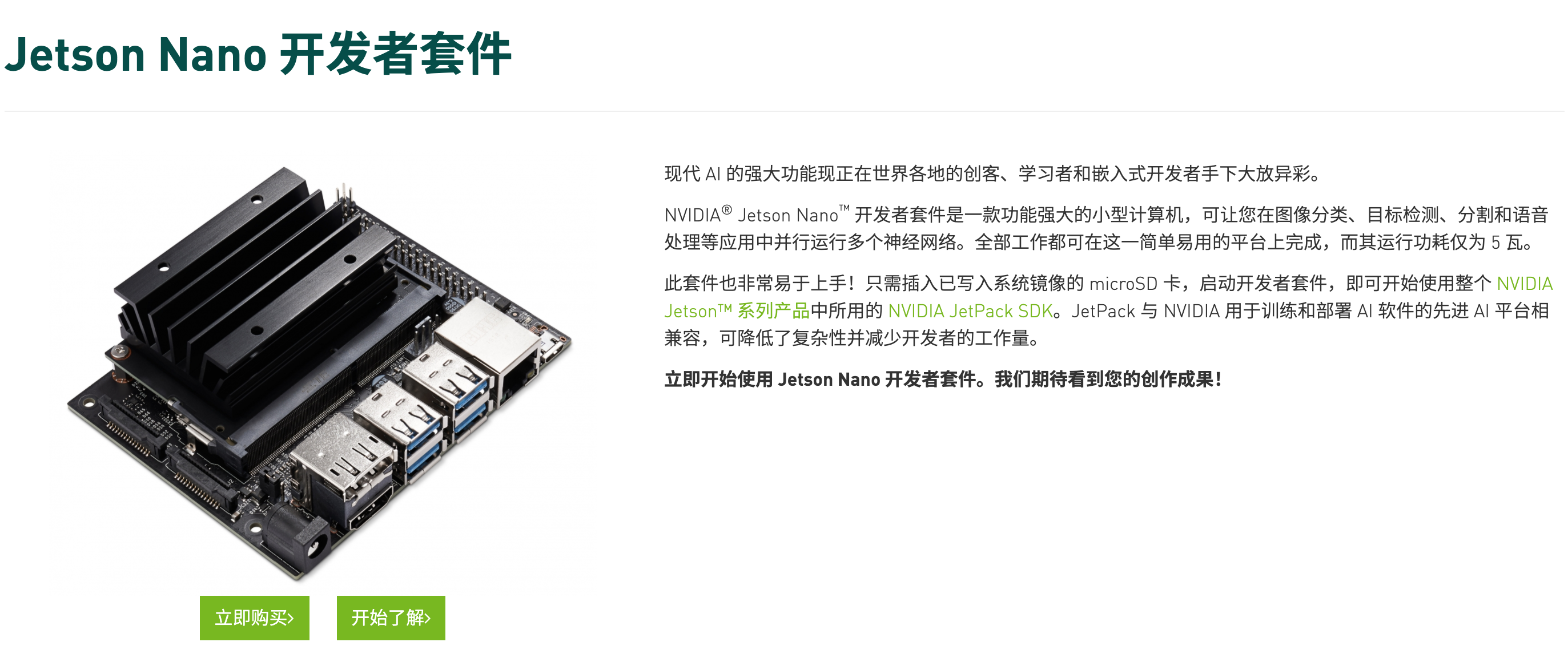
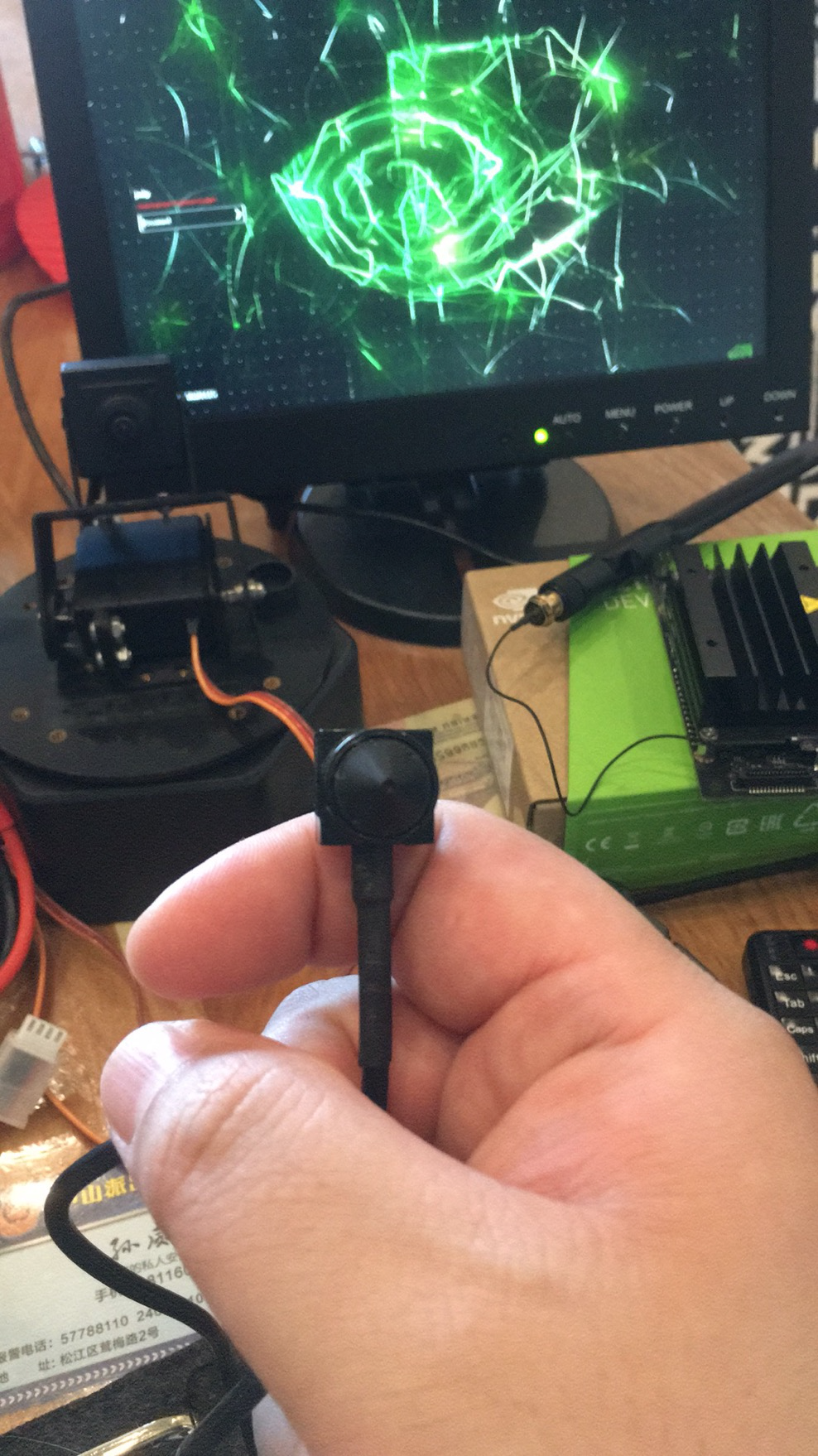
说起视觉算力很好的设备, 那当属之前在网络上传的沸沸扬扬的英伟达的 Jetson Nano, 如图:
官方说:
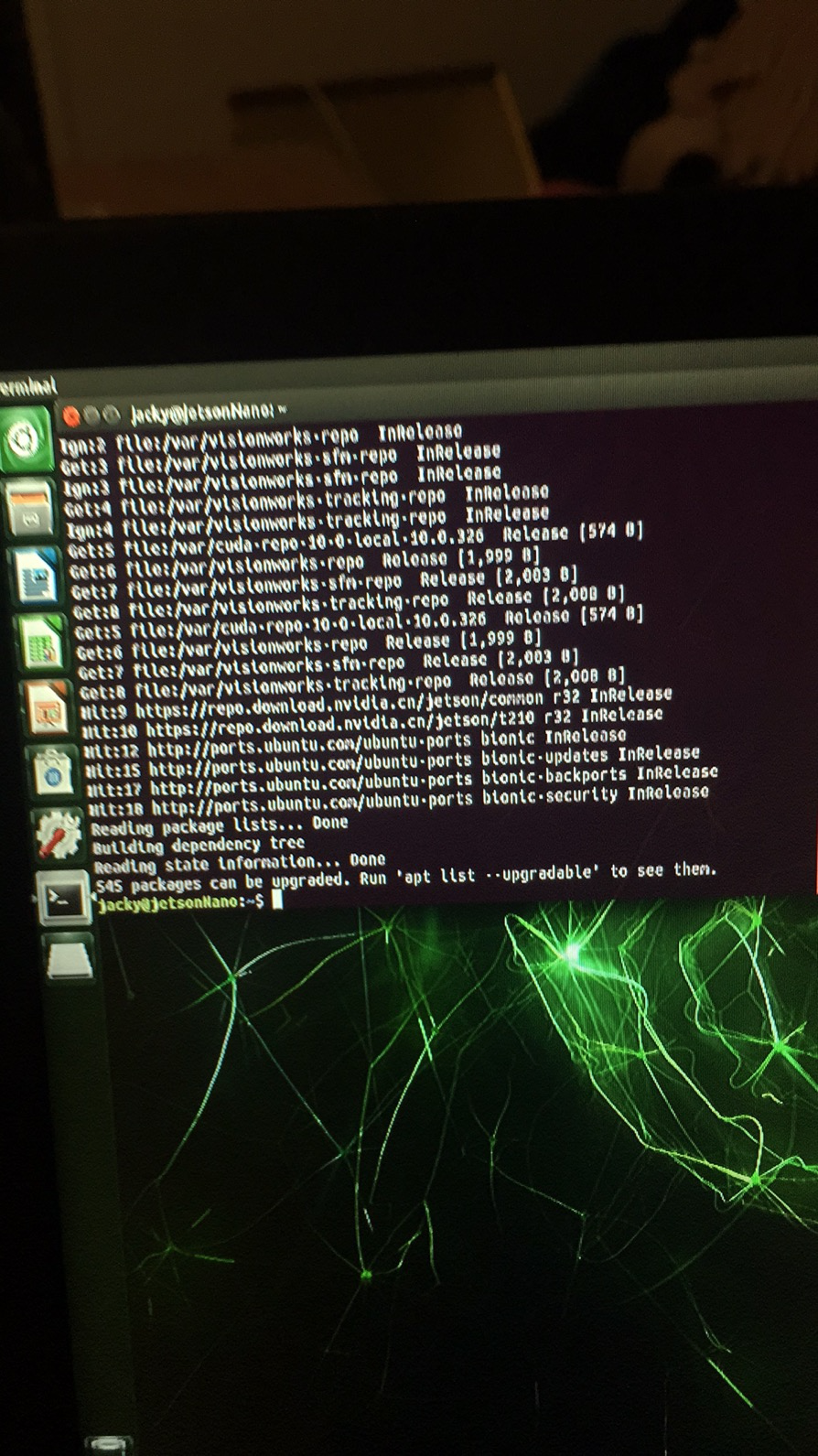
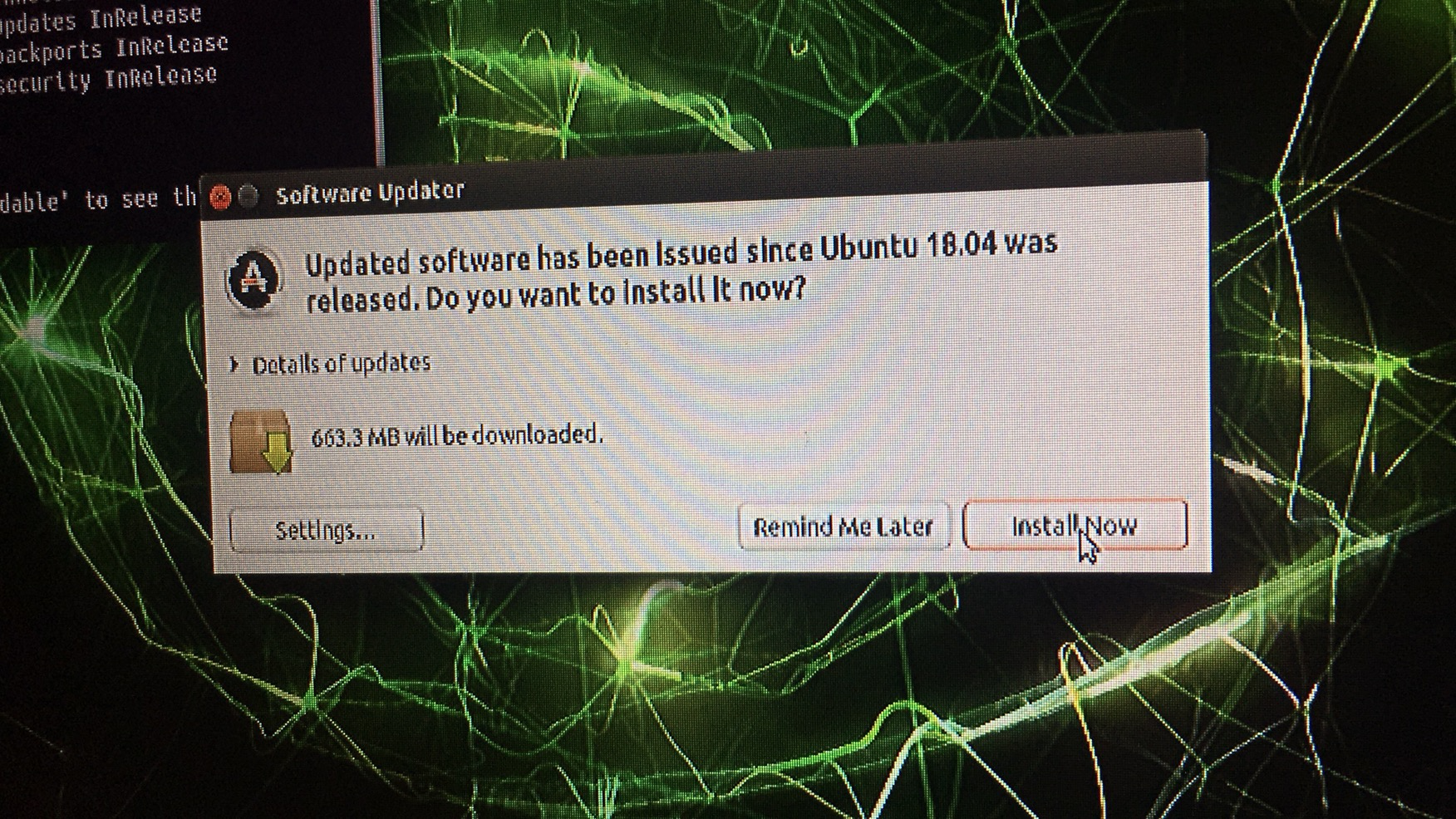
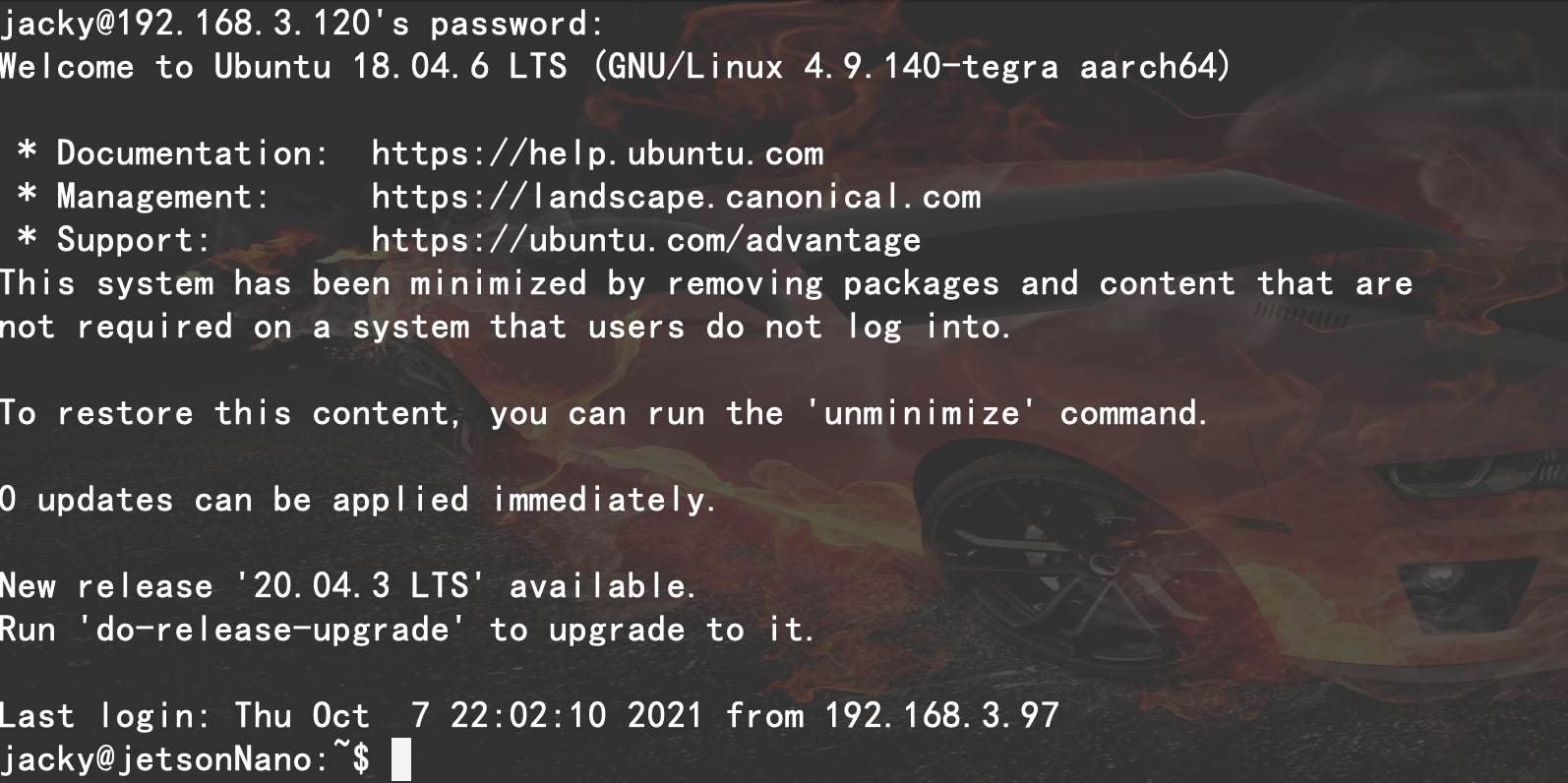
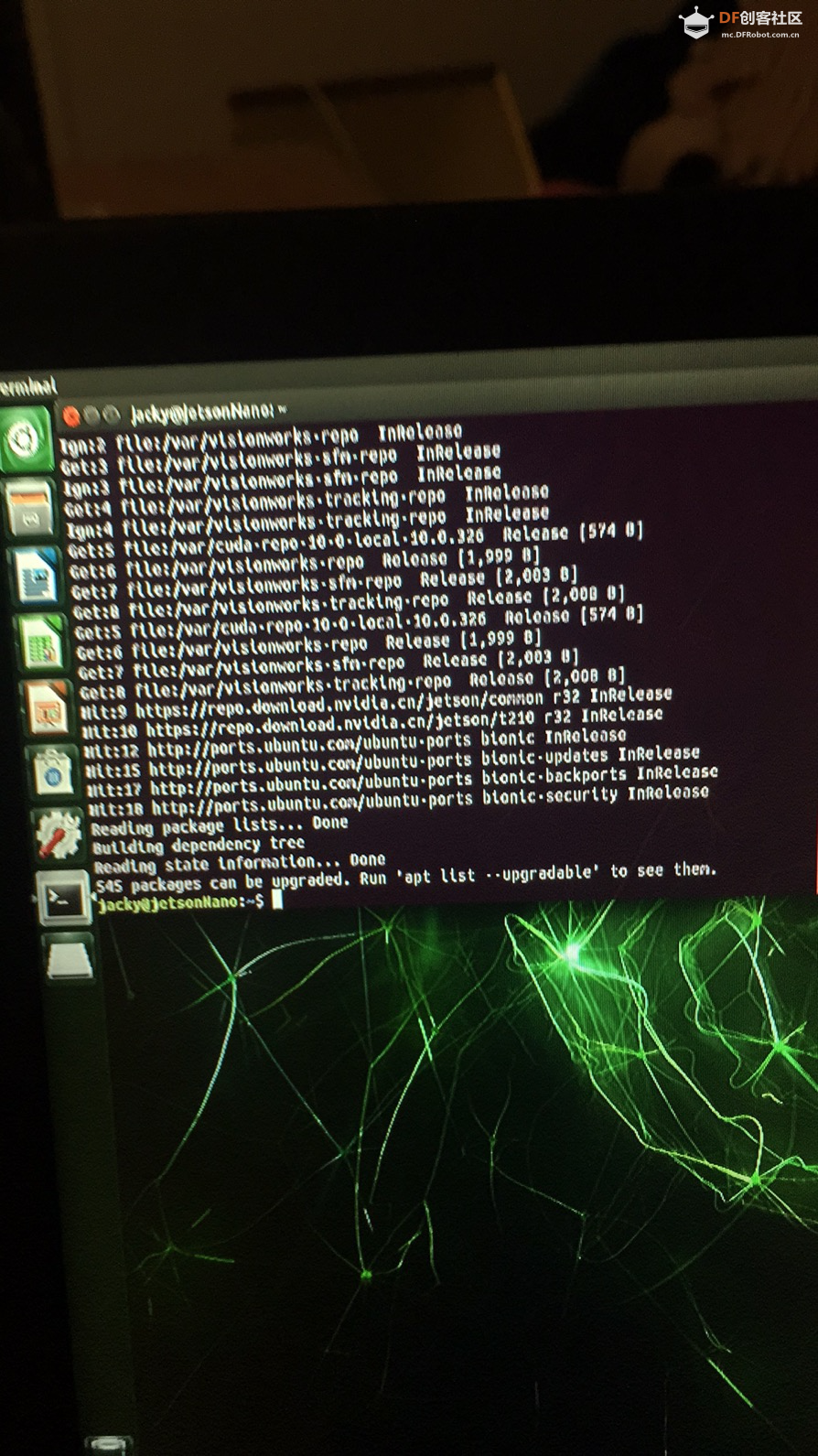
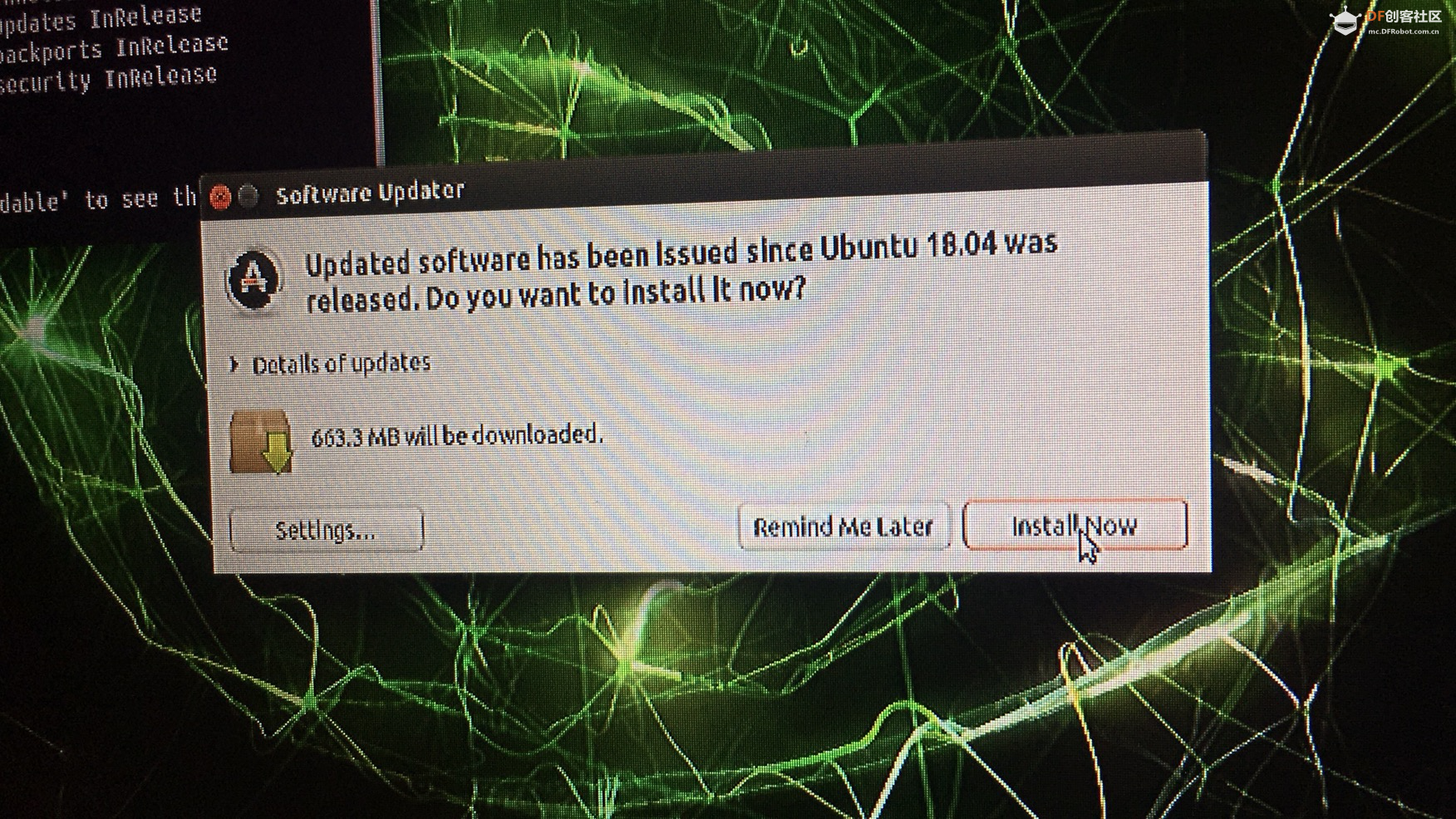
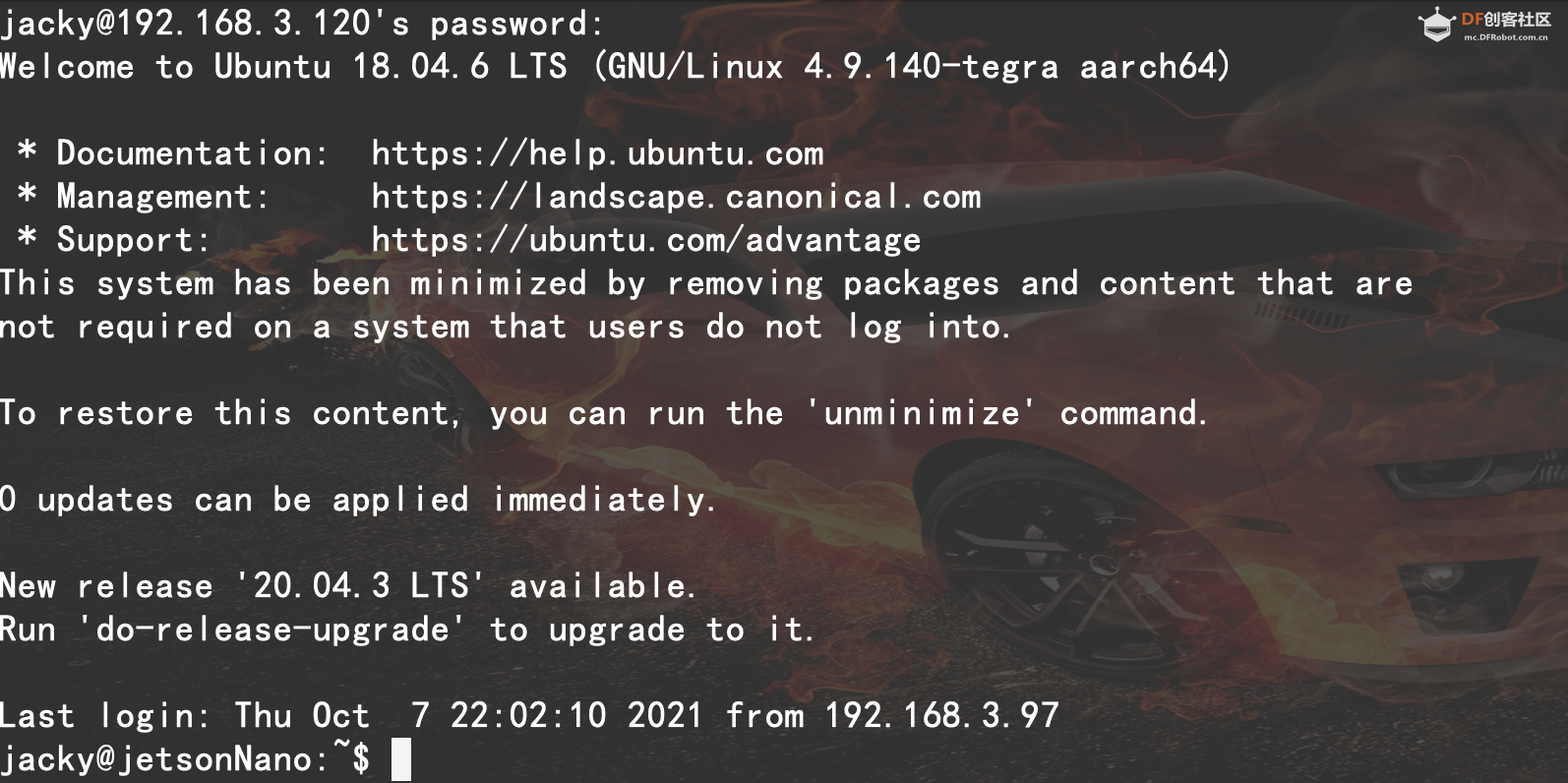
现代 AI 的强大功能现正在世界各地的创客、学习者和嵌入式开发者手下大放异彩。NVIDIA® Jetson Nano™ 开发者套件是一款功能强大的小型计算机,可让您在图像分类、目标检测、分割和语音处理等应用中并行运行多个神经网络。全部工作都可在这一简单易用的平台上完成,而其运行功耗仅为 5 瓦。 我就是用了官方提供的镜像烧录了 TF 卡, 然后插入 Jetson Nano, 开机,接 USB 摄像头, 配置联网, 都很好. 只是..... 尝试 1: 看到设备联网成功后就升级软件仓库,然后升级所有软件包... 然后我理所当然的认为,升级完了重启一下会很好, 长期用 windows 的用户应该都有这个习惯? 我被这个习惯坑了... 重启后看到登陆界面就各种登录不上去... 我以为键盘有问题,狂敲密码回车, 一阵 NVIDIA 的图标后,回到原点... 以为键盘电池没有电了,换了电池继续操作,然而依然不行. 重启,无法进入,再重启,无法进入,换键盘..依然无法进入.... 要知道,下载这个 6GB 的镜像还是用了点儿时间的.而且烧录也用了近15 分钟.... 好吧,我认怂了,重新烧录, 配置, 联网... 尝试 2 : 登陆系统后, 不敢升级,也不装软件.用系统自带的试试. 打开 SSH,远程通过我的 mac book pro 登陆后.... 今天是 2021年 10 月 7 号, 我发现这系统是 Ubuntu 18.04 LTS, 内核版本是 4.9.140-tegra aarch64 64bit 的老系统啊...我要升级... 在终端输入: ``` sudo do-release-upgrade ``` 提示我: [sudo] password for jacky:
Checking for a new Ubuntu release
Get:1 Upgrade tool signature [1,554 B]
Get:2 Upgrade tool [1,340 kB]
Fetched 1,342 kB in 0s (0 B/s)
authenticate 'focal.tar.gz' against 'focal.tar.gz.gpg'
extracting 'focal.tar.gz'
Reading cache
Checking package manager
Continue running under SSH?
This session appears to be running under ssh. It is not recommended
to perform a upgrade over ssh currently because in case of failure it
is harder to recover.
If you continue, an additional ssh daemon will be started at port
'1022'.
Do you want to continue?
Continue [yN] yStarting additional sshd To make recovery in case of failure easier, an additional sshd will be started on port '1022'. If anything goes wrong with the running ssh you can still connect to the additional one. If you run a firewall, you may need to temporarily open this port. As this is potentially dangerous it's not done automatically. You can open the port with e.g.: 'iptables -I INPUT -p tcp --dport 1022 -j ACCEPT' To continue please press [ENTER]
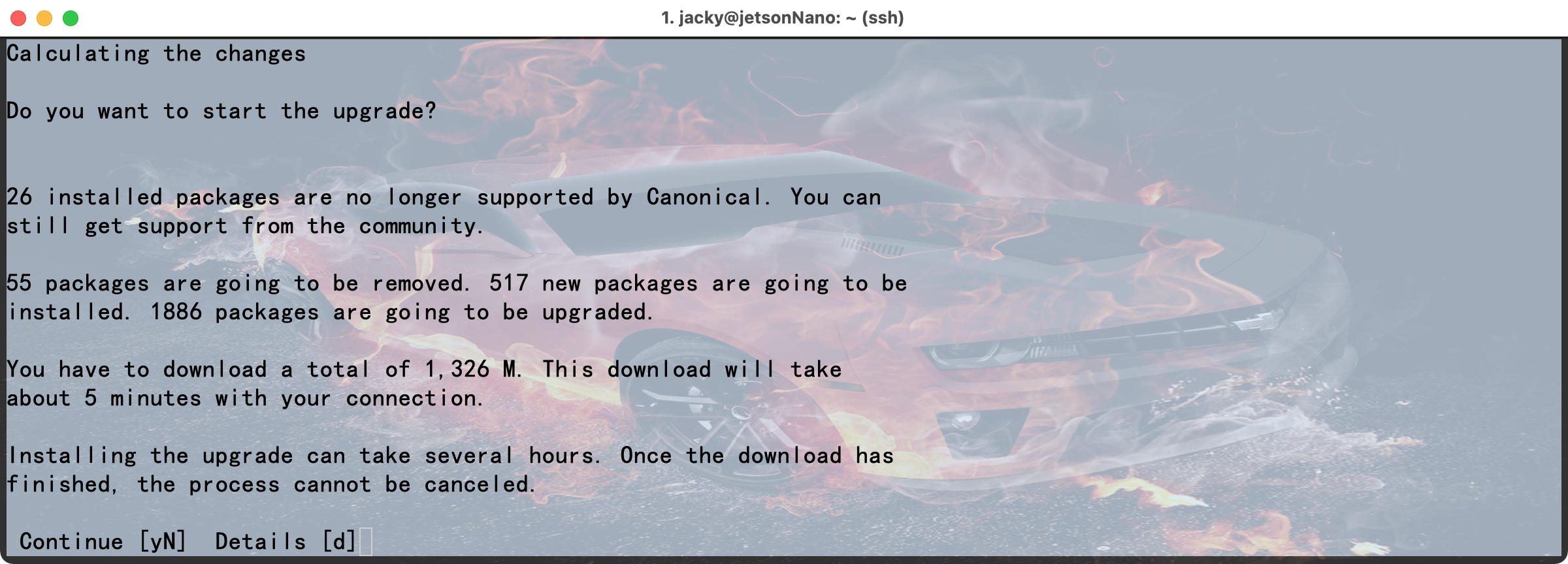
说是一个额外的 SSH 进程会在 1022 端口监听, 当输入 y并回车后, 我就进入无尽的等待中了... 等了半天突然提示: Reading package lists... Done
Building dependency tree
Reading state information... Done
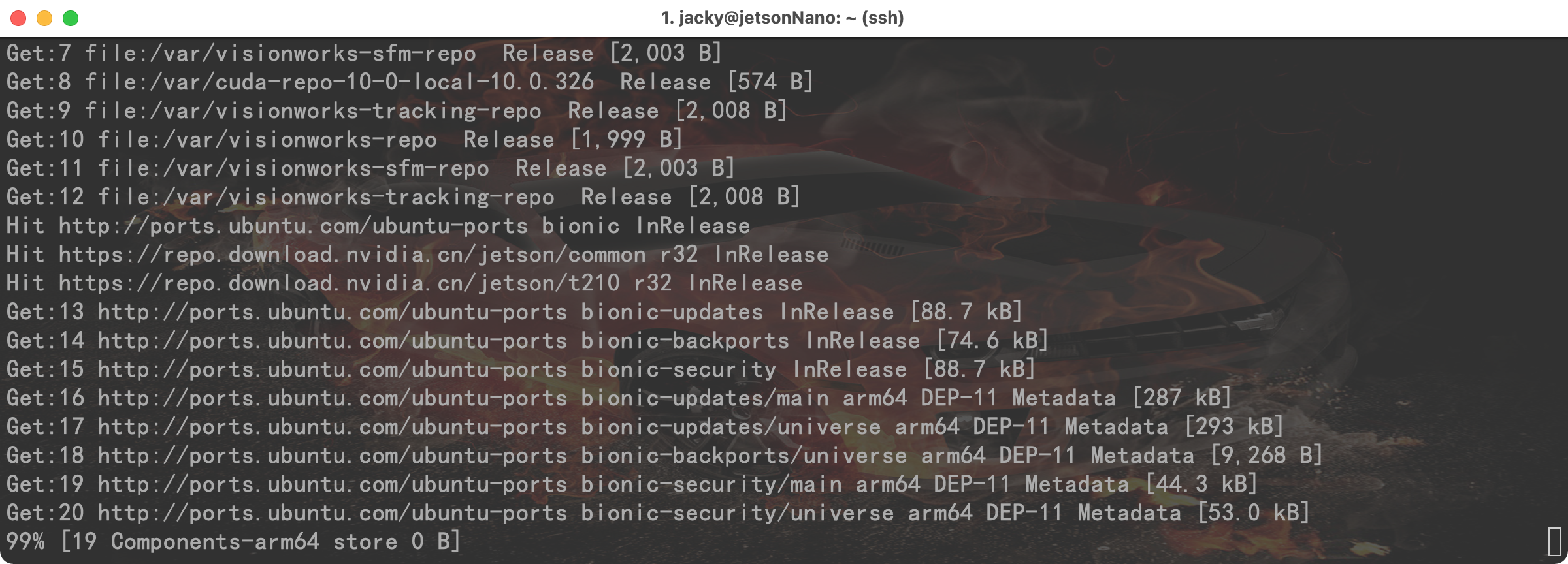
Get:1 file:/var/cuda-repo-10-0-local-10.0.326 InRelease
Ign file:/var/cuda-repo-10-0-local-10.0.326 InRelease
Get:2 file:/var/visionworks-repo InRelease
Ign file:/var/visionworks-repo InRelease
Get:3 file:/var/visionworks-sfm-repo InRelease
Ign file:/var/visionworks-sfm-repo InRelease
Get:4 file:/var/visionworks-tracking-repo InRelease
Ign file:/var/visionworks-tracking-repo InRelease
Get:5 file:/var/cuda-repo-10-0-local-10.0.326 Release [574 B]
Get:6 file:/var/visionworks-repo Release [1,999 B]
Get:7 file:/var/visionworks-sfm-repo Release [2,003 B]
Get:8 file:/var/cuda-repo-10-0-local-10.0.326 Release [574 B]
Get:9 file:/var/visionworks-tracking-repo Release [2,008 B]
Get:10 file:/var/visionworks-repo Release [1,999 B]
Get:11 file:/var/visionworks-sfm-repo Release [2,003 B]
Get:12 file:/var/visionworks-tracking-repo Release [2,008 B]
Hit http://ports.ubuntu.com/ubuntu-ports bionic InRelease
Hit https://repo.download.nvidia.cn/jetson/common r32 InRelease
Hit https://repo.download.nvidia.cn/jetson/t210 r32 InRelease
Get:13 http://ports.ubuntu.com/ubuntu-ports bionic-updates InRelease [88.7 kB]
Get:14 http://ports.ubuntu.com/ubuntu-ports bionic-backports InRelease [74.6 kB]
Get:15 http://ports.ubuntu.com/ubuntu-ports bionic-security InRelease [88.7 kB]
Get:16 http://ports.ubuntu.com/ubuntu-ports bionic-updates/main arm64 DEP-11 Metadata [287 kB]
Get:17 http://ports.ubuntu.com/ubuntu-ports bionic-updates/universe arm64 DEP-11 Metadata [293 kB]
Get:18 http://ports.ubuntu.com/ubuntu-ports bionic-backports/universe arm64 DEP-11 Metadata [9,268 B]
Get:19 http://ports.ubuntu.com/ubuntu-ports bionic-security/main arm64 DEP-11 Metadata [44.3 kB]
Get:20 http://ports.ubuntu.com/ubuntu-ports bionic-security/universe arm64 DEP-11 Metadata [53.0 kB]
Fetched 939 kB in 0s (0 B/s)
Reading package lists... Done
Building dependency tree
Reading state information... Done
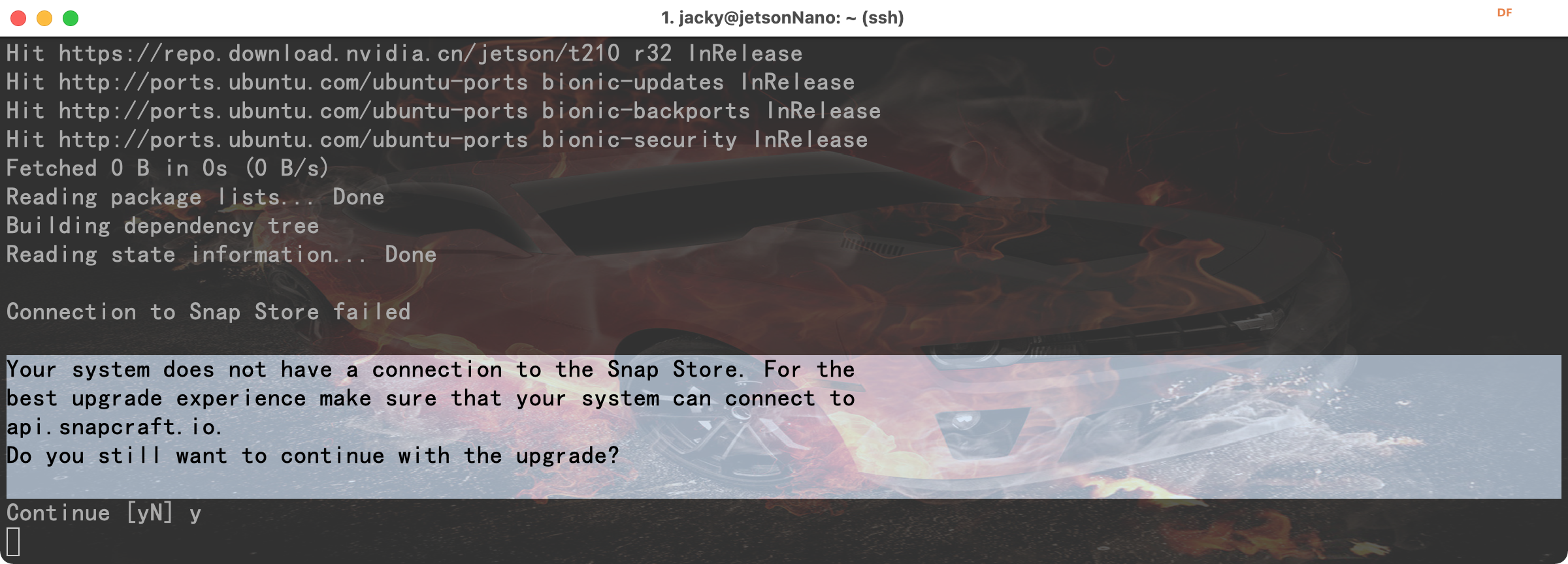
Connection to Snap Store failed
Your system does not have a connection to the Snap Store. For the
best upgrade experience make sure that your system can connect to
api.snapcraft.io.
Do you still want to continue with the upgrade?
Continue [yN]
Restoring original system state
Aborting
Reading package lists... Done
Building dependency tree
Reading state information... Done
看来是网络不通... 测试连接后再次执行升级.... jacky@jetsonNano:~$ ping -c 4 api.snapcraft.io
PING api.snapcraft.io (91.189.92.40) 56(84) bytes of data.
--- api.snapcraft.io ping statistics ---
4 packets transmitted, 0 received, 100% packet loss, time 3068ms
jacky@jetsonNano:~$
jacky@jetsonNano:~$
jacky@jetsonNano:~$ ping -c 10 api.snapcraft.io
PING api.snapcraft.io (91.189.92.40) 56(84) bytes of data.
64 bytes from api.snapcraft.io (91.189.92.40): icmp_seq=1 ttl=45 time=384 ms
64 bytes from api.snapcraft.io (91.189.92.40): icmp_seq=2 ttl=45 time=404 ms
64 bytes from api.snapcraft.io (91.189.92.40): icmp_seq=3 ttl=45 time=324 ms
64 bytes from api.snapcraft.io (91.189.92.40): icmp_seq=4 ttl=45 time=347 ms
64 bytes from api.snapcraft.io (91.189.92.40): icmp_seq=5 ttl=45 time=370 ms
64 bytes from api.snapcraft.io (91.189.92.40): icmp_seq=6 ttl=45 time=393 ms
64 bytes from api.snapcraft.io (91.189.92.40): icmp_seq=7 ttl=45 time=417 ms
64 bytes from api.snapcraft.io (91.189.92.40): icmp_seq=8 ttl=45 time=335 ms
64 bytes from api.snapcraft.io (91.189.92.40): icmp_seq=9 ttl=45 time=358 ms
64 bytes from api.snapcraft.io (91.189.92.40): icmp_seq=10 ttl=45 time=381 ms
--- api.snapcraft.io ping statistics ---
10 packets transmitted, 10 received, 0% packet loss, time 9731ms
rtt min/avg/max/mdev = 324.272/371.615/417.287/28.693 ms
jacky@jetsonNano:~$ sudo do-release-upgrade
Checking for a new Ubuntu release
Get:1 Upgrade tool signature [1,554 B]
Get:2 Upgrade tool [1,340 kB]
Fetched 1,342 kB in 0s (0 B/s)
authenticate 'focal.tar.gz' against 'focal.tar.gz.gpg'
extracting 'focal.tar.gz'
Reading cache
Checking package manager
Reading package lists... Done
Building dependency tree
Reading state information... Done
Get:1 file:/var/cuda-repo-10-0-local-10.0.326 InRelease
Ign file:/var/cuda-repo-10-0-local-10.0.326 InRelease
Get:2 file:/var/visionworks-repo InRelease
Ign file:/var/visionworks-repo InRelease
Get:3 file:/var/visionworks-sfm-repo InRelease
Ign file:/var/visionworks-sfm-repo InRelease
Get:4 file:/var/visionworks-tracking-repo InRelease
Ign file:/var/visionworks-tracking-repo InRelease
Get:5 file:/var/cuda-repo-10-0-local-10.0.326 Release [574 B]
Get:6 file:/var/visionworks-repo Release [1,999 B]
Get:7 file:/var/visionworks-sfm-repo Release [2,003 B]
Get:8 file:/var/visionworks-tracking-repo Release [2,008 B]
Get:9 file:/var/cuda-repo-10-0-local-10.0.326 Release [574 B]
Get:10 file:/var/visionworks-repo Release [1,999 B]
Get:11 file:/var/visionworks-sfm-repo Release [2,003 B]
Get:12 file:/var/visionworks-tracking-repo Release [2,008 B]
Hit http://ports.ubuntu.com/ubuntu-ports bionic InRelease
Hit https://repo.download.nvidia.cn/jetson/common r32 InRelease
Hit https://repo.download.nvidia.cn/jetson/t210 r32 InRelease
Hit http://ports.ubuntu.com/ubuntu-ports bionic-updates InRelease
Hit http://ports.ubuntu.com/ubuntu-ports bionic-backports InRelease
Hit http://ports.ubuntu.com/ubuntu-ports bionic-security InRelease
Fetched 0 B in 0s (0 B/s)
Reading package lists... Done
Building dependency tree
Reading state information... Done
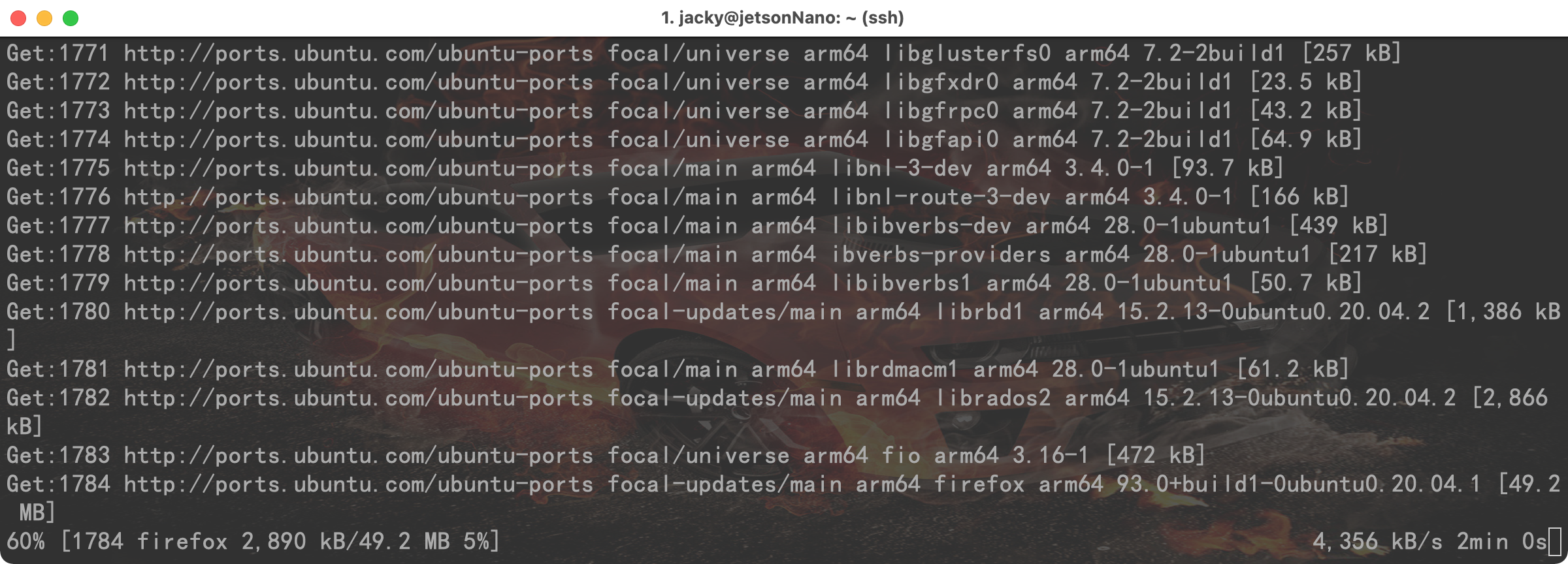
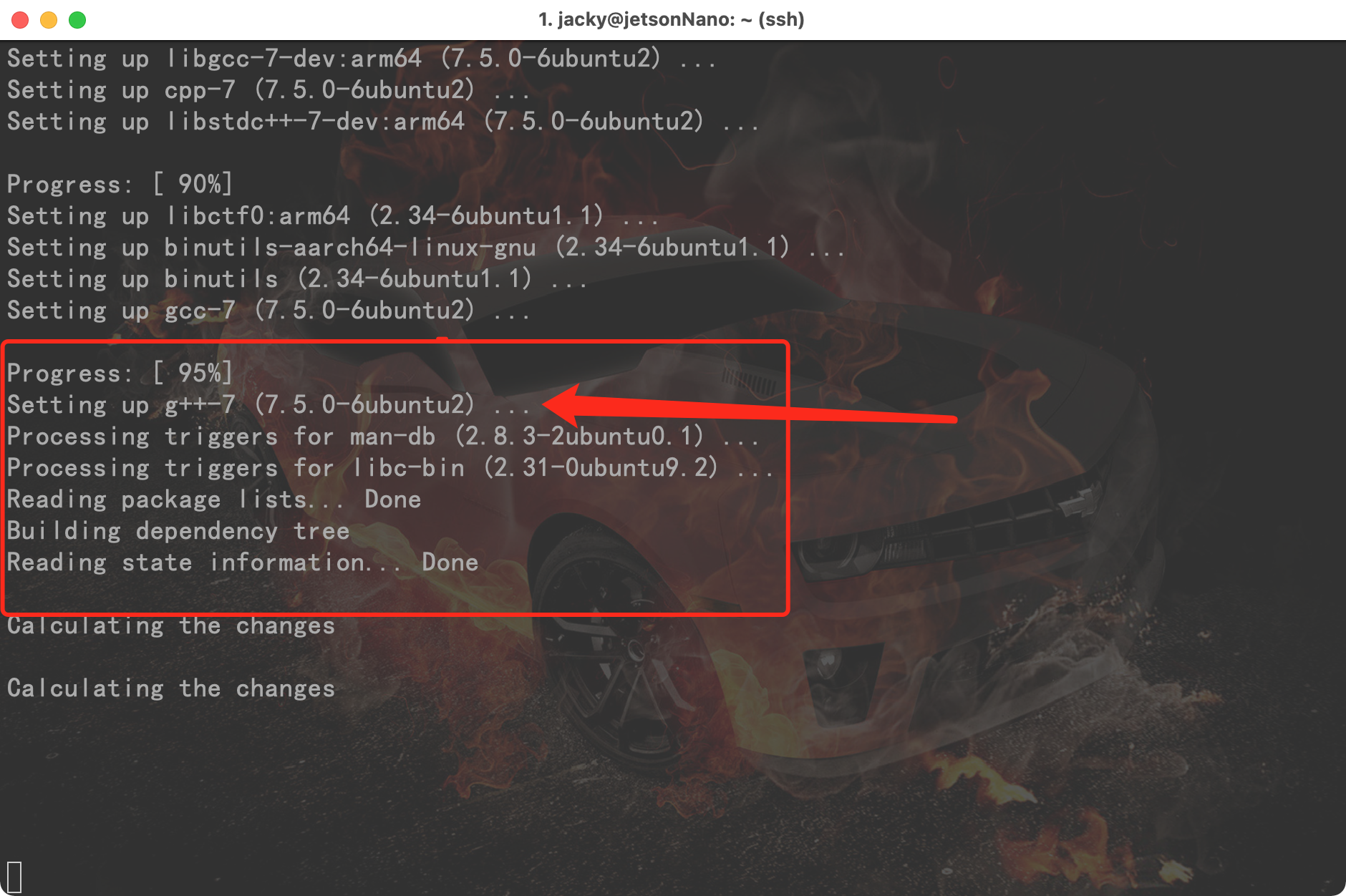
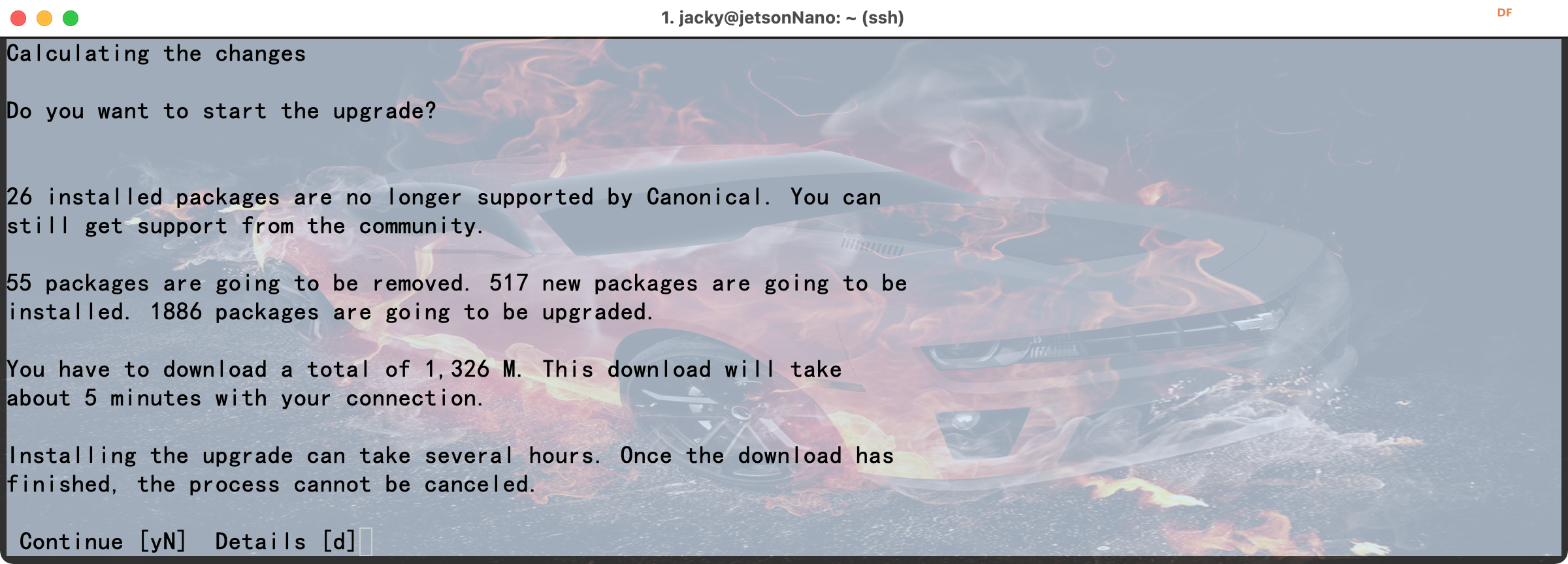
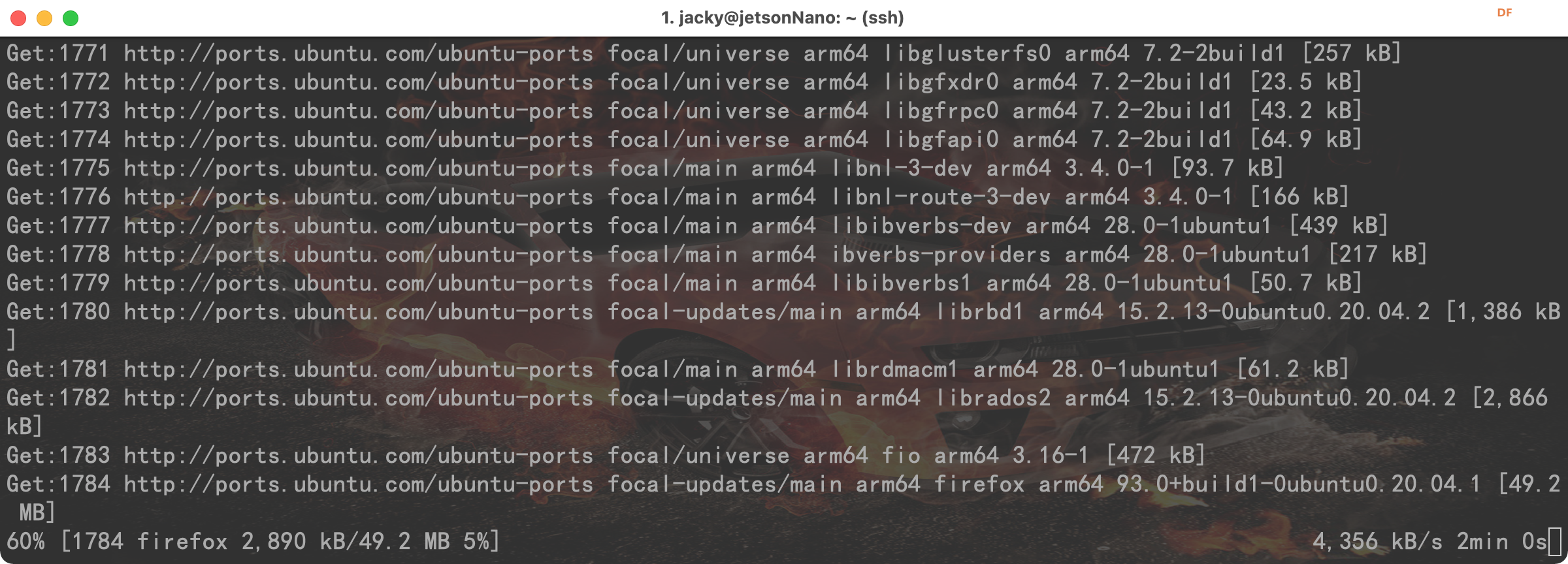
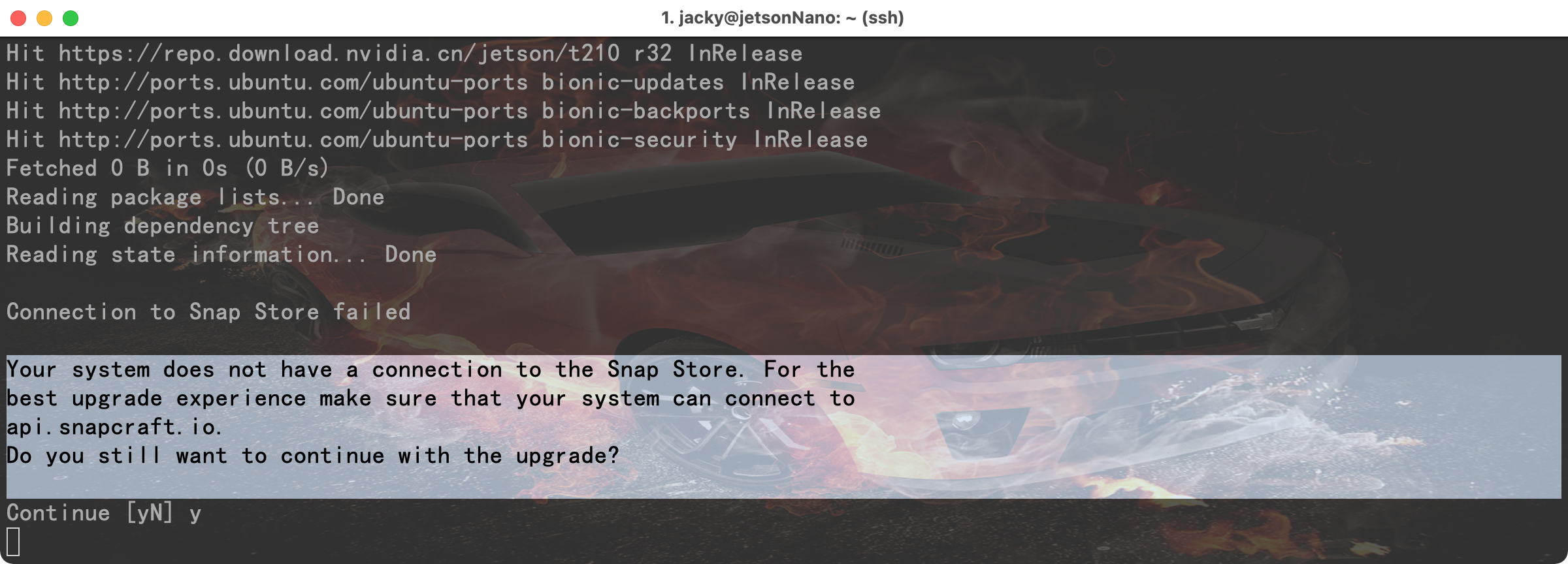 前面 ping 4 个包, 100%丢包, 后面 ping了 10 个包,都通了, 虚晃我一枪, 在我执行升级时又无法连接 api.snapcraft.io 了, 这还怎么愉快的玩儿耍? 然后,不甘于失败的我又一次执行了几次, 终于,这次的提示不一样, 感动的我老泪纵横.... 发现只要网速够快, 你就可以节省很多时间.... 请注意这里: g++7 这个位置也是个坑, 看网上的记录说, g++7 的版本和 python3.7 的版本都不要用, 谁用谁知道...... 另外,Unity 的组件和部分组件也有冲突,会导致菜单重复说是..... 这么多 bug 满天飞, 让我有点儿不淡定了, 最让我受不了的是, 一般用 opencv 读取摄像头的时候,只需要给 cv2.VideoCapture(0) 中的 0 就表示第一个摄像头了, 可是 jetson nano 他的平台上偏不, 非要搞出幺蛾子让所有人都卡一波. 下面的都是被卡到的用户:
原先的直接:
- cap = cv2.VideoCapture(0)
就能解决的事情非要这样:
- cap = cv2.VideoCapture("nvarguscamerasrc ! video/x-raw(memory:NVMM), width=(int)1920, height=(int)1080,format=(string)NV12, framerate=(fraction)30/1 ! nvvidconv ! video/x-raw, format=(string)BGRx ! videoconvert ! appsink")
原来是用GStreamer来打开一个 pipeline 提供给 opencv 来读取视频流. 这么长的参数....谁特喵的能记得住? 
在写这篇帖子的时候, 后台还在更新着....
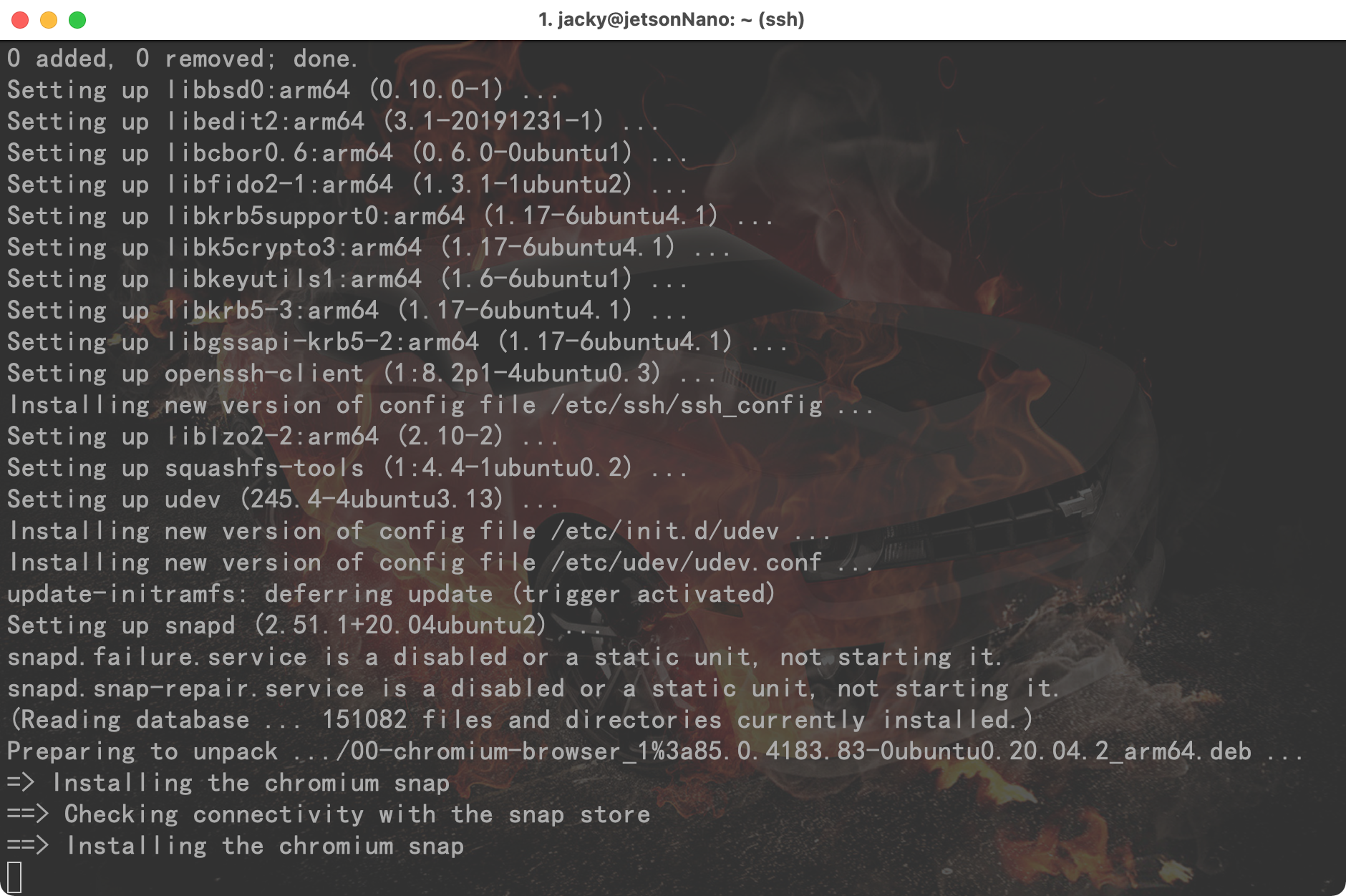
实际上,感觉 ubuntu 的源速度还是要比 raspbian 的快很多的, 只是搭建环境的时候的确是踩到各种坑....
按照 CSDN 上的帖子尝试操作各种报错...后来去了 github,发现也是一堆 issue 无法释怀, 为了下载 opencv 源码进行编译, 把 opencv 的仓库转移到了 gitee, 下载完编译安装时竟然出现了 gcc 的内部错误...就搞不懂了. 然后删除全部....重头再来...
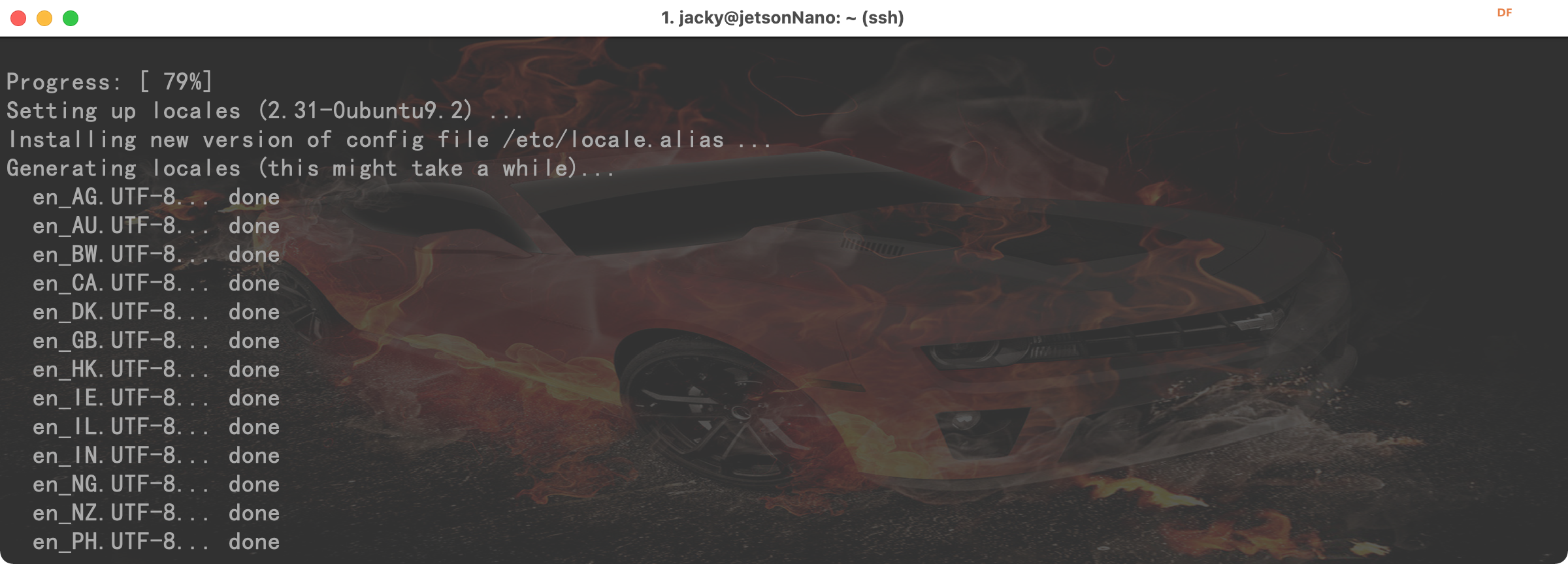
更新到 20.04 的过程中还出现了:
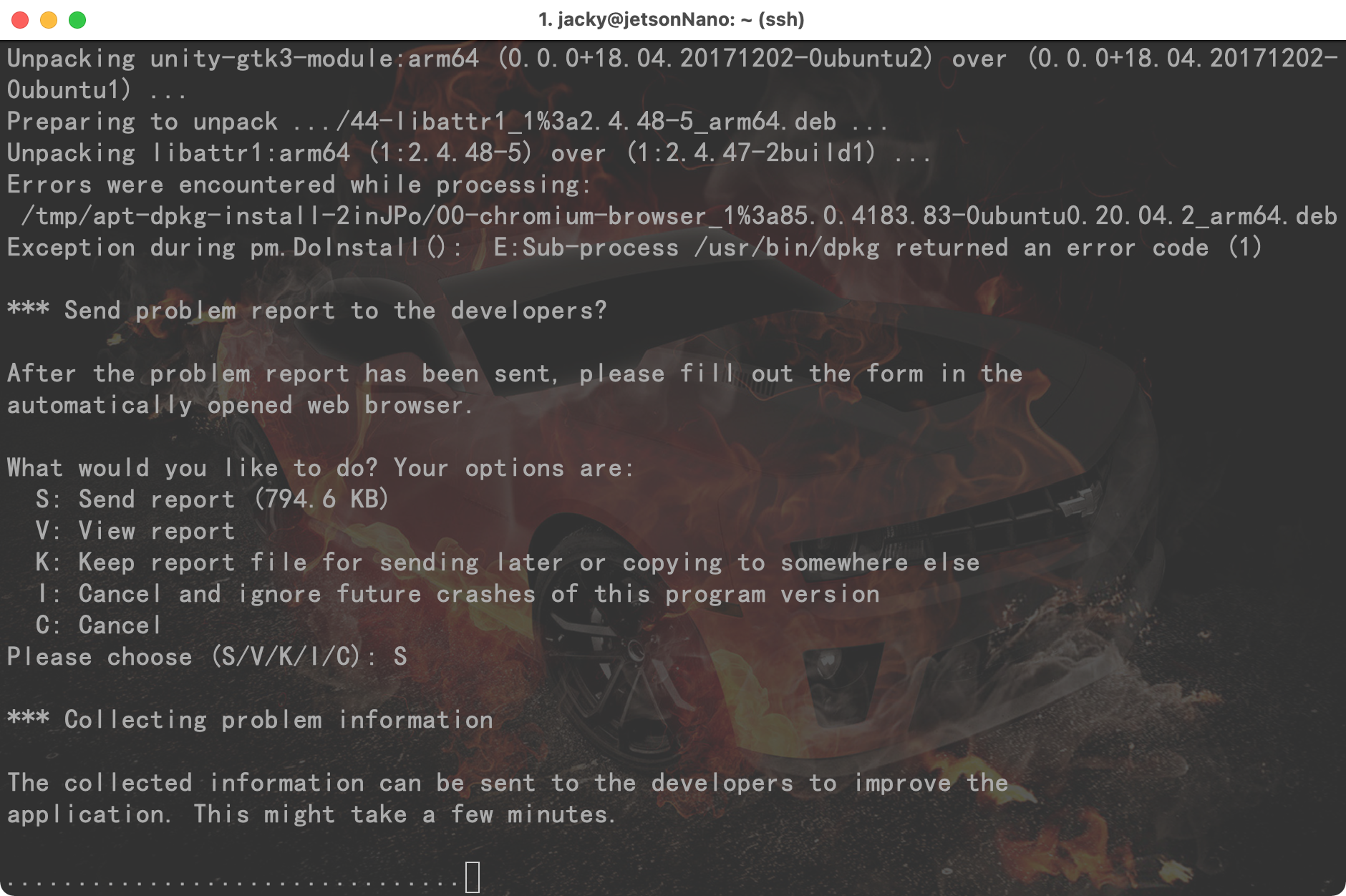
谷歌浏览器安装失败的消息.....
终于:
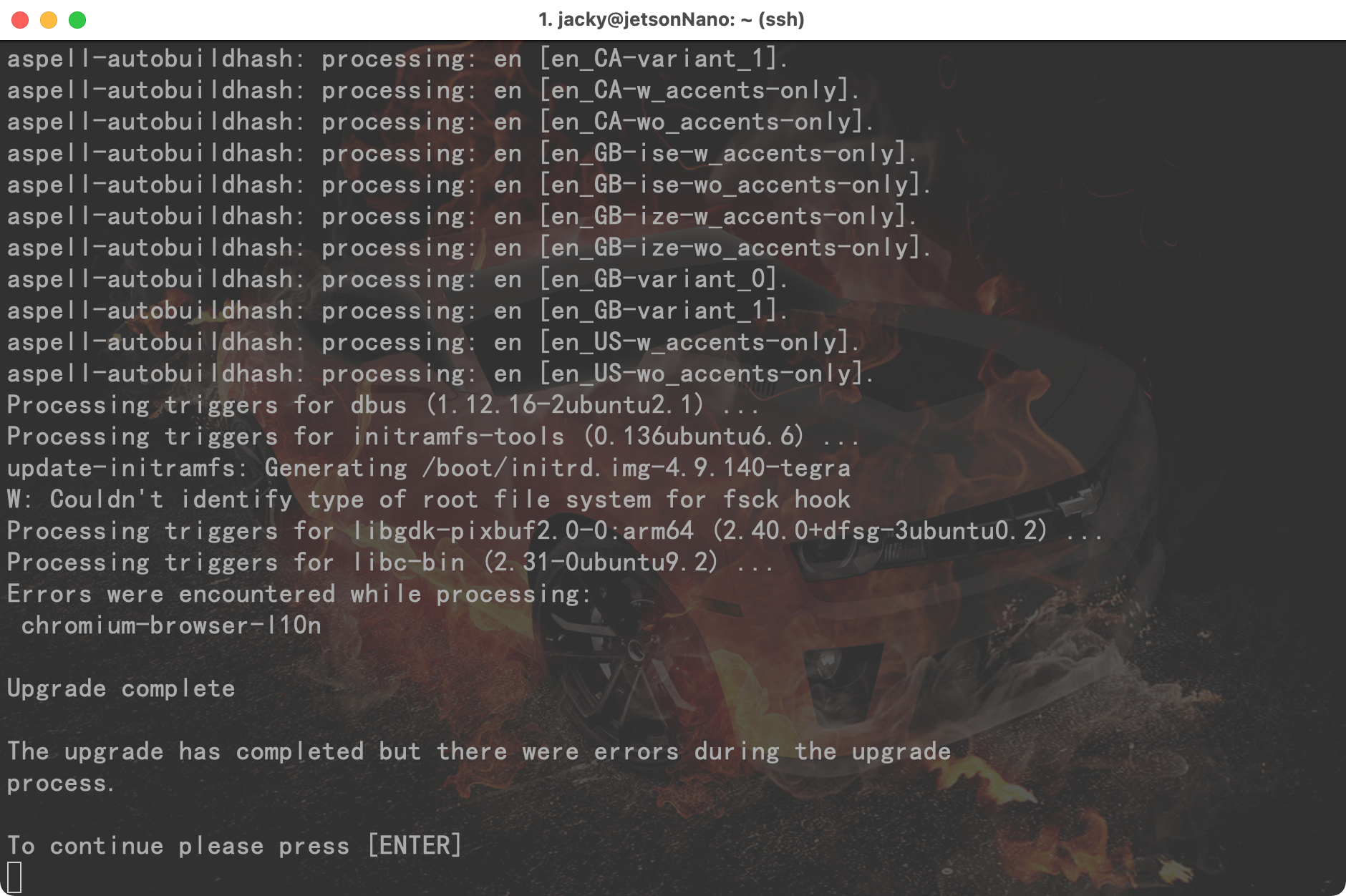
重启后:
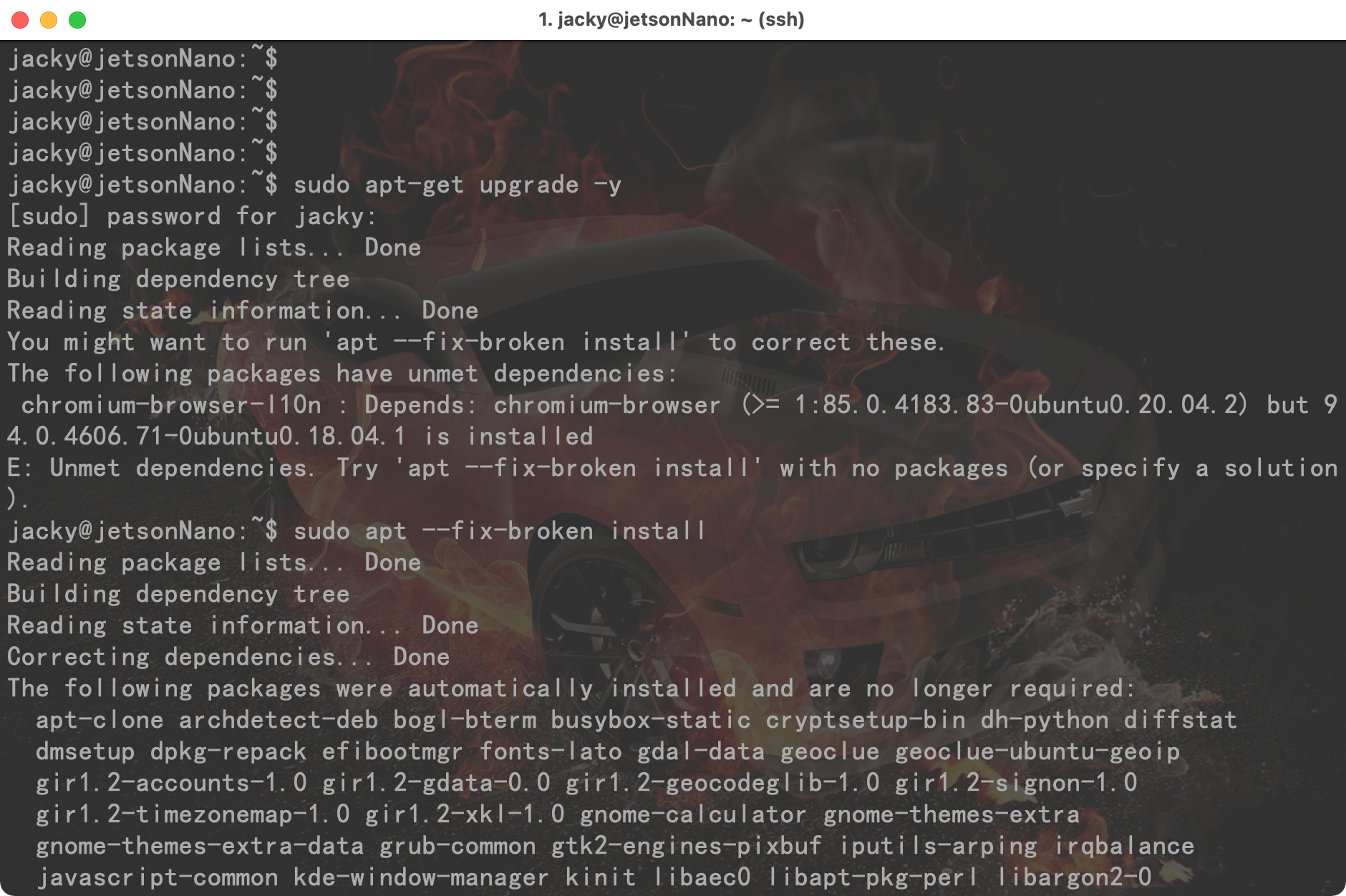
图形界面进入了无限重启的状态, 没想法了, 只能通过 ssh 远程连接上来执行:
- sudo apt --fix-broken install
尝试修复出现问题的部分.
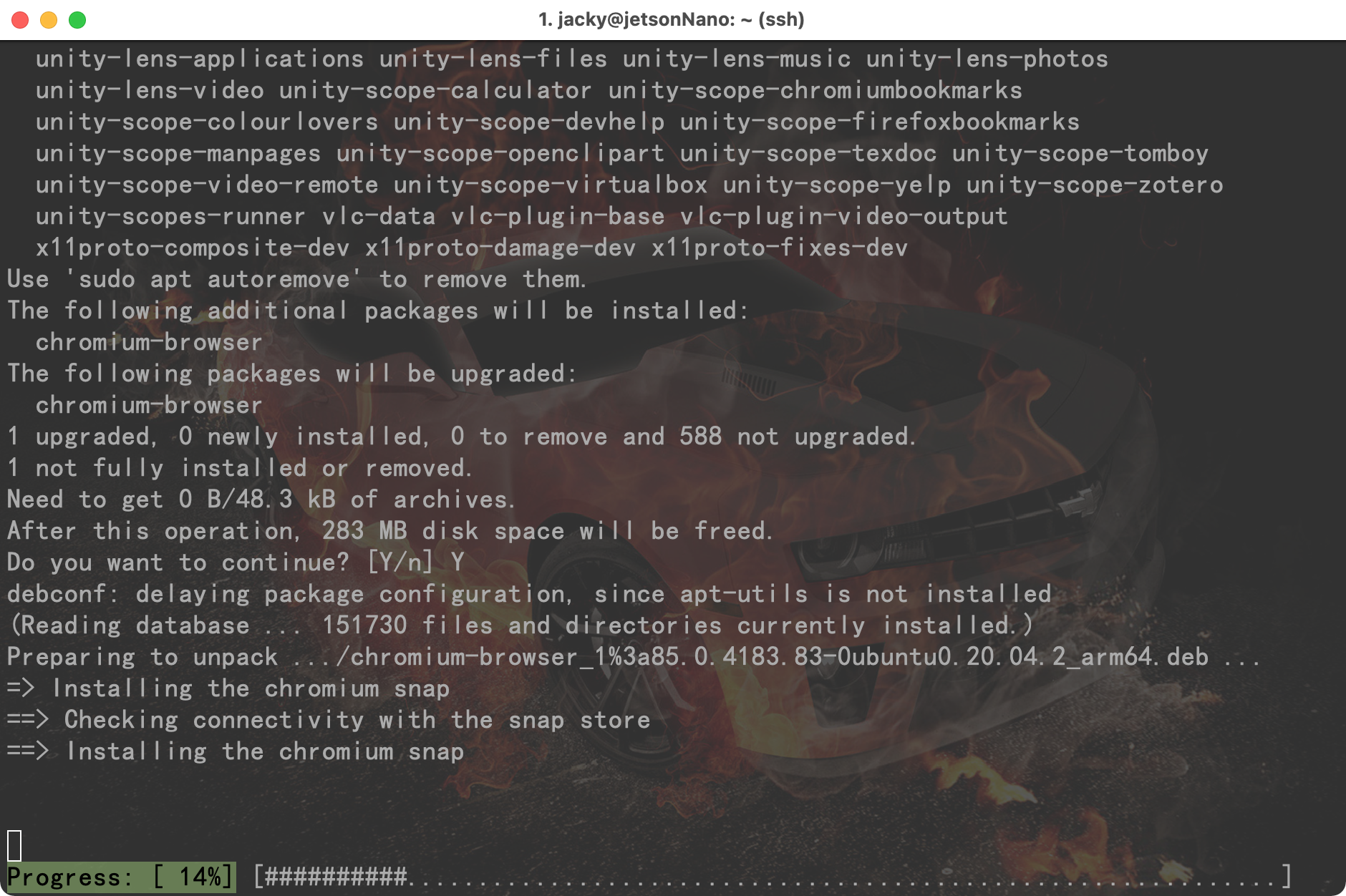
竟然要 238MB???
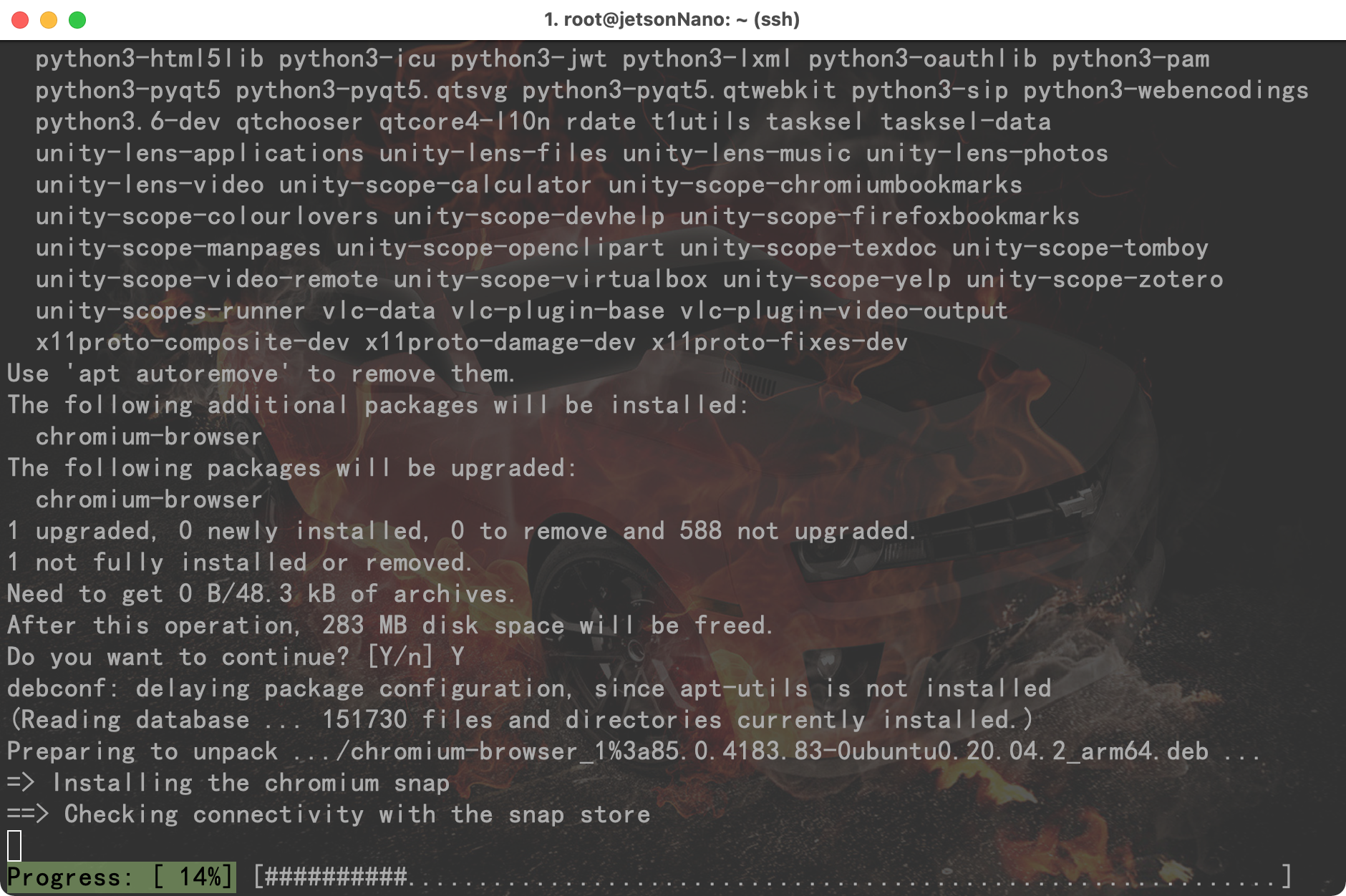
然后就卡在这里, 系统的桌面一直循环重启....
我执行了:
- sudo apt --fix-broken install
- sudo apt-get update --fix-missing
- sudo apt-get autoremove -y
- sudo apt-get update && sudo apt-get -y upgrade
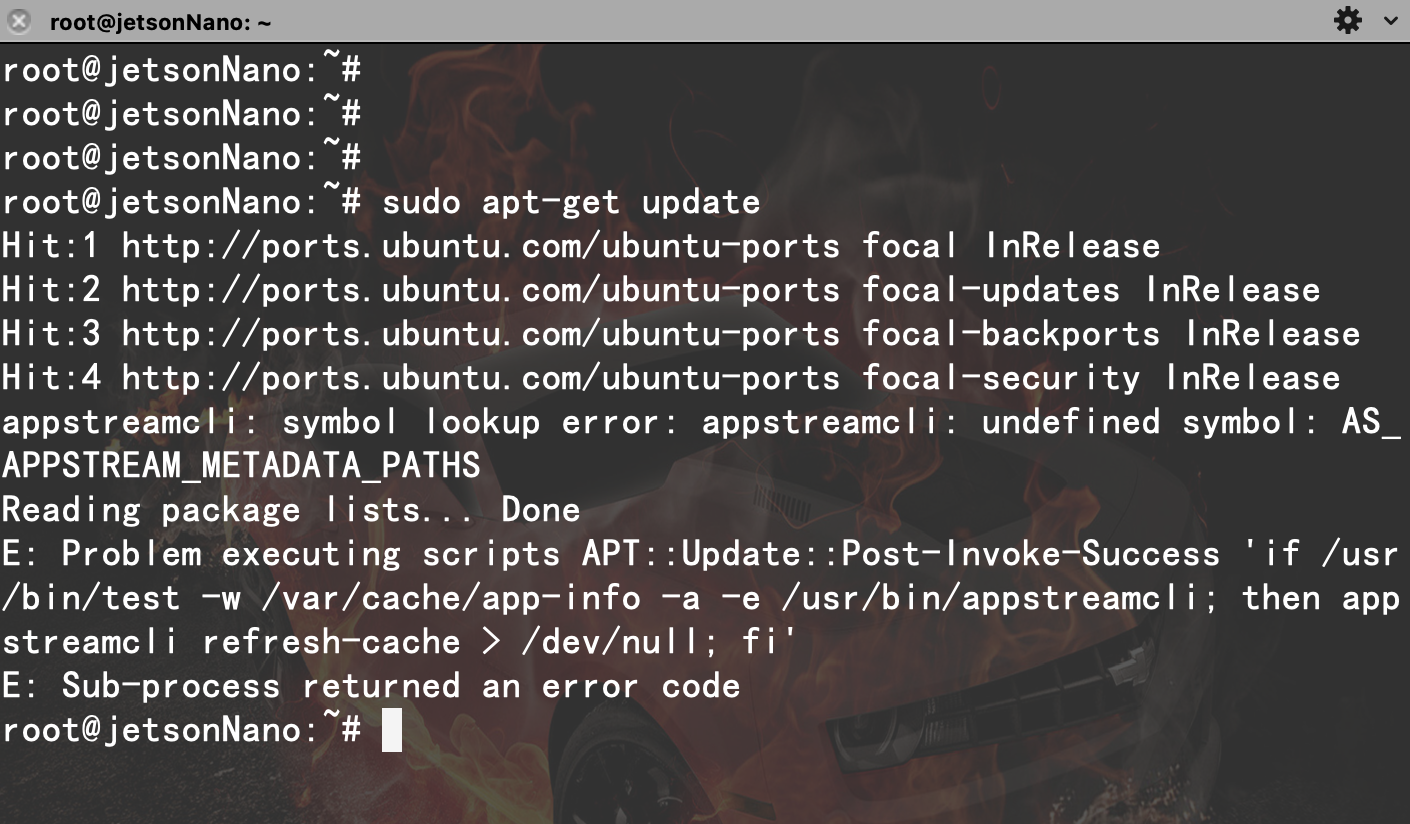
然后就遇到了 APPstreamcli 的问题........
https://github.com/AppImage/AppImageKit/issues/856
然后不死心,继续折腾:
- sudo apt-get update
- sudo apt-get dist-upgrade -y
- sudo apt autoremove
然后再执行:
复制代码
似乎把系统救回来了.....
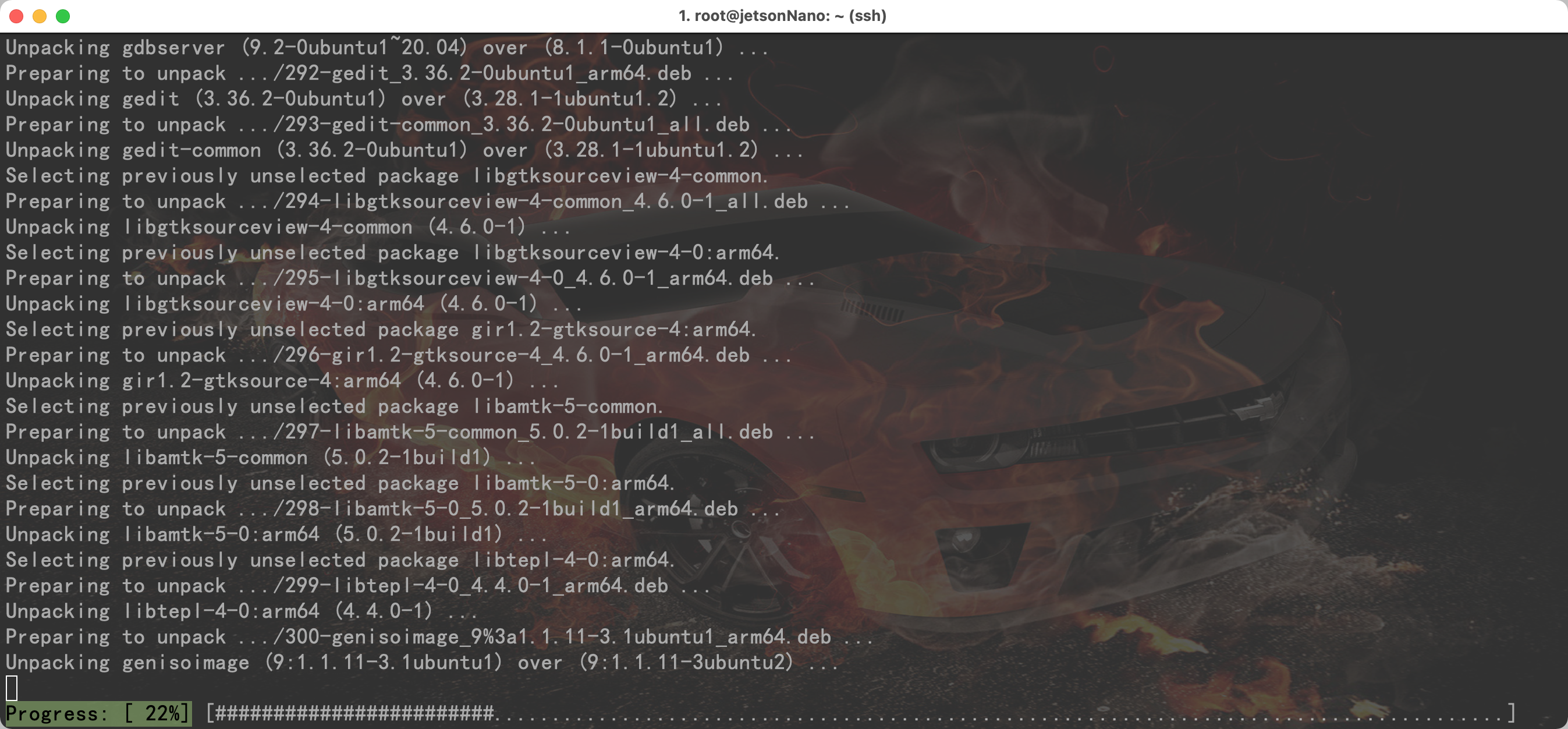
又进入了无尽的安装中...........
安装完成后,虽然还有些许报错,但是已经顾不上那么多了.
尝试 3:
安装OpenCV
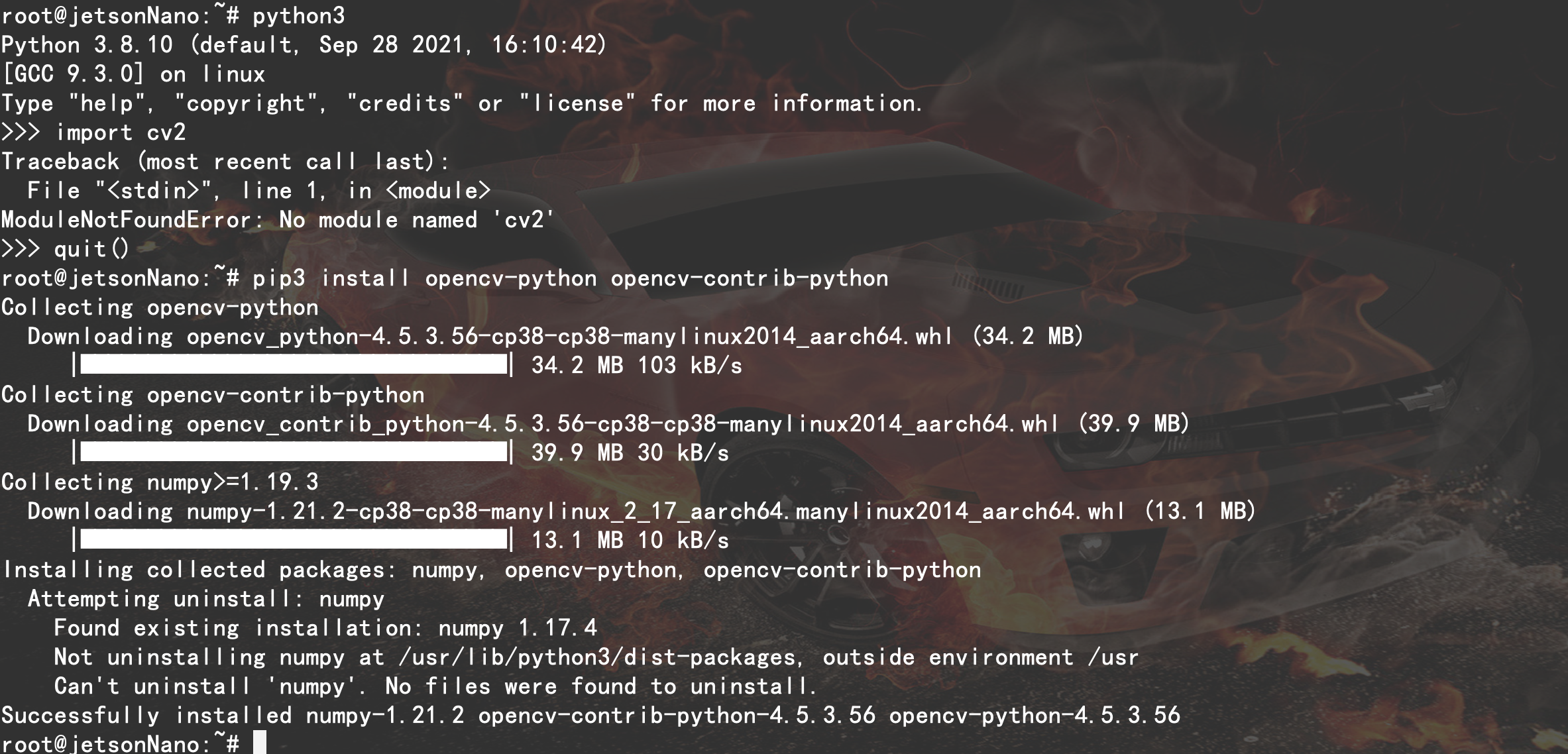
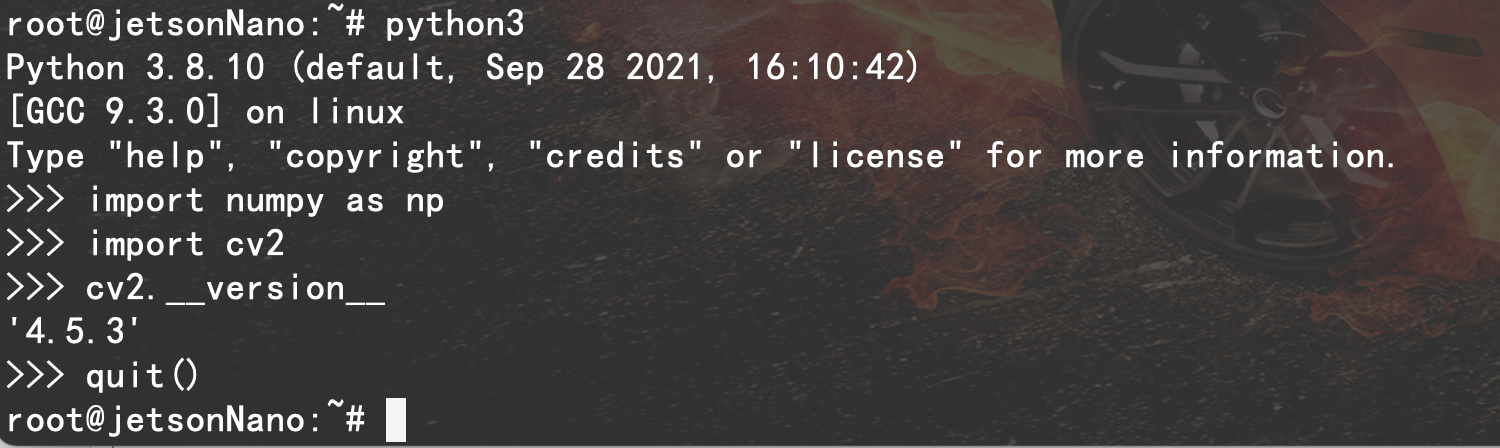
检测 opencv 的版本: 4.5.3
测试摄像头:
发现图形界面起不来, 什么都白搭~
好了, 今天太晚,找时间下班回家继续更新.
|









Nvidia 会定期发布新版本的,不建议直接做 release 升级
直接上梯子行不?