

Mind+python模式运行报错问题解决:ImportError:DLL load failed:找...
2021-11-301.2万
AI 快速预览详细
本文介绍了在使用Mind+Python模式时遇到的ImportError: DLL load failed问题。通过安装msvc-runtime库,成功解决了这个问题。省去了自行排查的时间成本。
最近在用一些图像识别的库,比如tensorflow,mediapipe;已经安装好相关库,但运行程序,还是出现报错,如下图: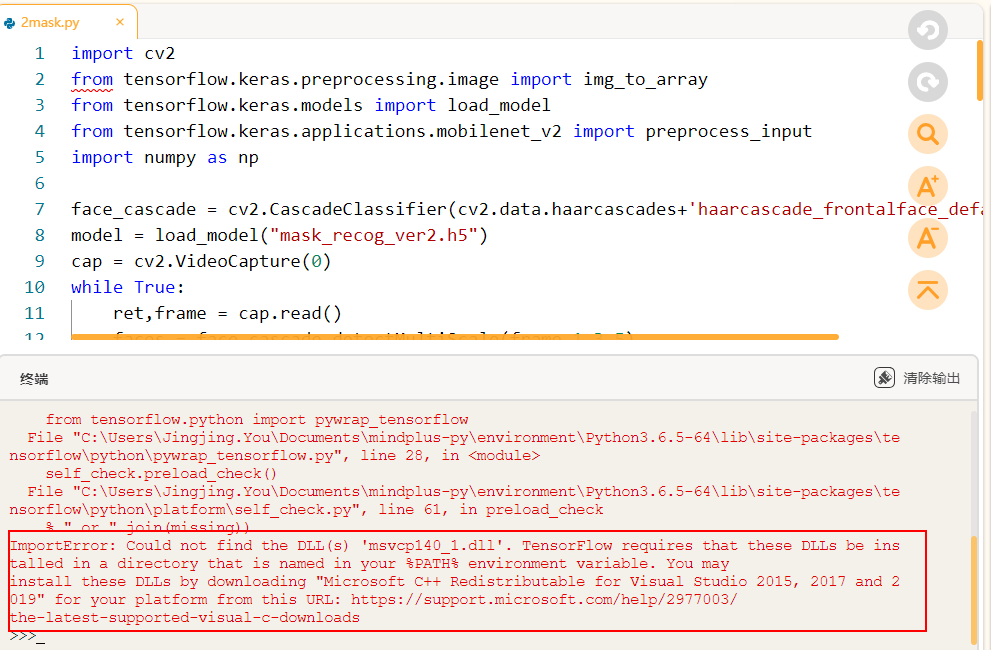 ImportError: Could not find the DLL(s) 'msvcp140_1.dll'. TensorFlow requires that these DLLs be installed in a directory that is named in your %PATH% environment variable. You may install these DLLs by downloading "Microsoft C++ Redistributable for Visual Studio 2015, 2017 and 2019" for your platform from this URL: https://support.microsoft.com/help/2977003/ the-latest-supported-visual-c-downloads 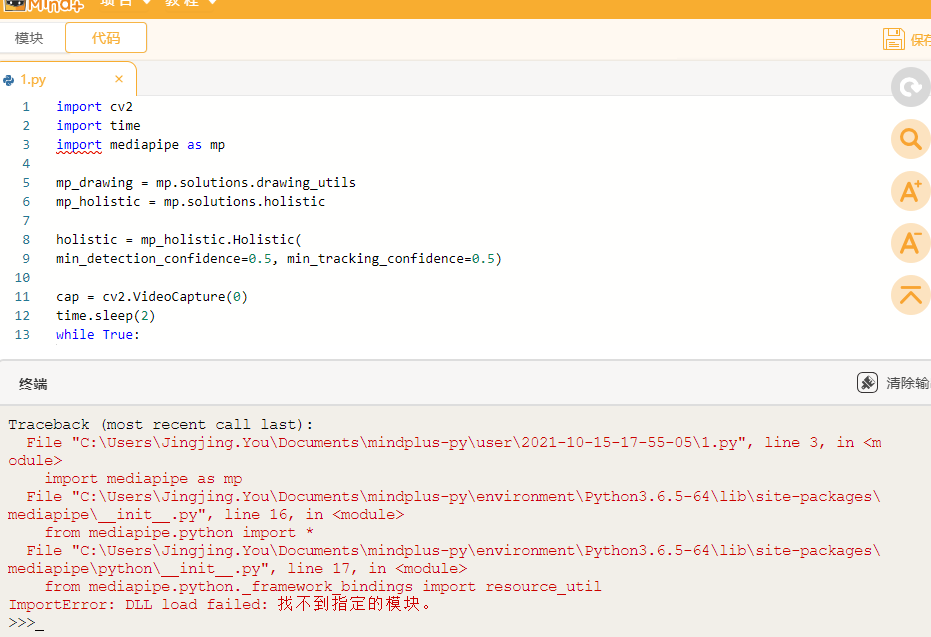 ImportError:DLL load failed:找不到指定模块。 搜索、询问了一番,大概是系统缺少DLL文件导致的问题。社区上也有老师遇到过类似问题,但这些解决办法,没法理解,也很难操作。网上百了很久,偶然发现一个解决办法:pip install msvc-runtime,一通操作后,发现竟然可以用了。  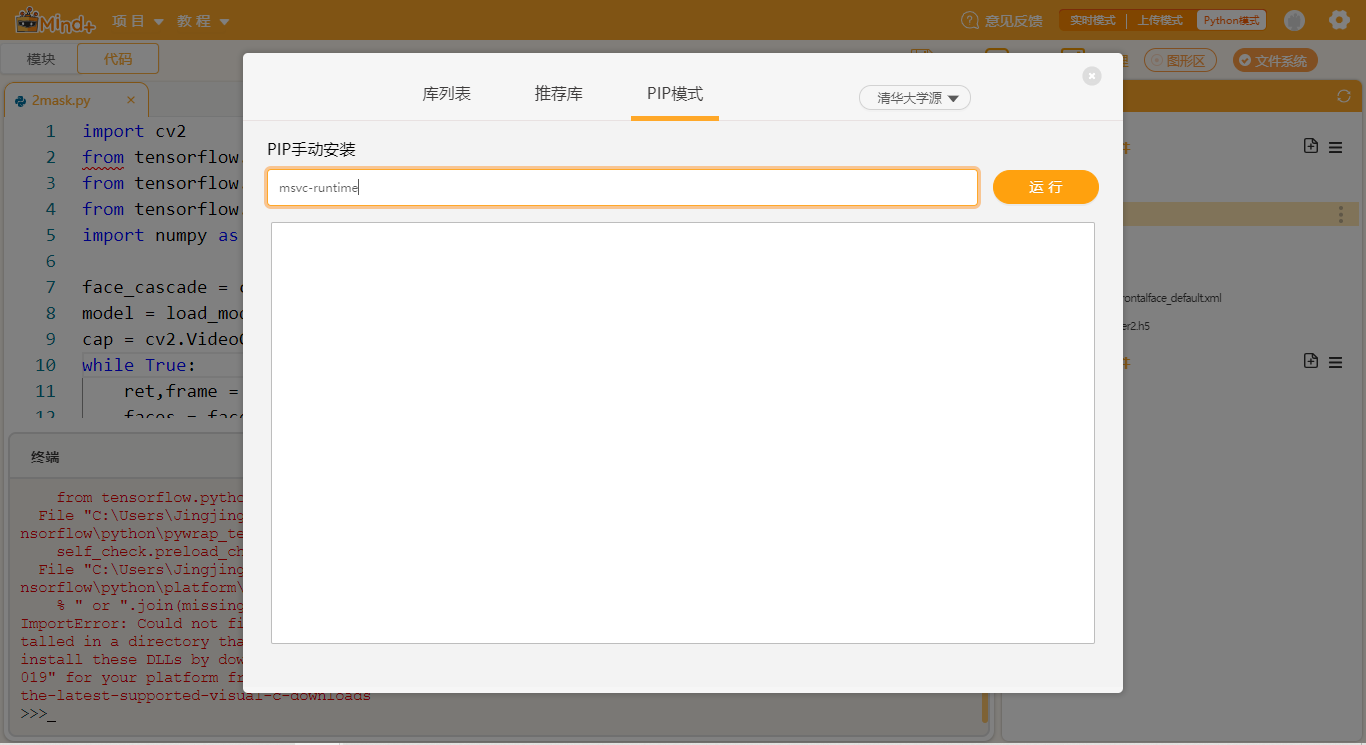 如果遇到类似问题,也可以尝试用这个办法解决一下。 最后 ,给大家分享一下这智障的AI功能: 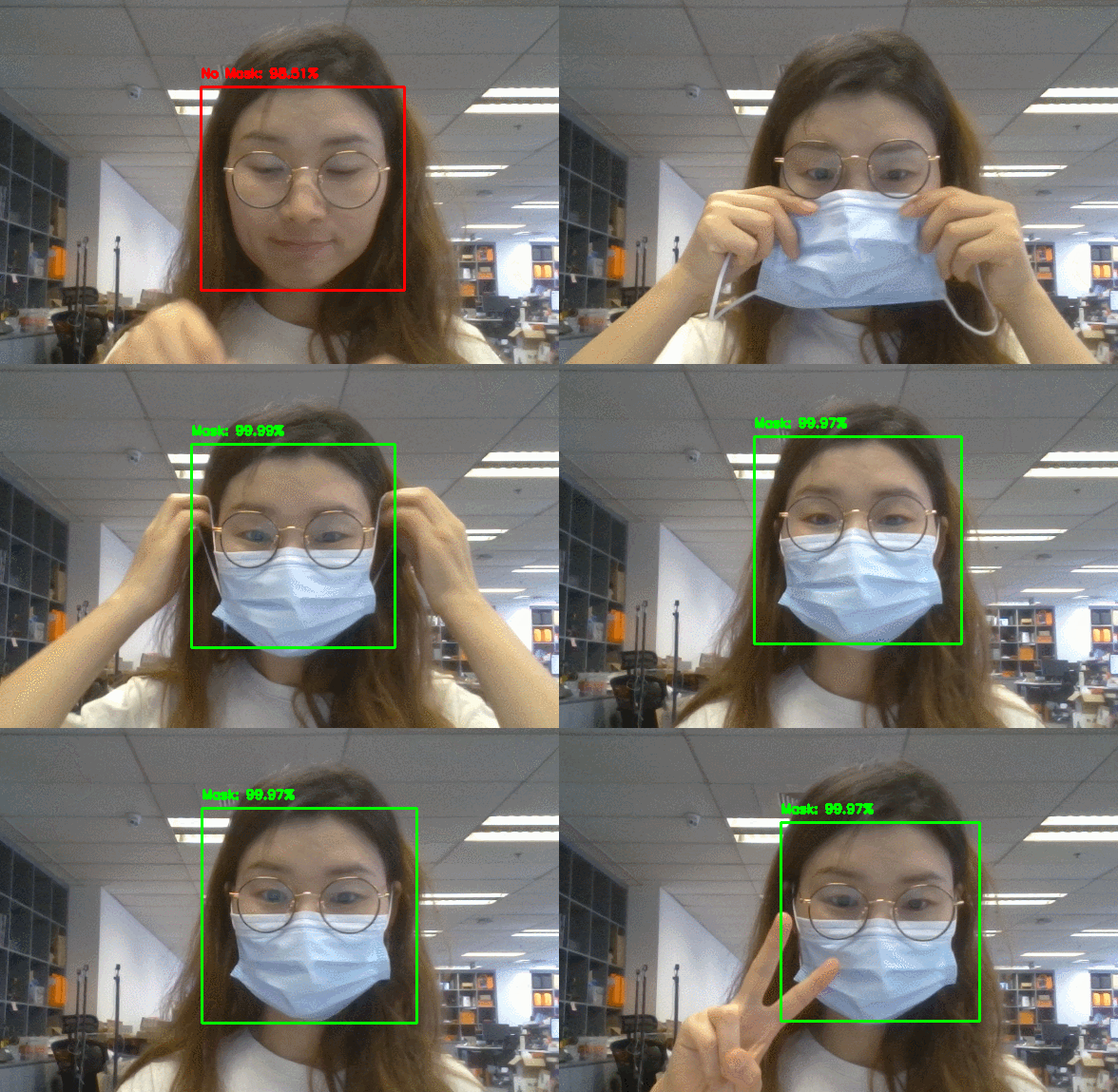 口罩识别 原来它的功能,非常完美,非常灵敏的识别出我是否戴口罩;但自从我剪了刘海以后,它就没有灵魂了……  识别出没有戴口罩  戴了不如没戴 苦思冥想,WHY?原来是tensorflow识别口罩的原理:先识别人脸区域;然后在人脸区域内识别是否有口罩遮挡(需要对图像进行一系列处理)。这样我就明白了,当我戴上口罩后,再加上我的刘海,几乎已经识别不到我的脸了,所以也不难理解,它为什么在我脸上找不到口罩了。 于是为了验证这个猜想,我拨开了脑门上的刘海:  哈哈哈 如果有更好的解决方案、实现方法,欢迎分享~~ 参考程序: |



解决办法:如图所示,重新安装matplotlib版本