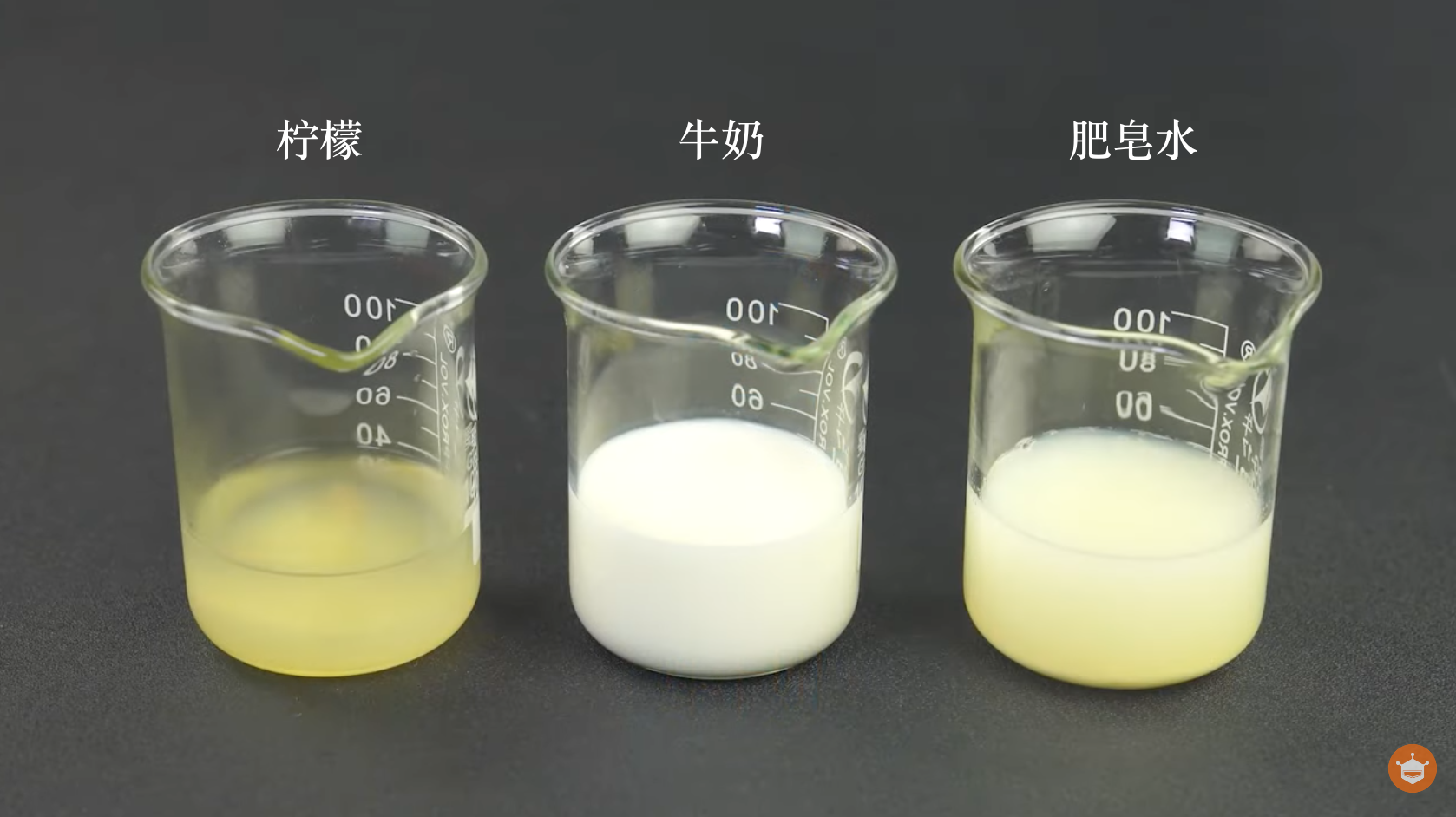
在日常的饮食、生活用水以及护肤品中,我们时常会关注液体的酸碱度。而如何深入了解这些液体的 pH 值呢?通过这个DIY pH计项目,我们将为您揭开科技在我们生活中的神秘面纱。让我们更加直观地了解所处环境的酸碱程度。探寻 pH 值的奥秘,让科技赋予我们更多力量和见识。
材料清单
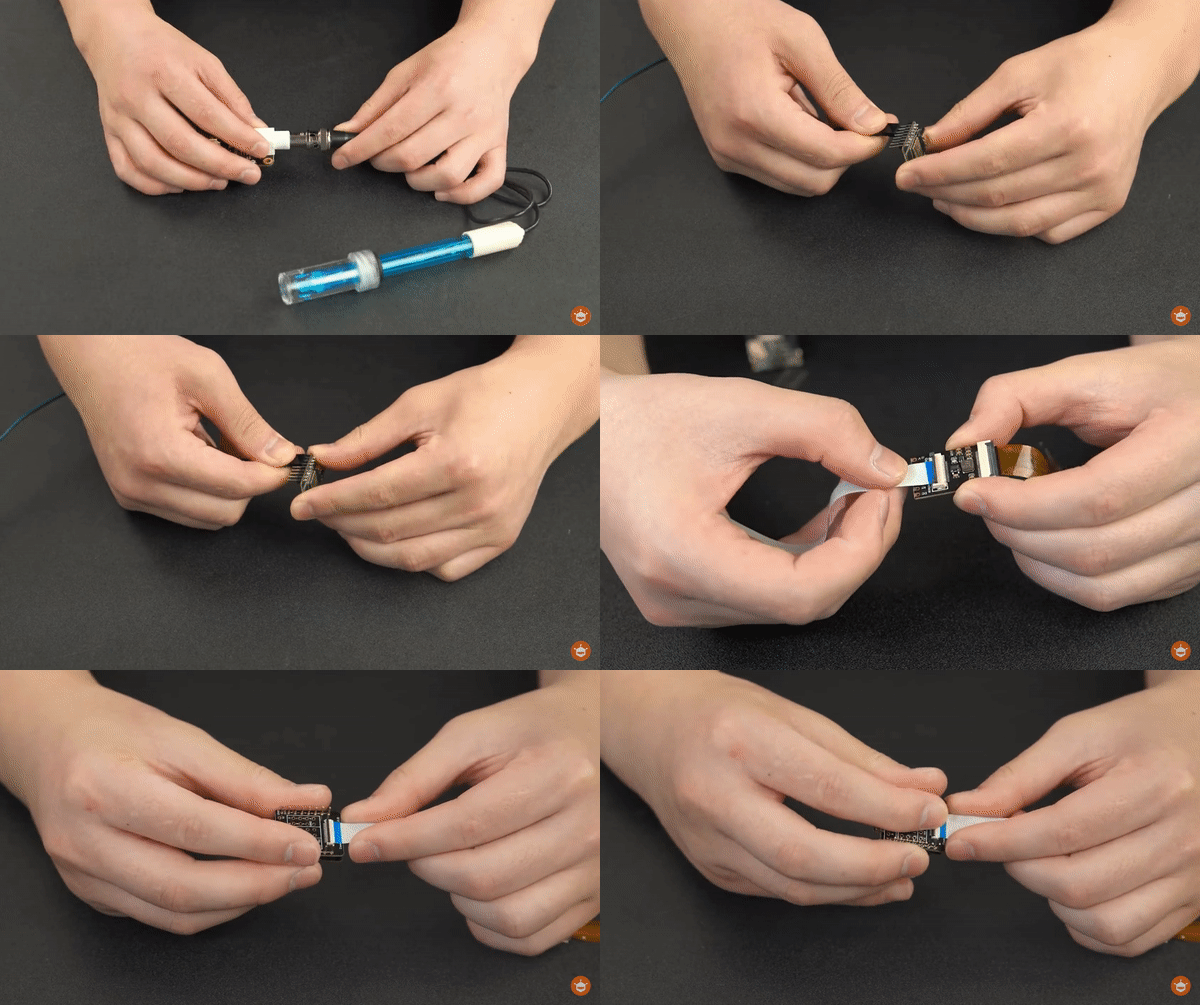
连接 1. 连接好ph传感器
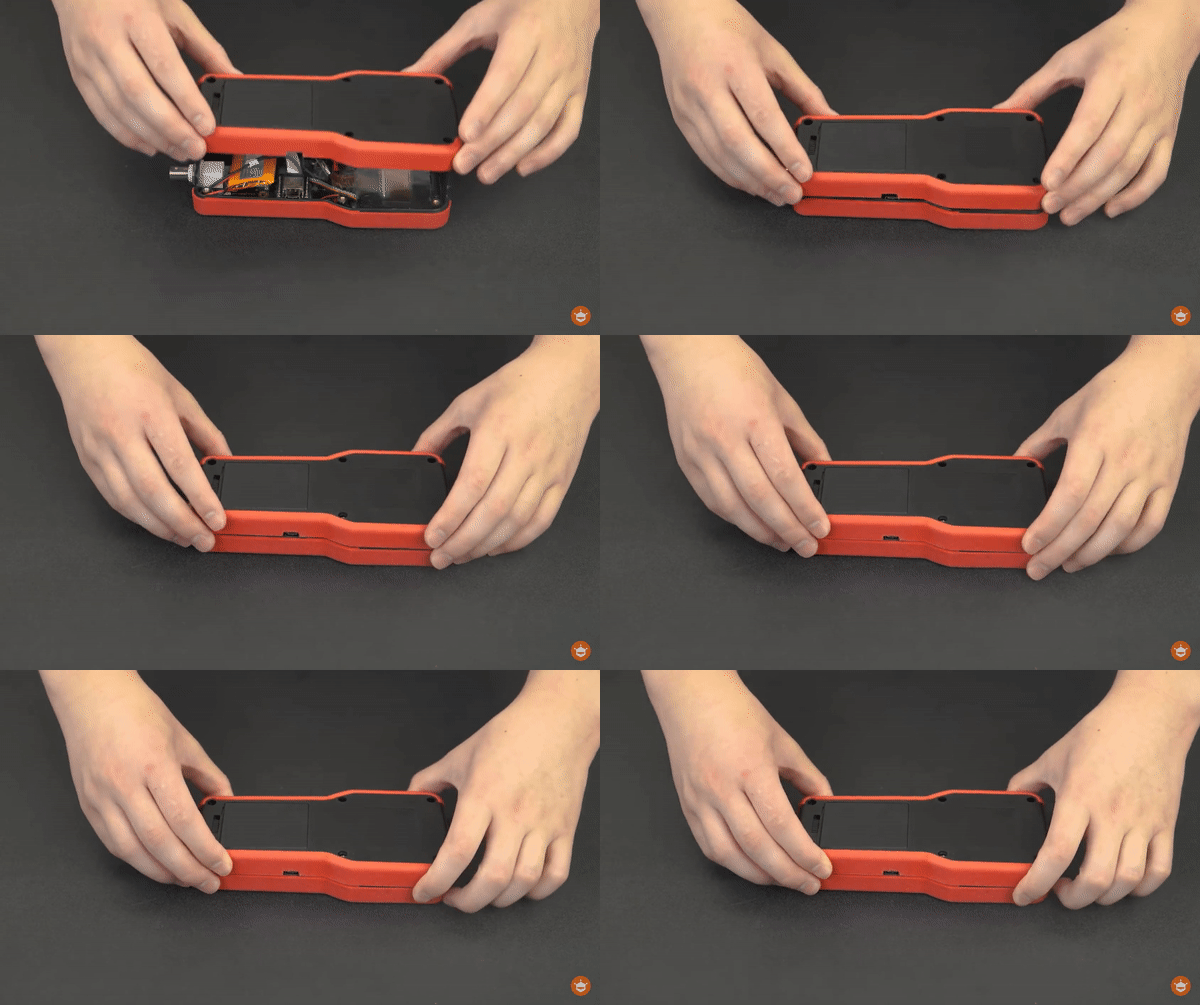
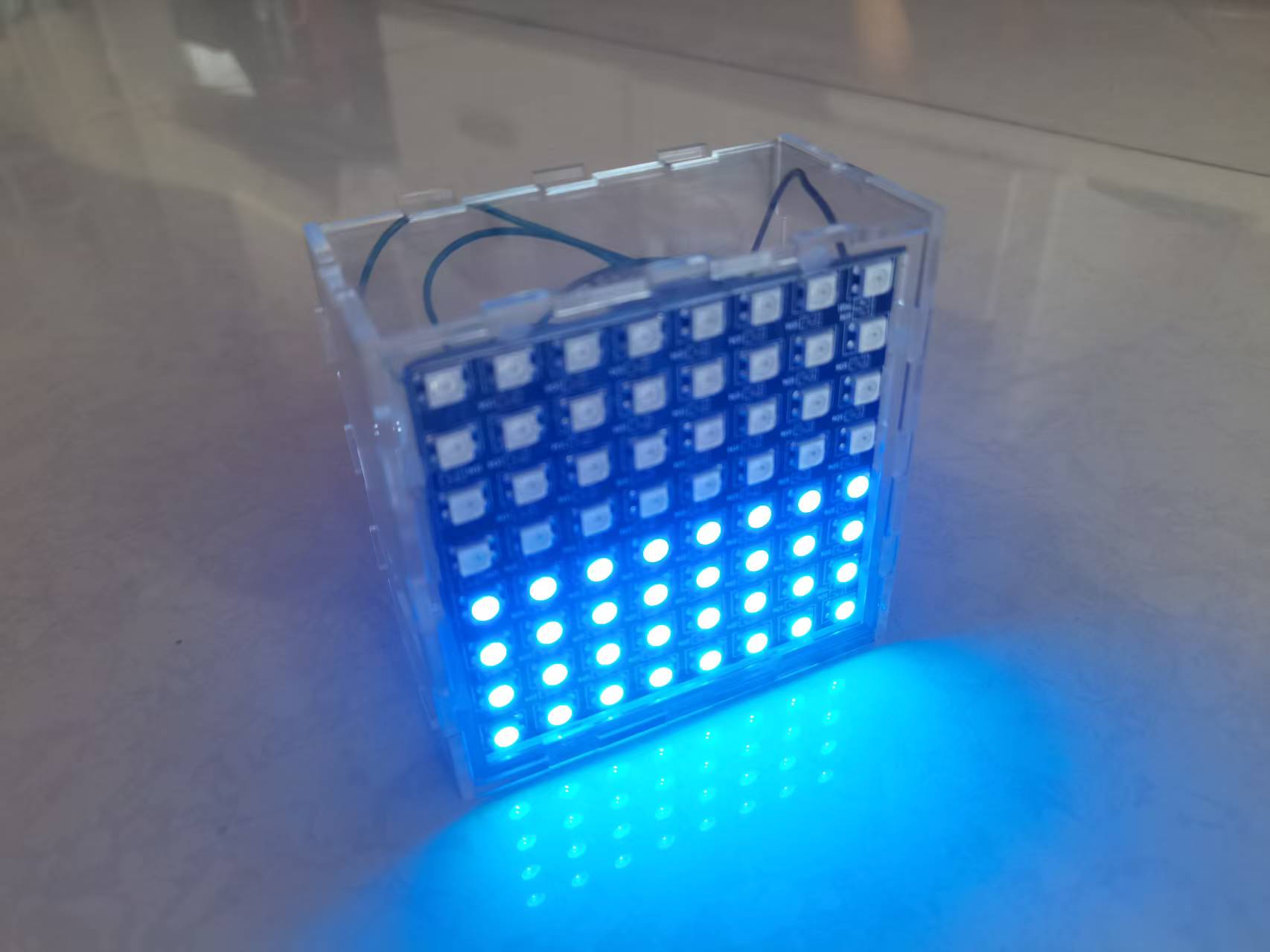
2. 连接好屏幕并套上外壳
3. 上传代码
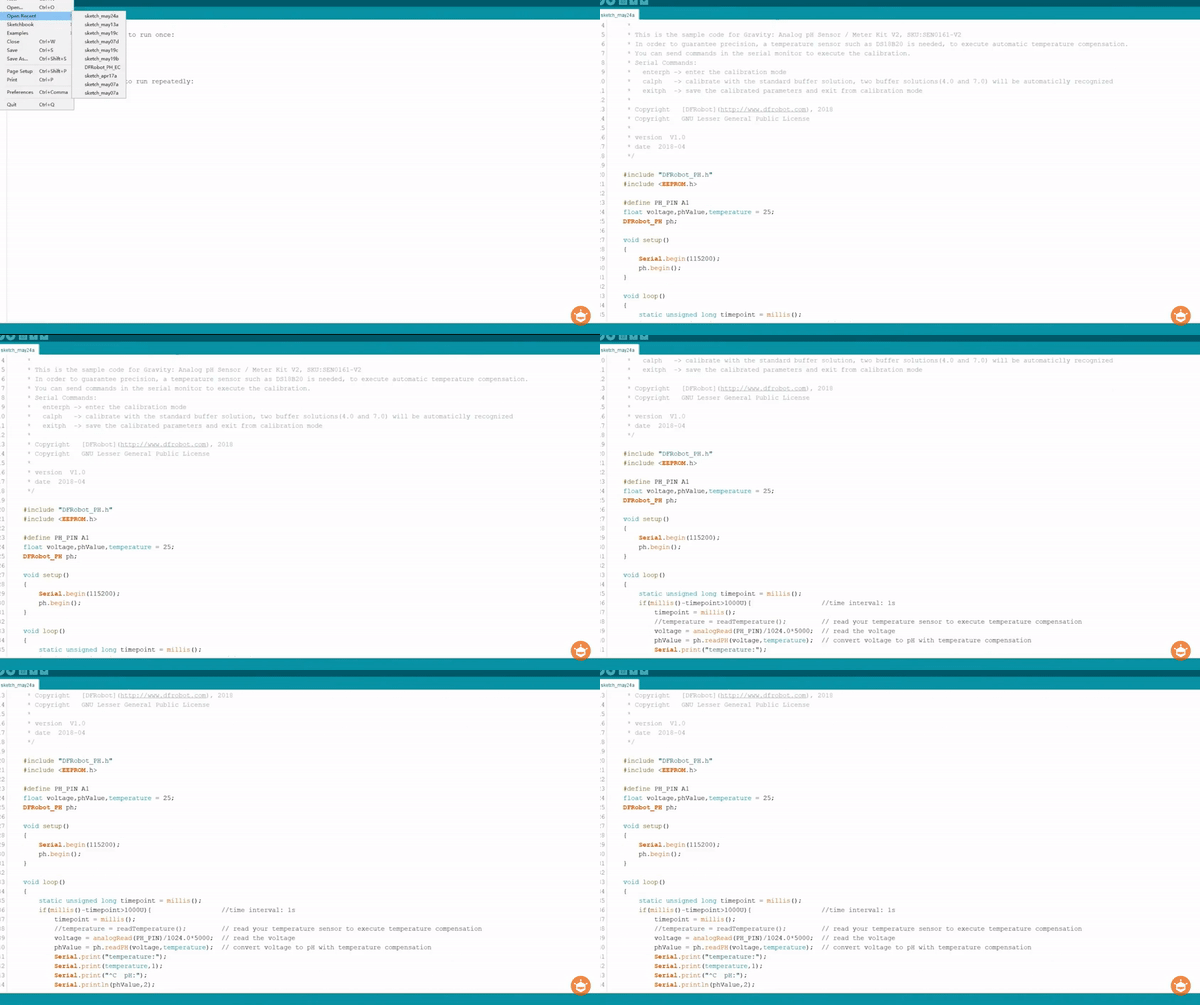
- /*
- * file DFRobot_PH.ino
- * @ https://github.com/DFRobot/DFRobot_PH
- *
- * This is the sample code for Gravity: Analog pH Sensor / Meter Kit V2, SKU:SEN0161-V2
- * In order to guarantee precision, a temperature sensor such as DS18B20 is needed, to execute automatic temperature compensation.
- * You can send commands in the serial monitor to execute the calibration.
- * Serial Commands:
- * enterph -> enter the calibration mode
- * calph -> calibrate with the standard buffer solution, two buffer solutions(4.0 and 7.0) will be automaticlly recognized
- * exitph -> save the calibrated parameters and exit from calibration mode
- *
- * Copyright [DFRobot](https://www.dfrobot.com), 2018
- * Copyright GNU Lesser General Public License
- *
- * version V1.0
- * date 2018-04
- */
-
- #include "DFRobot_PH.h"
- #include <EEPROM.h>
-
- #define PH_PIN A1
- float voltage,phValue,temperature = 25;
- DFRobot_PH ph;
-
- void setup()
- {
- Serial.begin(115200);
- ph.begin();
- }
-
- void loop()
- {
- static unsigned long timepoint = millis();
- if(millis()-timepoint>1000U){ //time interval: 1s
- timepoint = millis();
- //temperature = readTemperature(); // read your temperature sensor to execute temperature compensation
- voltage = analogRead(PH_PIN)/1024.0*5000; // read the voltage
- phValue = ph.readPH(voltage,temperature); // convert voltage to pH with temperature compensation
- Serial.print("temperature:");
- Serial.print(temperature,1);
- Serial.print("^C pH:");
- Serial.println(phValue,2);
- }
- ph.calibration(voltage,temperature); // calibration process by Serail CMD
- }
-
- float readTemperature()
- {
- //add your code here to get the temperature from your temperature sensor
- }
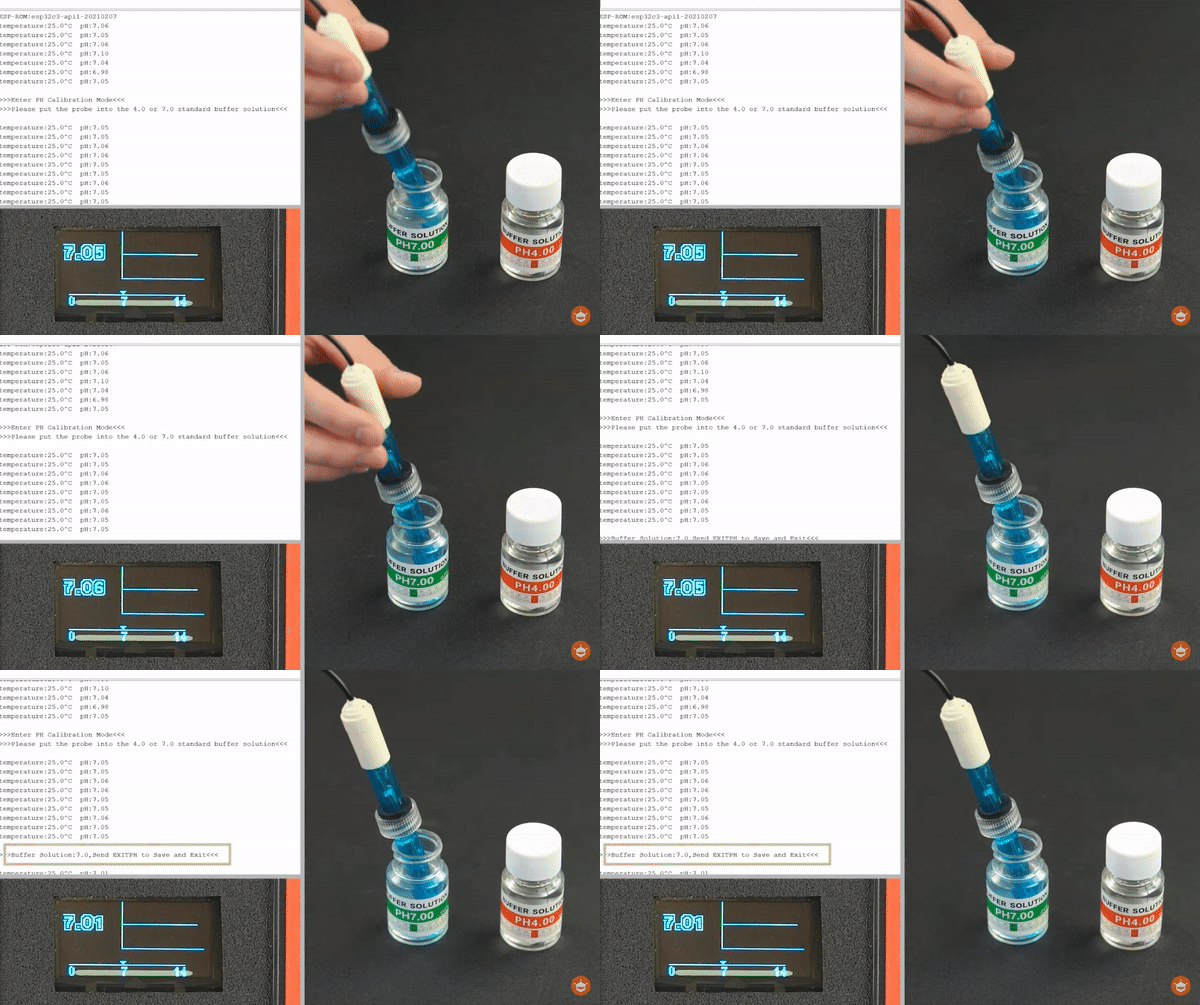
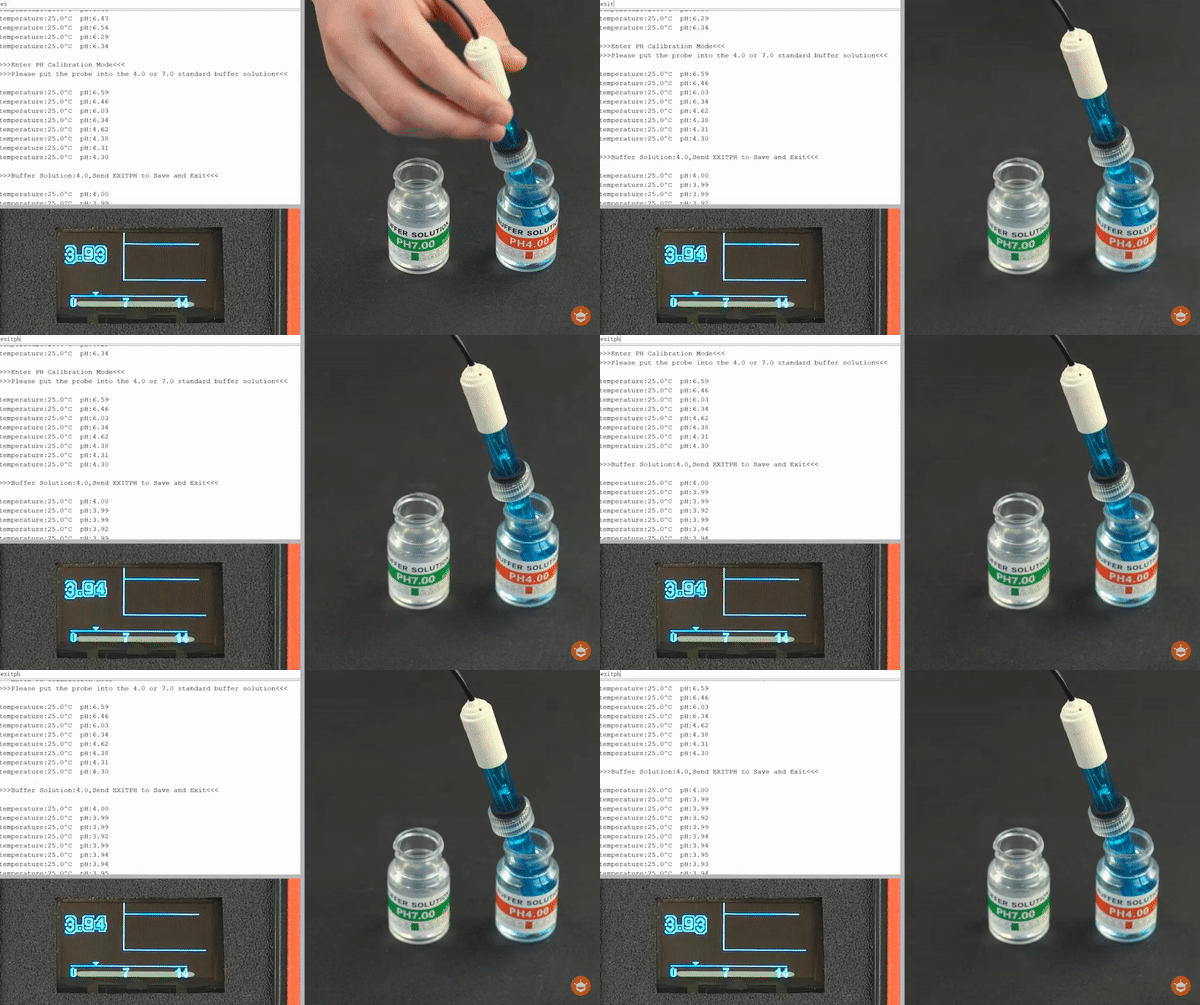
4. 一个简易的PH计就做好了!利用DFRobot提供的开源软件库,可以自动识别标准溶液,快速2点校准。
5. 校准好之后,就可以测试不同液体的ph值
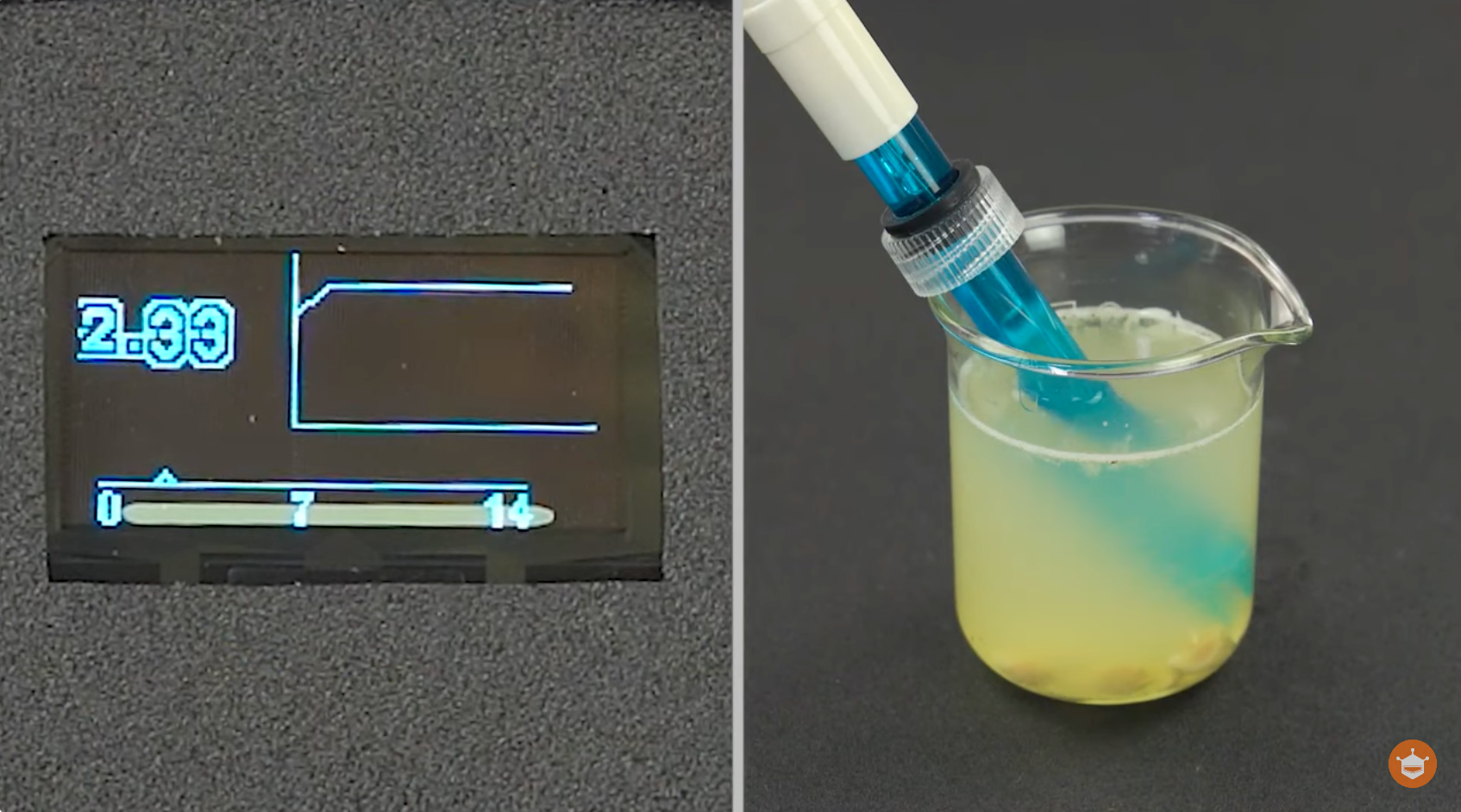
柠檬的ph值如下,
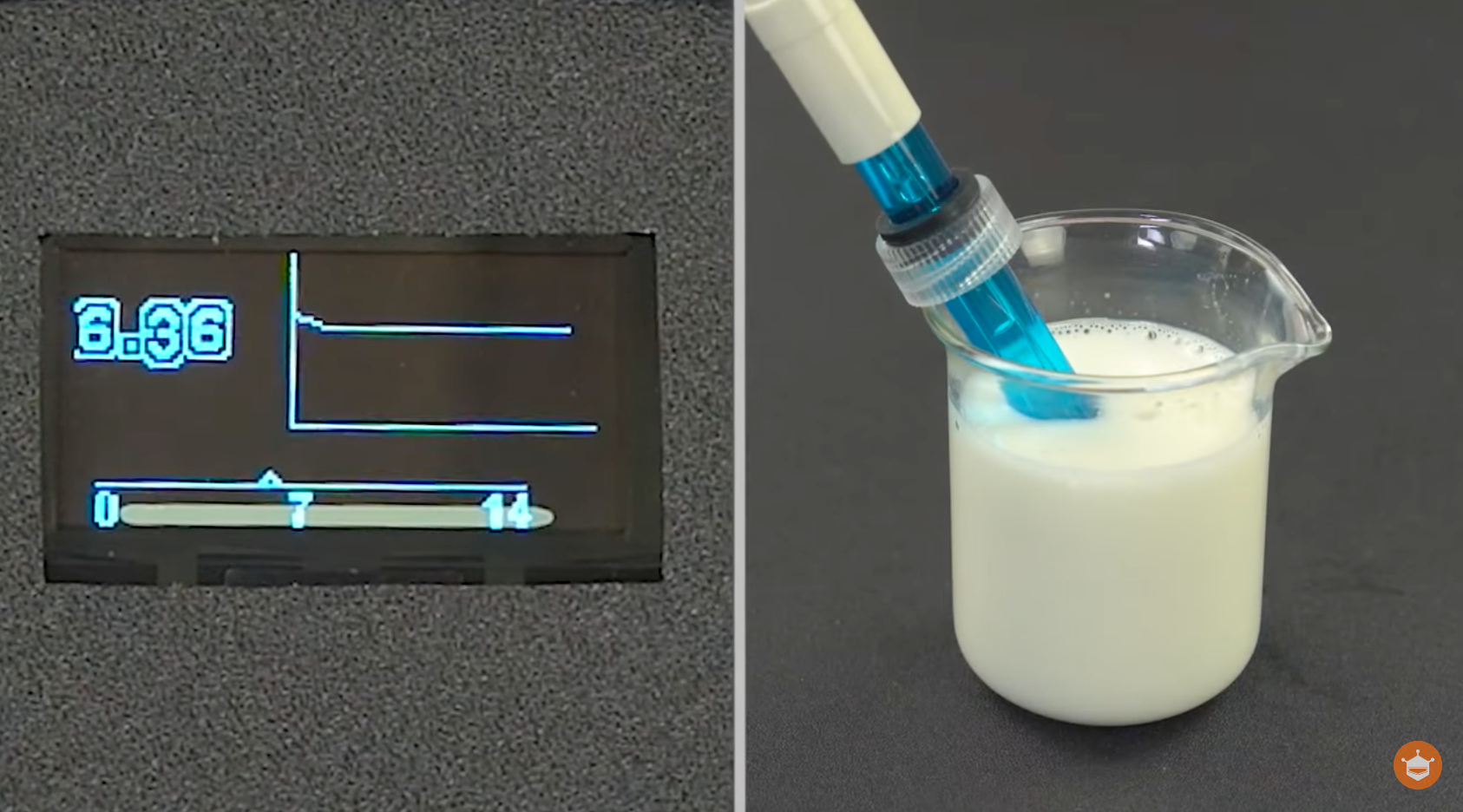
牛奶的ph值如下,
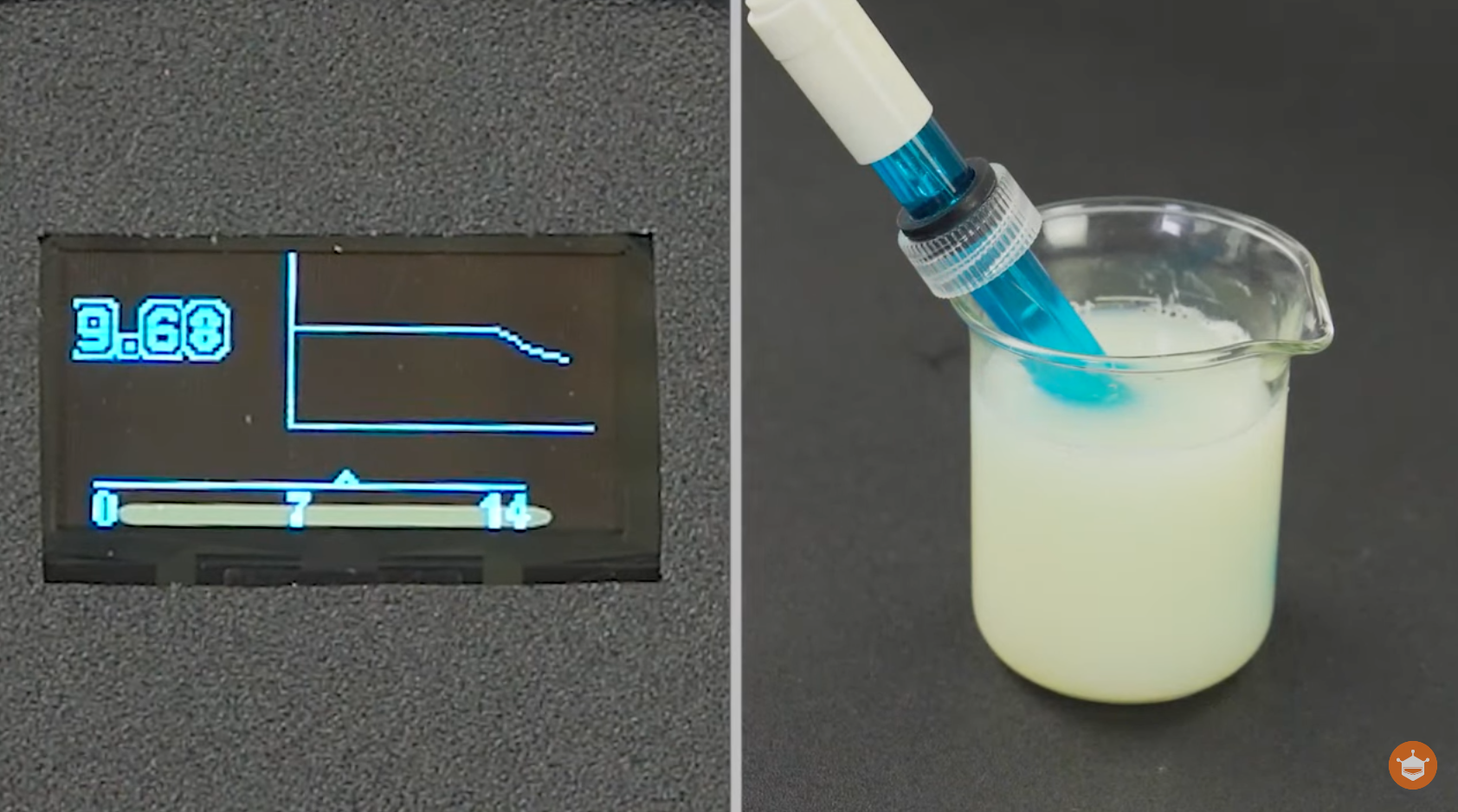
肥皂水的ph值如下,
总结 通过这个DIY pH计项目,希望为大家展示科技是如何赋予我们更多力量和见识的。了解我们所处环境中液体的酸碱度,不再是专业实验室的专利,而是变得更加简单和直观。愿这个项目激发更多人对科技创新的兴趣,成为探索未知的起点。如果您有任何问题或建议,欢迎留言告诉我!
|