数据采集与本地日志——让传感器读数留下来

数据采集与本地日志
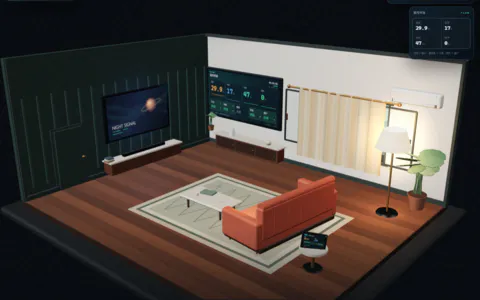
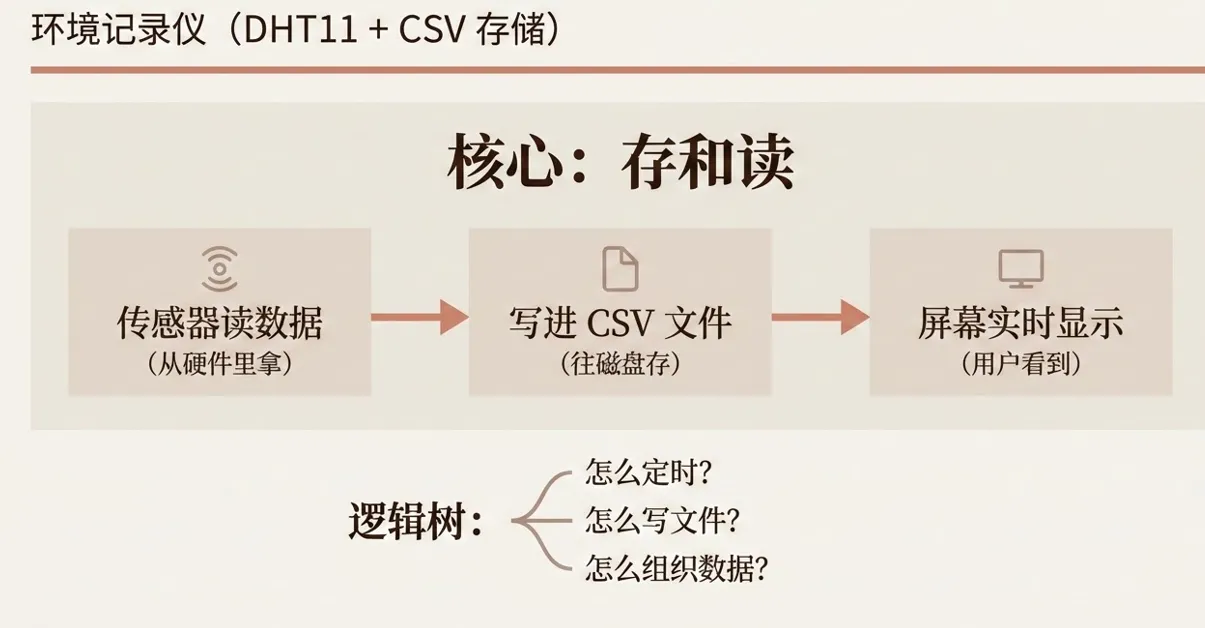
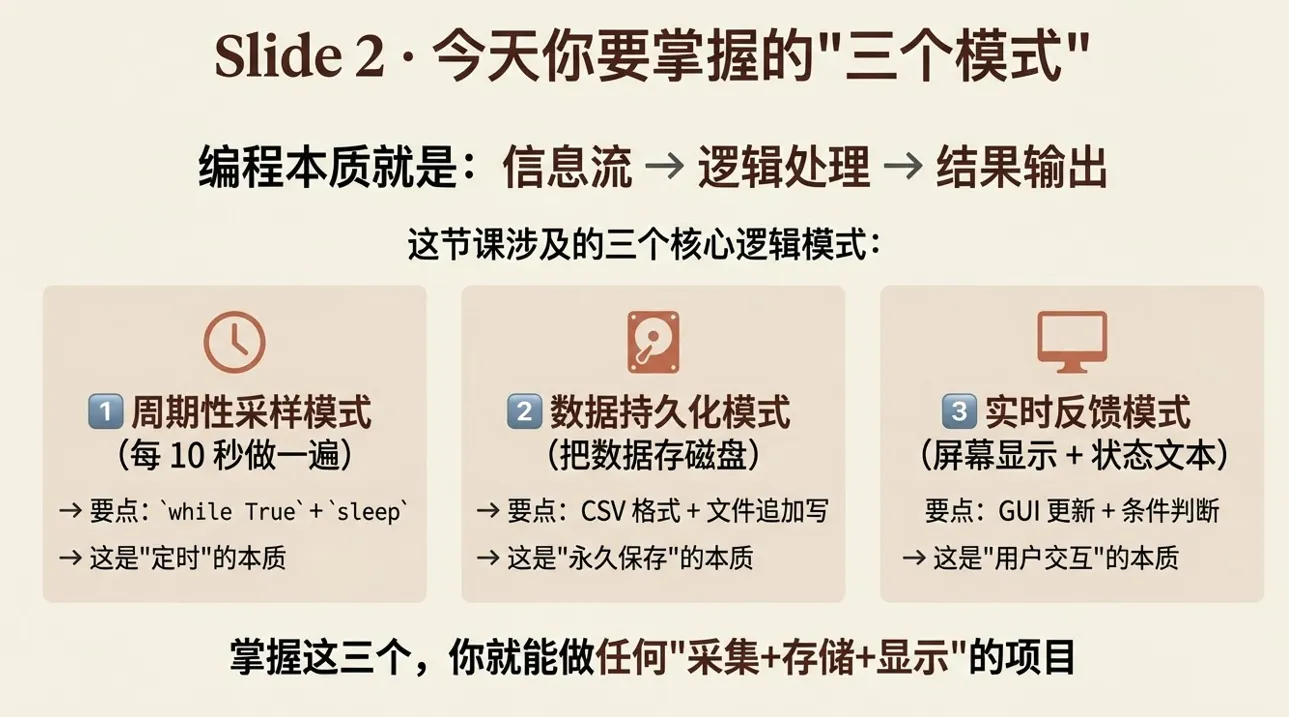
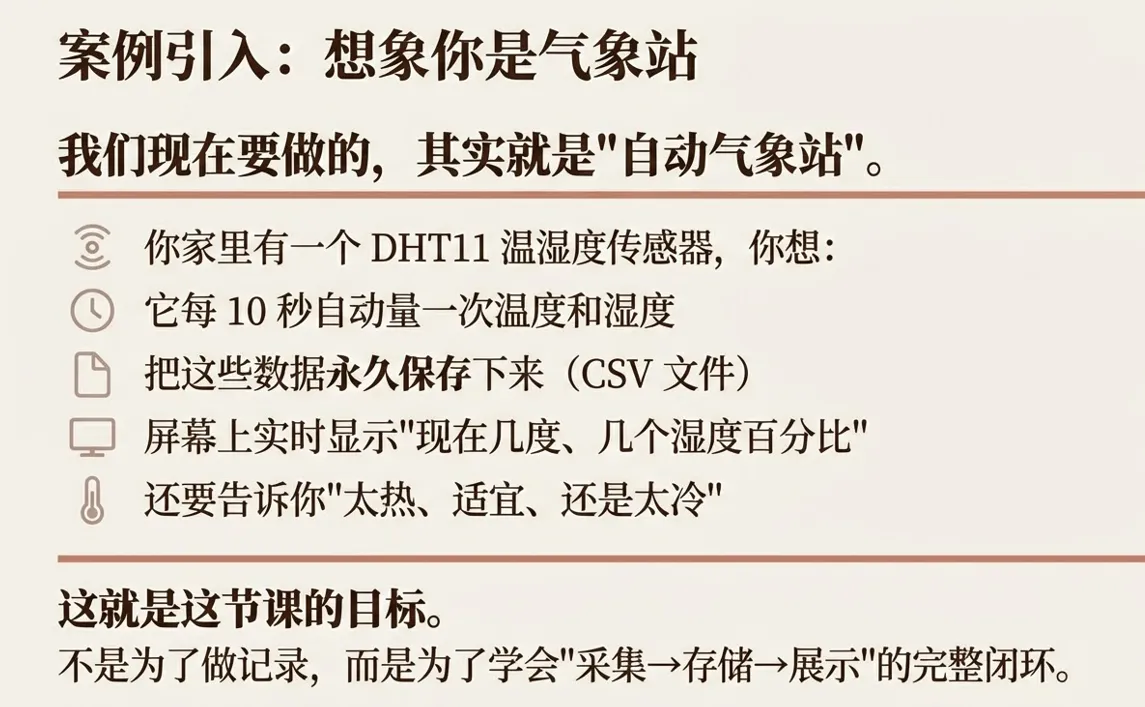
传感器项目最容易停在“屏幕上显示一个数字”。但数字只代表当前瞬间,设备重启后什么也看不到。本课用温湿度传感器做一个环境记录仪:定时采集、实时显示,并把数据追加保存到 CSV 文件。

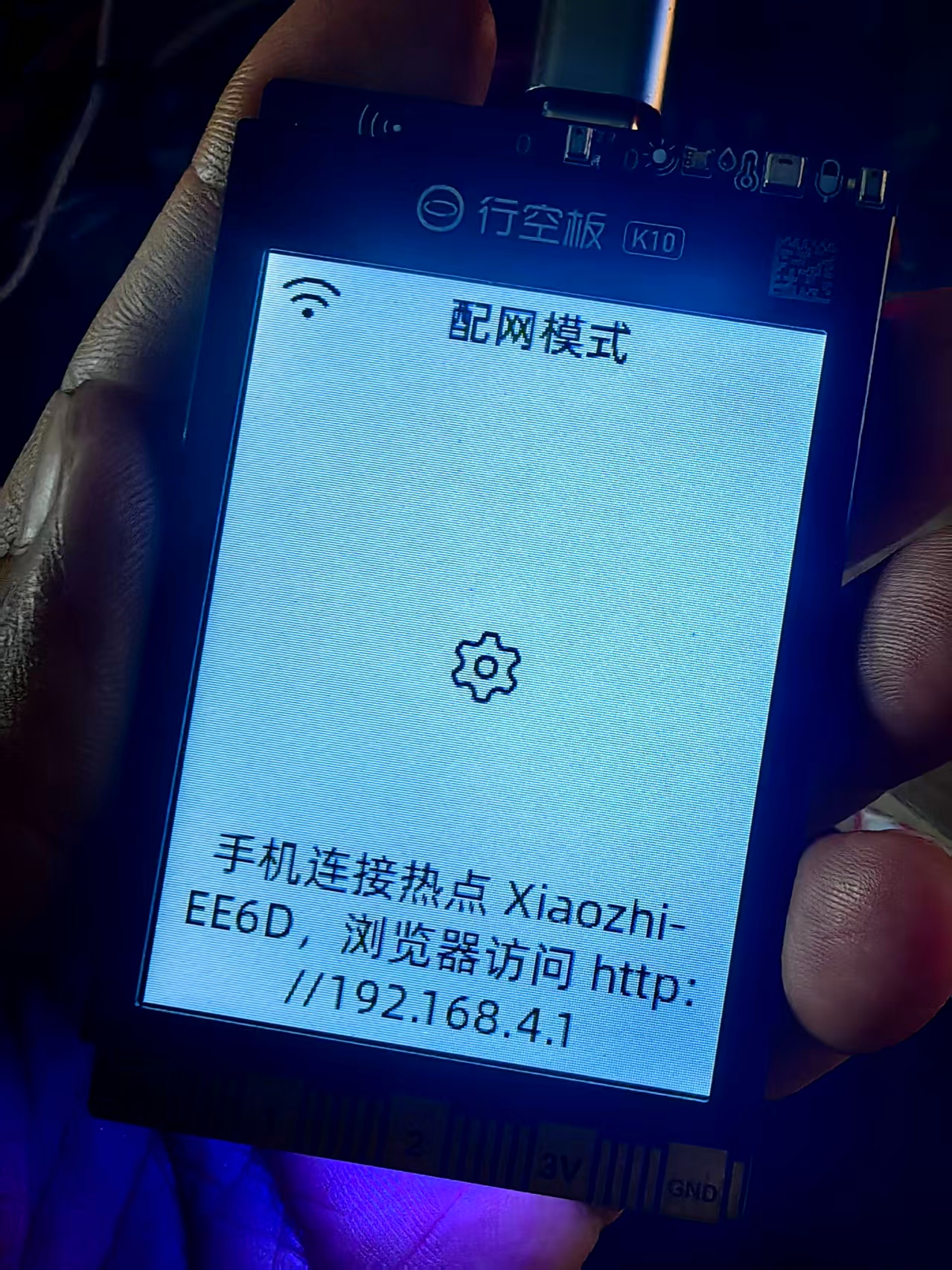
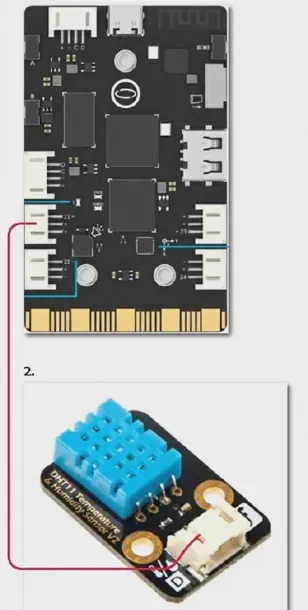
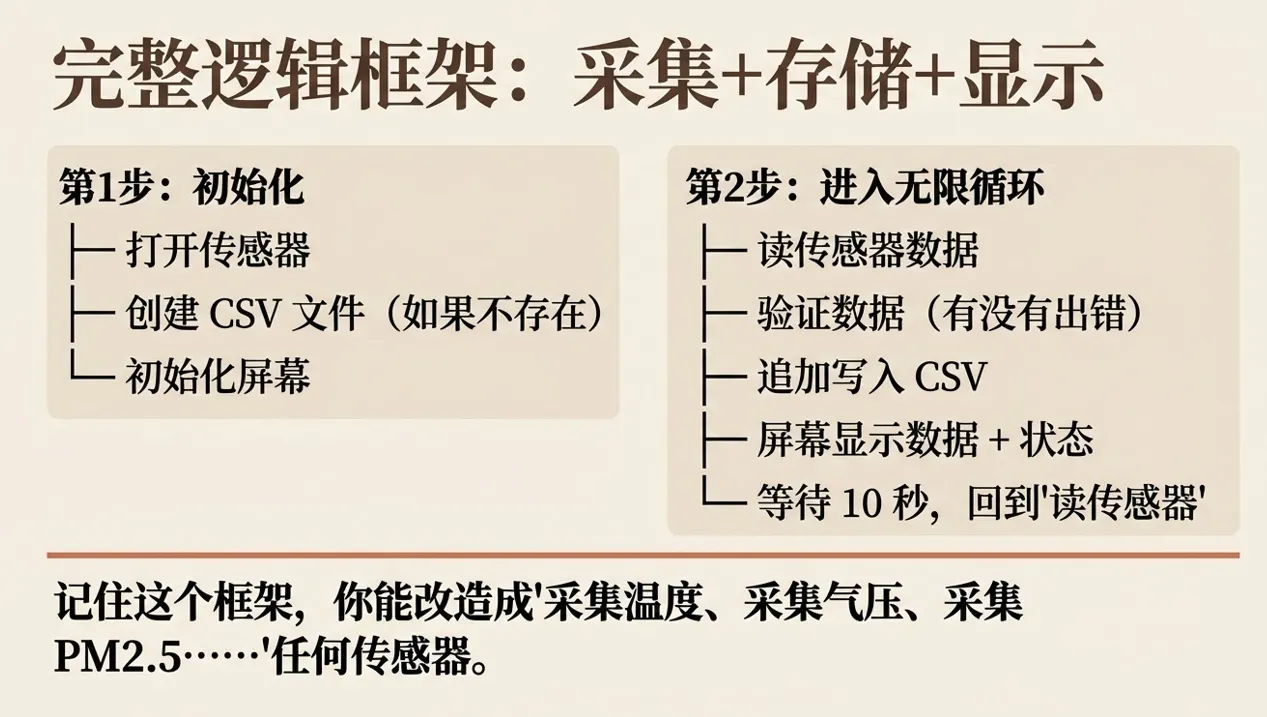
行空板K10或者M10读取 DHT11/DHT22 的温度和湿度,界面显示最新读数;每次采样同时写入 `time, temperature, humidity` 三个字段。采样、显示、存储是三条不同职责,后续替换传感器时不必改动文件格式。
## 硬件和数据链路
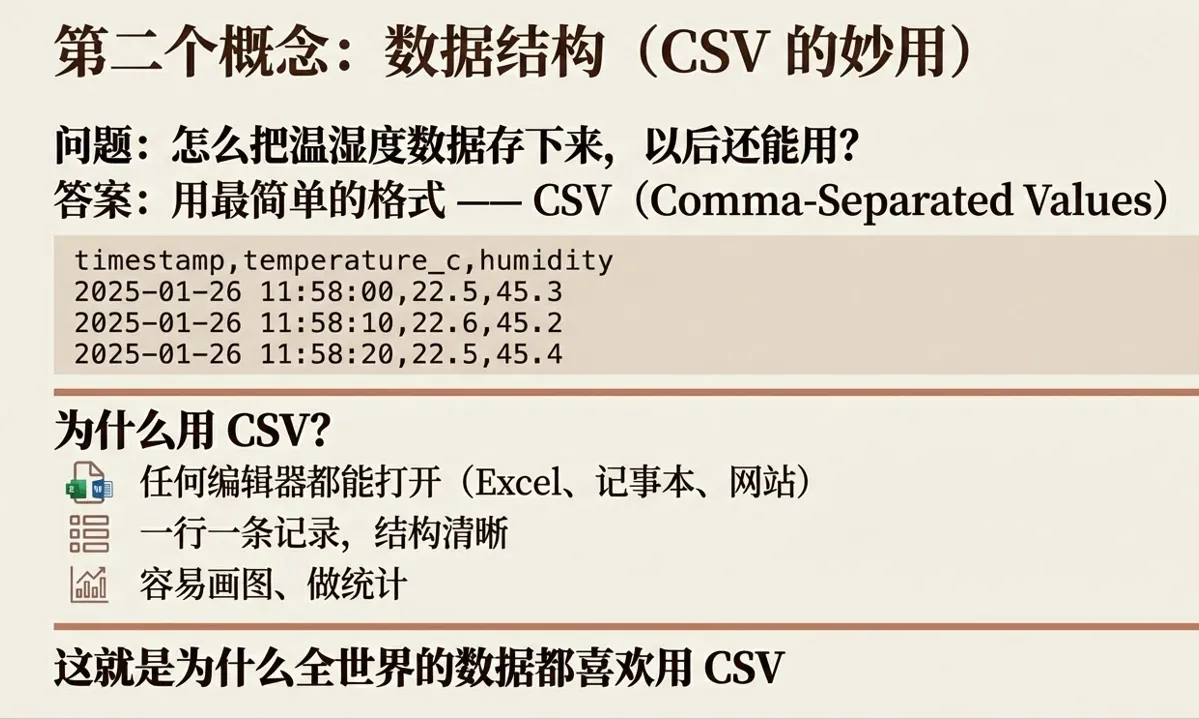
## 先定义固定的数据结构
```python
row = {
"time": now_text(),
"temperature": round(temp, 1),
"humidity": round(humi, 1)
}
```
字段名一旦确定,就不要今天叫 `temp`、明天叫 `temperature`。稳定的数据结构,是后面画图、导出和导入数据库的基础。
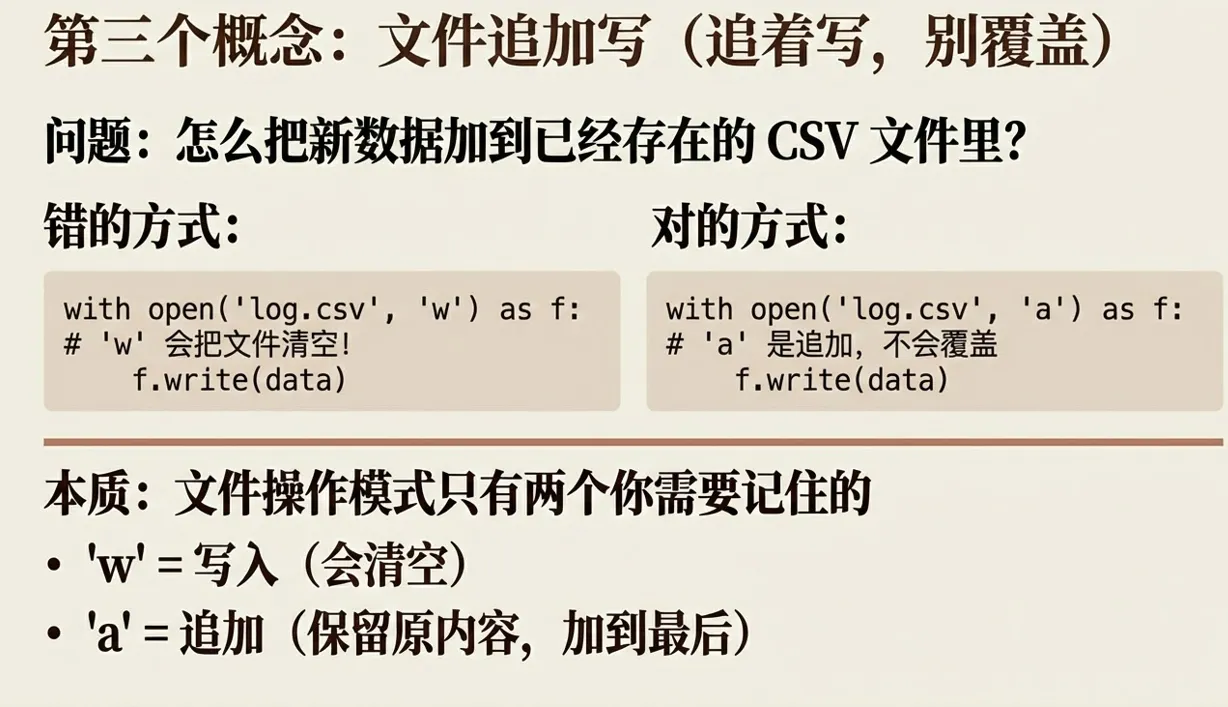
## CSV 写入不能直接覆盖
启动时先判断文件是否存在。不存在时写入表头,存在时只追加新行;传感器读取失败则写入空值或错误标记,不要把异常对象直接写进文件。
```python
with open(path, "a", newline="", encoding="utf-8") as f:
writer.writerow([row["time"], row["temperature"], row["humidity"]])
```
## 定时器和主循环
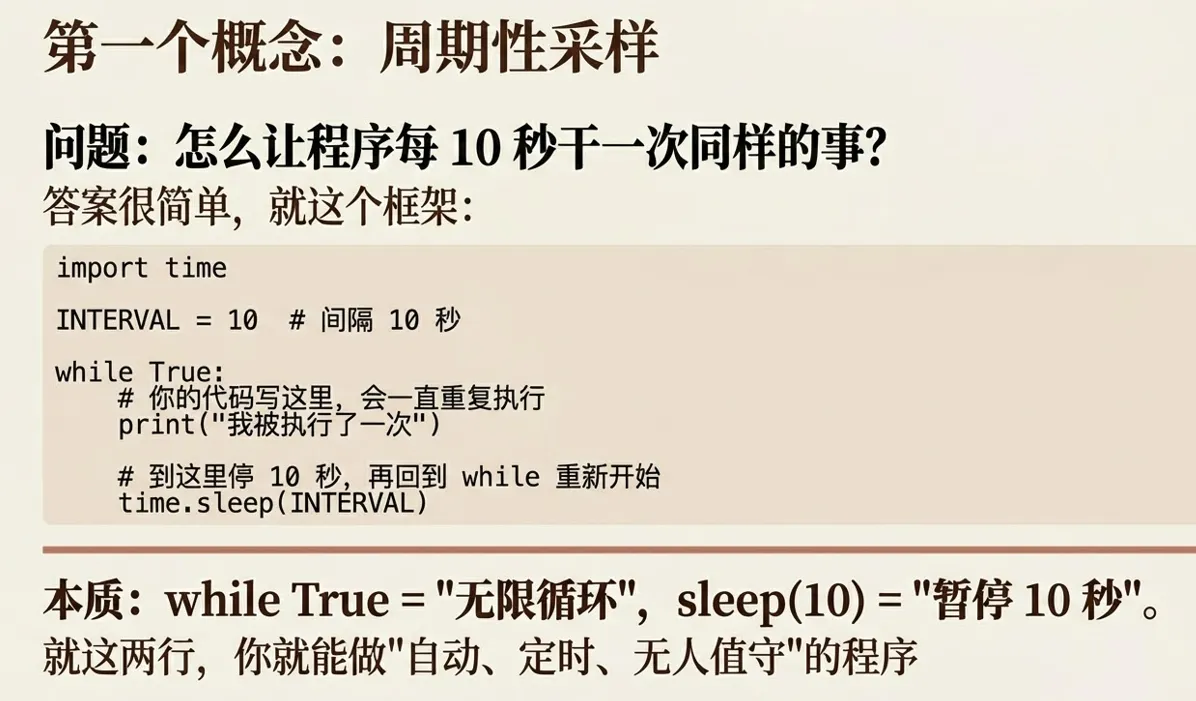
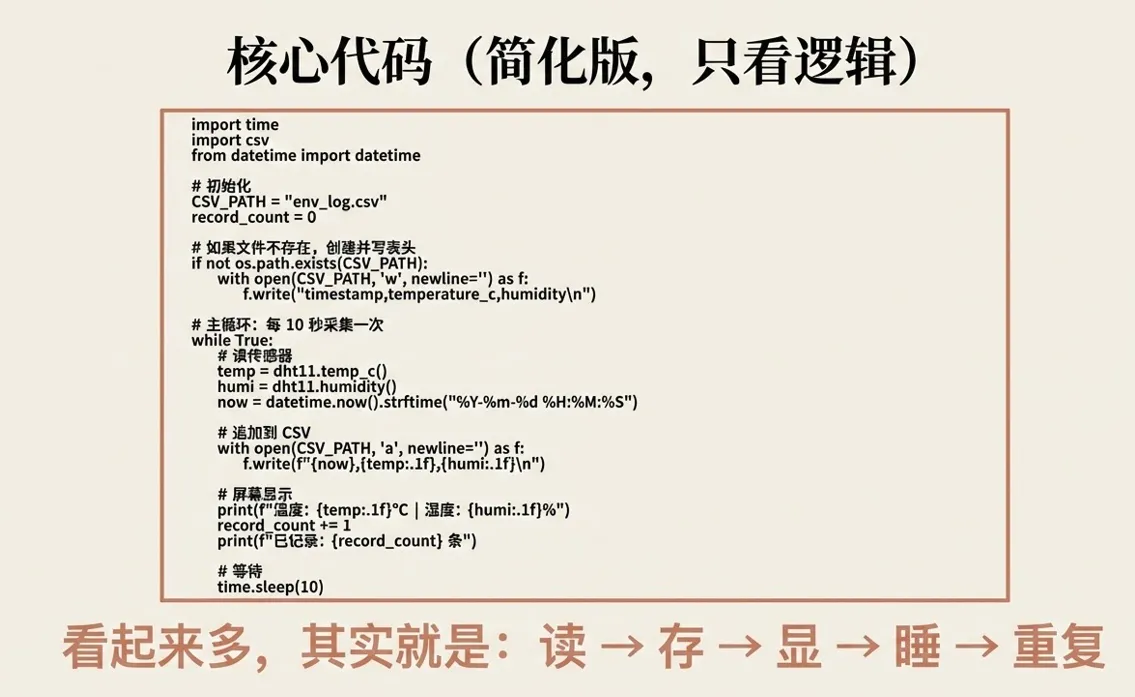
采样周期建议先固定为 5 秒,后面可以拉长到10秒。主循环只做三件事:读取传感器、刷新界面、保存记录。不要在界面回调里直接写死无限循环,否则按钮会失去响应。
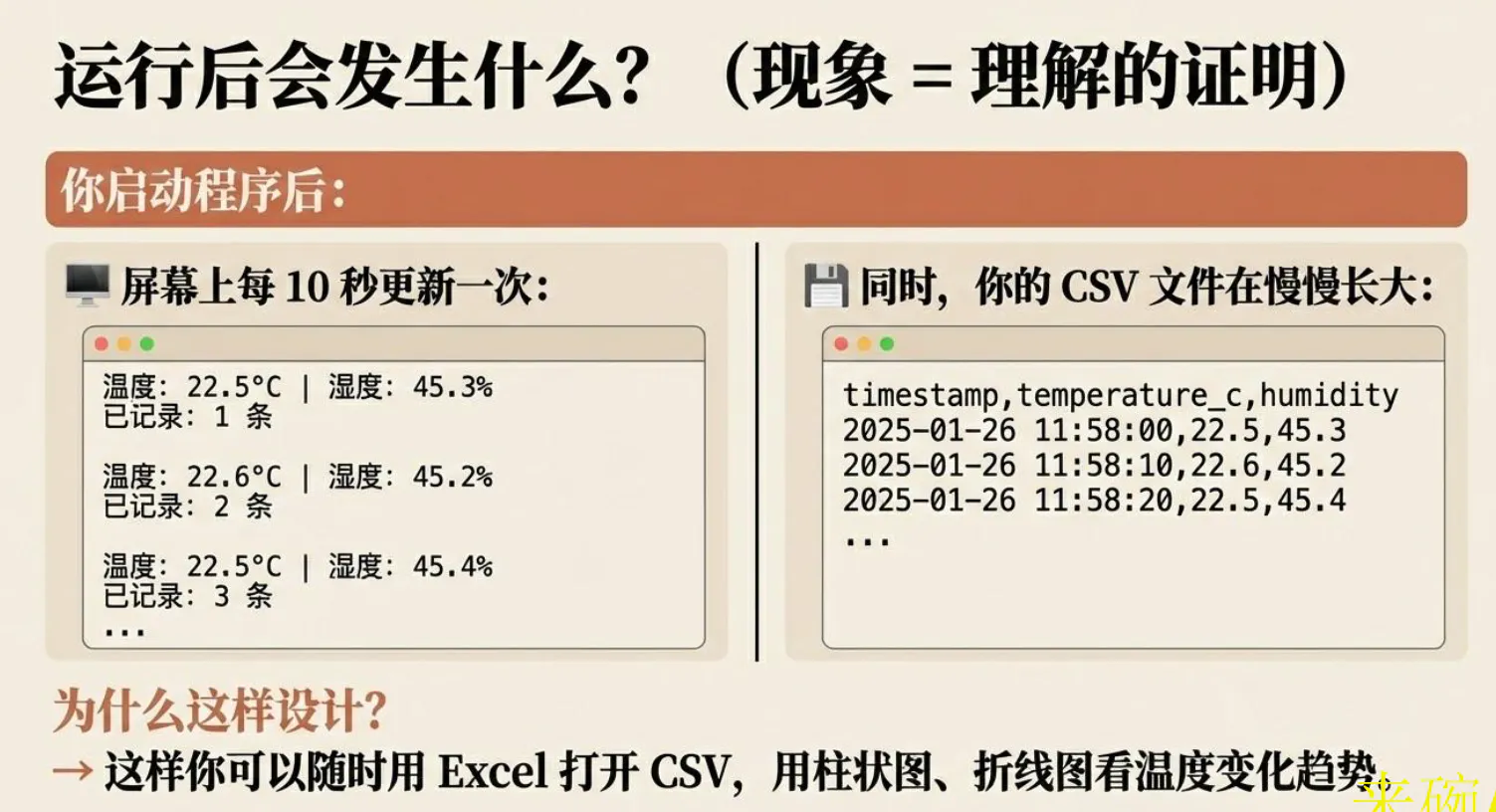
## 运行验证
先让设备运行 1 分钟,确认 CSV 行数增加;再改变环境,例如用手捂住传感器,观察湿度变化;最后关闭程序重新启动,确认旧记录没有被覆盖。
常见问题包括文件路径错误、中文编码导致表格打开乱码、传感器返回 `None`。排错时先打印原始值,再检查写入函数,不要直接怀疑 CSV 模块。
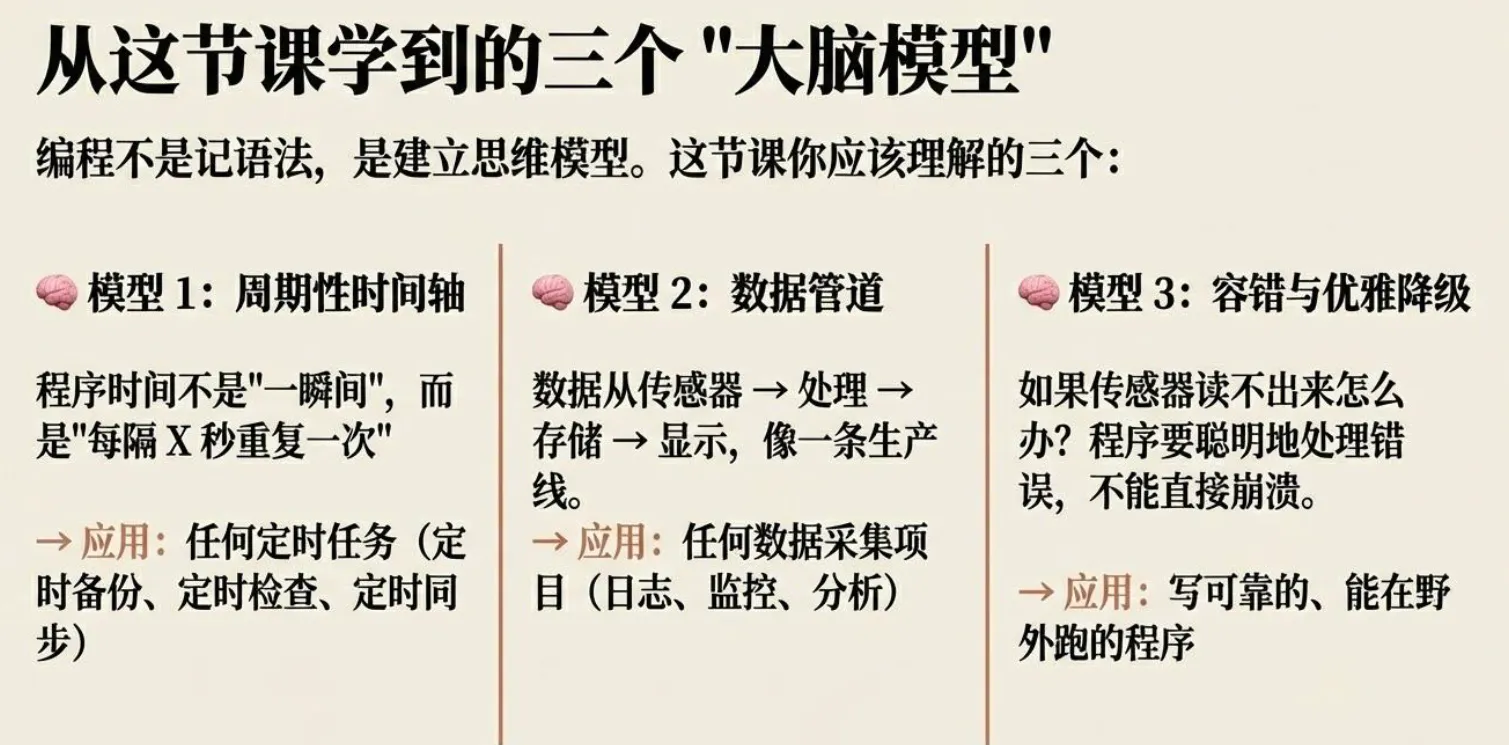
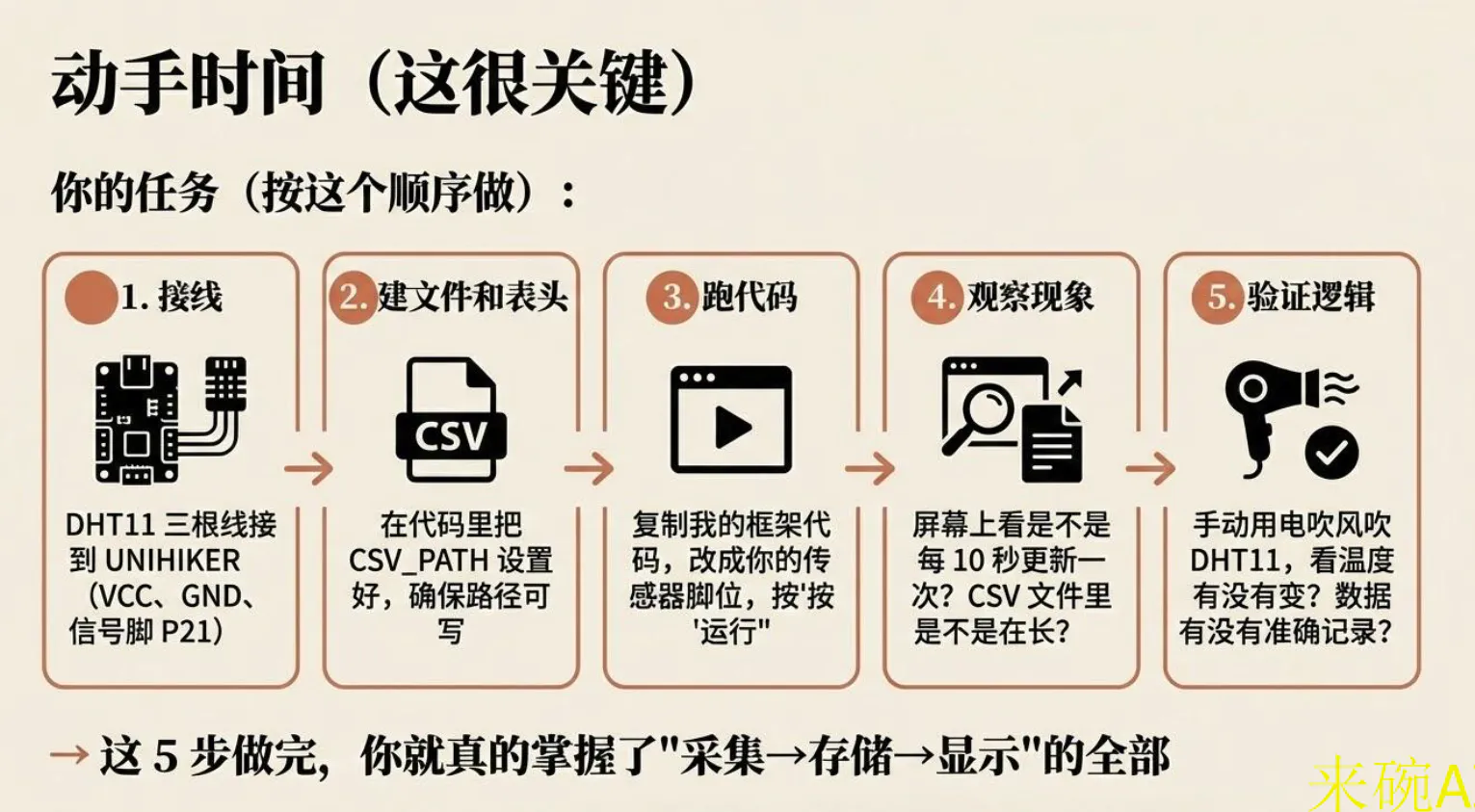
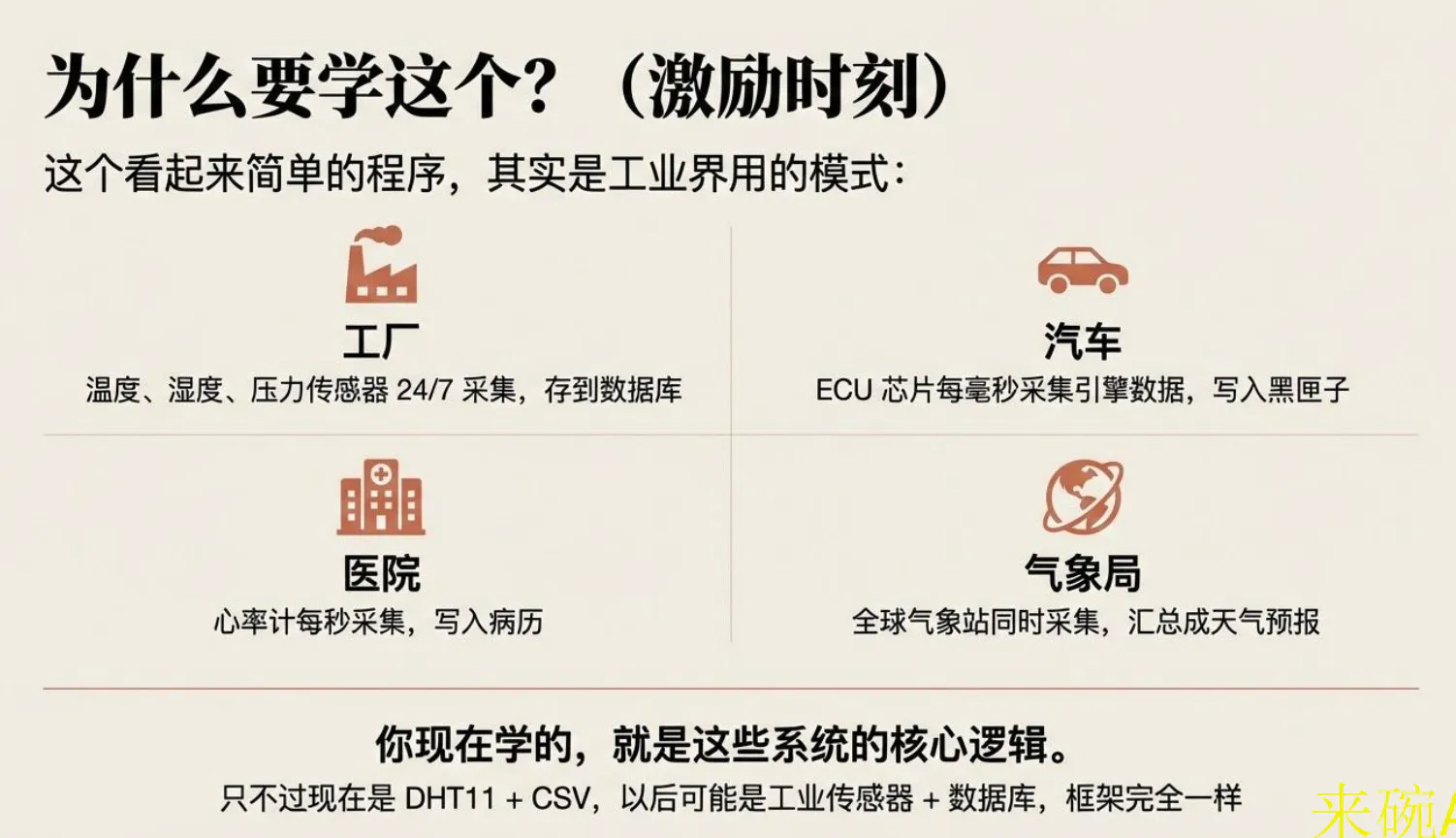
这节课真正建立的是“设备数据要可追溯”的意识。之后做温度曲线、植物提醒或数据库存储,都可以复用这套字段和采样结构。
## 完整代码
# -*- coding: utf-8 -*-
"""
UNIHIKER 环境记录仪 - 单文件模块化版本(第2课)
框架分区:硬件 | 状态 | 数据 | UI | 主循环
"""

import time, csv, os
from datetime import datetime
from unihiker import GUI
from pinpong.board import Board, Pin, DHT11

# ========================================================
# 1. 硬件初始化(硬件层)
# ========================================================
Board("UNIHIKER").begin()            # 初始化主控板
DHT_PIN = Pin(Pin.P21)               # DHT11 接 P21
dht11 = DHT11(DHT_PIN)               # 创建传感器对象

def read_sensors():
    """硬件层:读取温湿度"""
    try:
        return (dht11.temp_c(), dht11.humidity())  # 返回 (温度, 湿度)
    except:
        return None

# ========================================================
# 2. 状态管理(状态层)
# ========================================================
class EnvState:
    def __init__(self):
        self.count = 0               # 记录数
        self.temp = None             # 当前温度
        self.humi = None             # 当前湿度
        self.status = "初始化..."     # 状态文字
        self.status_color = "yellow" # 状态颜色

    @property
    def time_str(self):
        return datetime.now().strftime("%Y-%m-%d %H:%M:%S")

    def update_ok(self, t, h):
        self.temp, self.humi = round(t,1), round(h,1)
        self.status, self.status_color = "采集成功", "green"

    def update_err(self, msg):
        self.status = f"失败: {msg}"
        self.status_color = "red"

# ========================================================
# 3. CSV 日志(数据层)
# ========================================================
CSV_PATH = "/root/env_log.csv"

def init_csv():
    """确保 CSV 存在并返回记录数"""
    if not os.path.exists(CSV_PATH):
        with open(CSV_PATH, "w", newline="") as f:
            csv.writer(f).writerow(["timestamp", "temperature_c", "humidity"])
    with open(CSV_PATH, "r") as f:
        return max(0, len(f.readlines()) - 1)  # 总行 - 表头

def log_data(ts, t, h):
    """追加记录到 CSV"""
    with open(CSV_PATH, "a", newline="") as f:
        csv.writer(f).writerow([ts, t, h])

# ========================================================
# 4. UI 界面(显示层)
# ========================================================
gui = GUI()
CSV_PATH = "/root/env_log.csv"  # 日志路径(需写权限)

# 初始化屏幕
gui.clear()
gui.fill_rect(0, 0, 240, 320, (0,0,0))  # 黑底
gui.draw_text(40, 10, "环境记录仪", origin="nw", color="white")

# 创建文本元素
txt_temp = gui.draw_text(20, 60, "温度: --.- C", origin="nw", color="white")
txt_humi = gui.draw_text(20, 90, "湿度: --.- %", origin="nw", color="white")
txt_time = gui.draw_text(20,120, "时间: ----", origin="nw", color="white")
txt_count= gui.draw_text(20,150,"已记录: 0 条", origin="nw", color="white")
txt_stat = gui.draw_text(20,190,"状态: 初始化...", origin="nw", color="yellow")

def update_ui(state):
    """刷新所有显示"""
    txt_temp.config(text=f"温度: {state.temp:.1f} C" if state.temp else "温度: --.- C")
    txt_humi.config(text=f"湿度: {state.humi:.1f} %" if state.humi else "湿度: --.- %")
    txt_time.config(text=f"时间: {state.time_str}")
    txt_count.config(text=f"已记录: {state.count} 条")
    txt_stat.config(text=f"状态: {state.status}", color=state.status_color)

# ========================================================
# 5. 主循环(协调层)
# ========================================================
state = EnvState()
state.count = init_csv()                 # 初始化记录数
update_ui(state)                         # 首次显示

INTERVAL = 10                            # 采集间隔(秒)

while True:
    try:
        data = read_sensors()            # 1. 读硬件
        if data:
            t, h = data
            state.update_ok(t, h)        # 2. 更新状态
            log_data(state.time_str, state.temp, state.humi)  # 3. 存数据
            state.count += 1             # 4. 计数+1
        else:
            state.update_err("传感器")    # 错误处理
    except Exception as e:
        state.update_err(str(e))

    update_ui(state)                     # 5. 刷新 UI
    time.sleep(INTERVAL)                 # 等待下次采集