【项目背景】
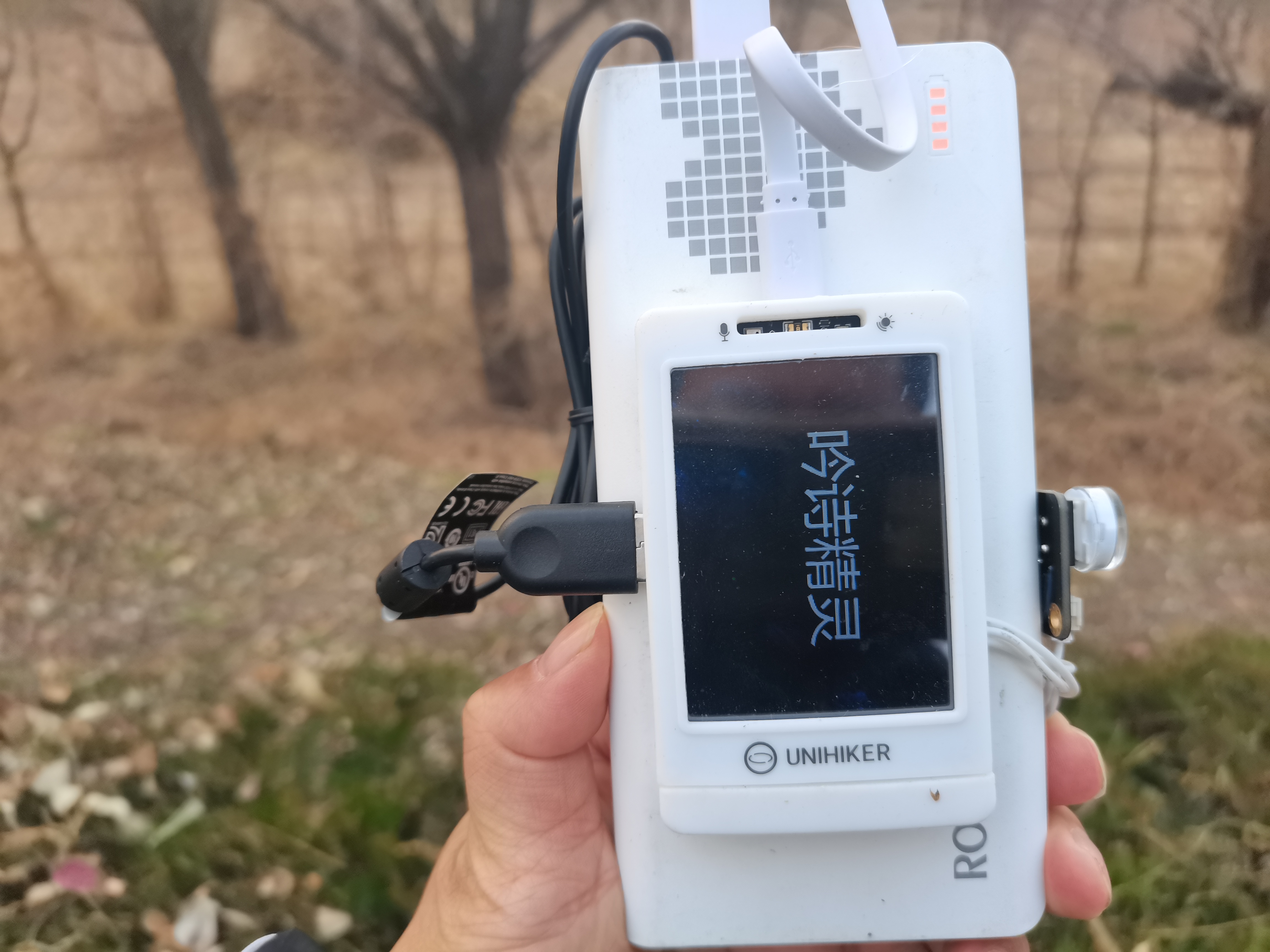
在日常生活中,我们经常会遇到令人心旷神怡的美景,无论是壮丽的山河、绚烂的日落,还是城市的繁华夜景,这些瞬间总能触动我们的心灵,激发我们想要用言语来表达赞美和情感的冲动。然而,并非每个人都有丰富的词汇量和文学素养,能够即兴创作出优美的诗句来充分表达内心的感受。为了解决这一问题,我们开发了这个项目,旨在通过技术手段帮助人们捕捉和表达对美景的感悟。 【项目设计】 该项目通过行空板与USB摄像头、蓝牙音箱的结合,利用Python编程,实现了一个智能的图像识别和诗歌创作系统。当用户在看到美景并按下按钮时,系统会自动拍摄照片,并通过OpenCV库进行图像处理。接着,将图像上传至百度AI平台,利用fuyu_8b模型进行图片理解,生成描述性文本。然后,这些文本被送入百度的大语言模型中,提炼出主题,并据此创作出一首诗歌。最后,通过语音合成技术,将诗歌转化为音频,并通过蓝牙音箱播放,让用户能够以一种新颖而富有创意的方式,表达对美景的赞美和情感。这个项目不仅丰富了人们的表达方式,也使得艺术创作变得更加便捷和普及。 【项目硬件】 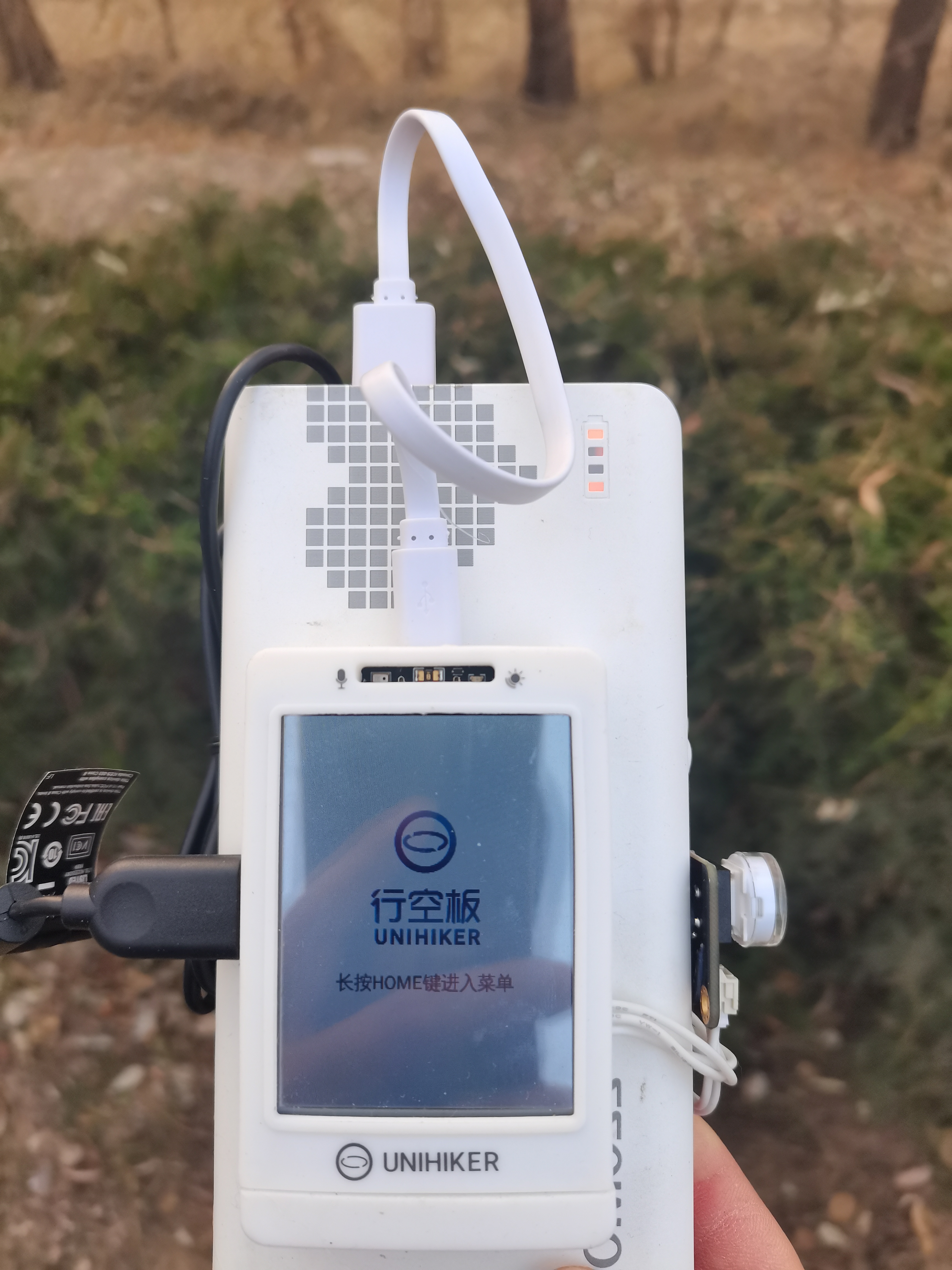
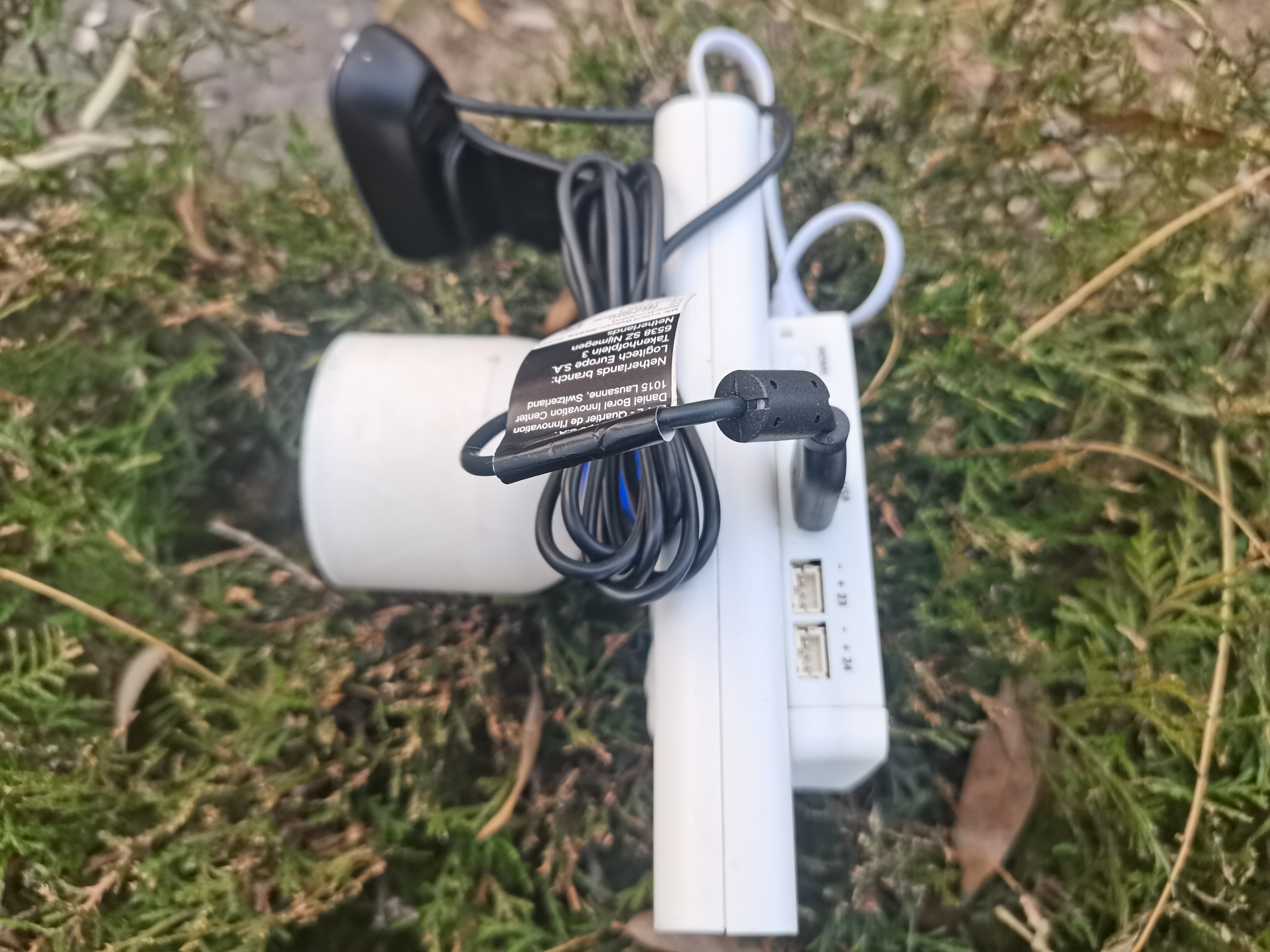
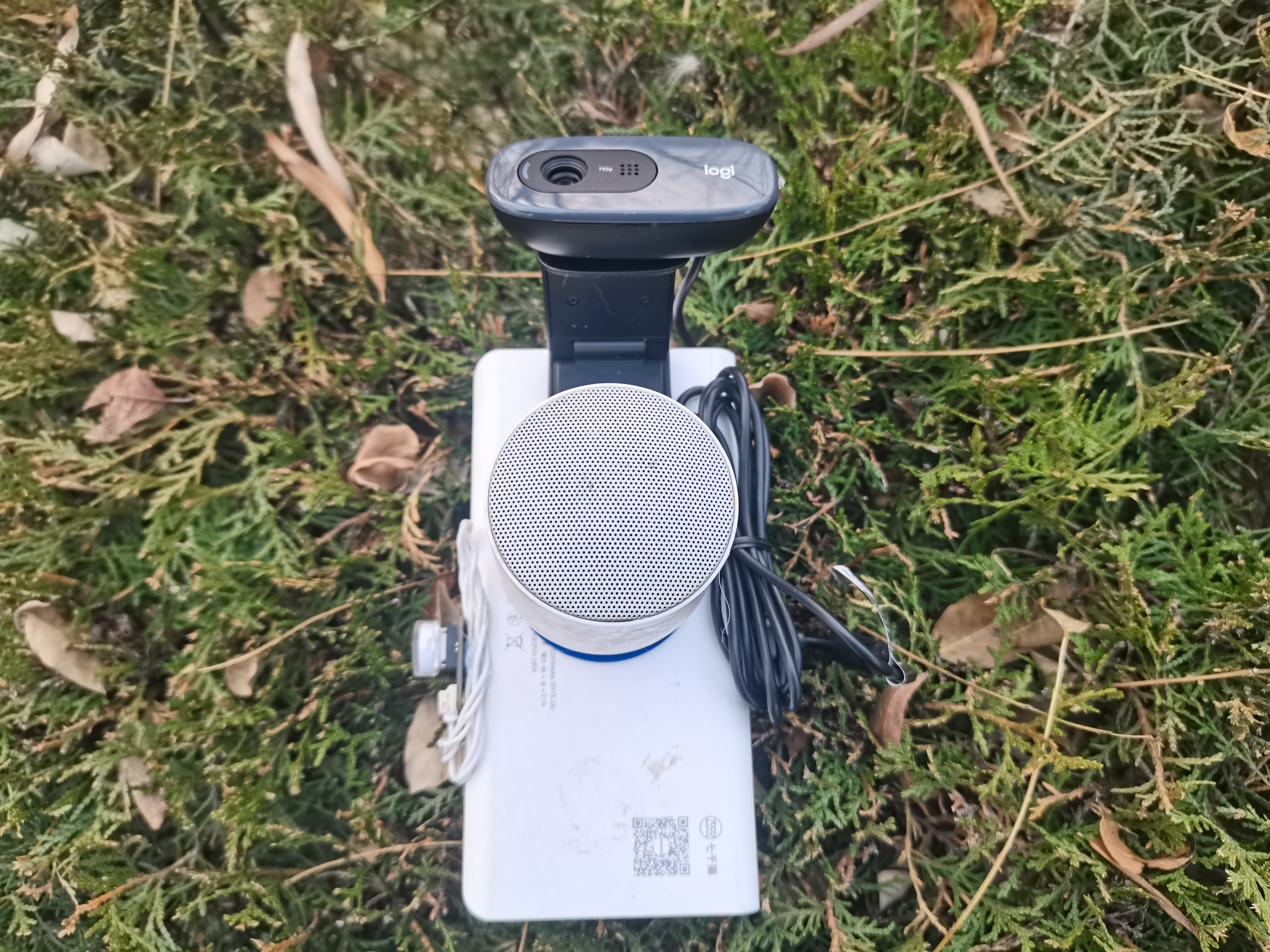
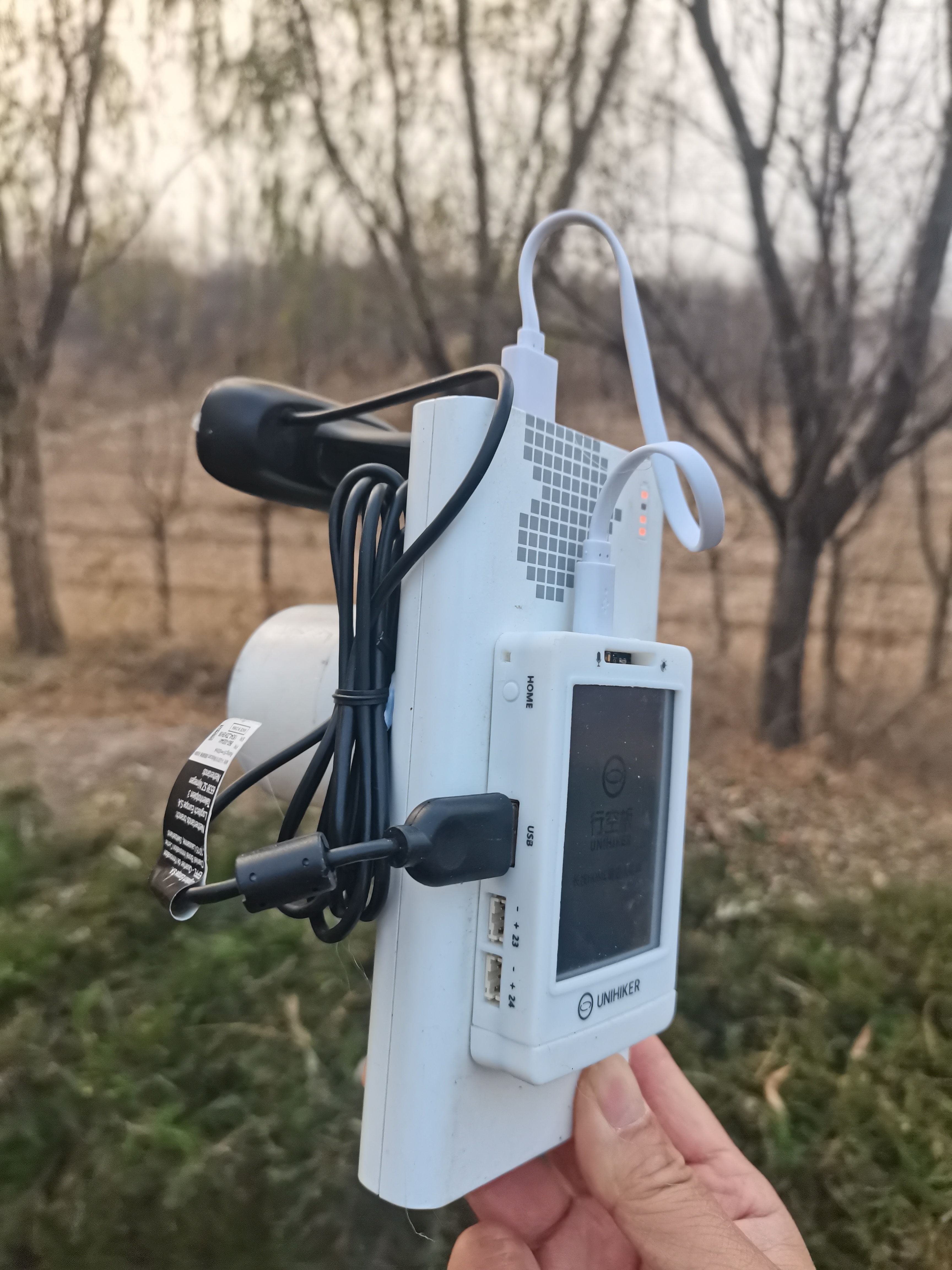
【百度智能云千帆大模型】 本项目使用百度智能云千帆大模型,⼤语⾔模型使用ERNIE 4.0。 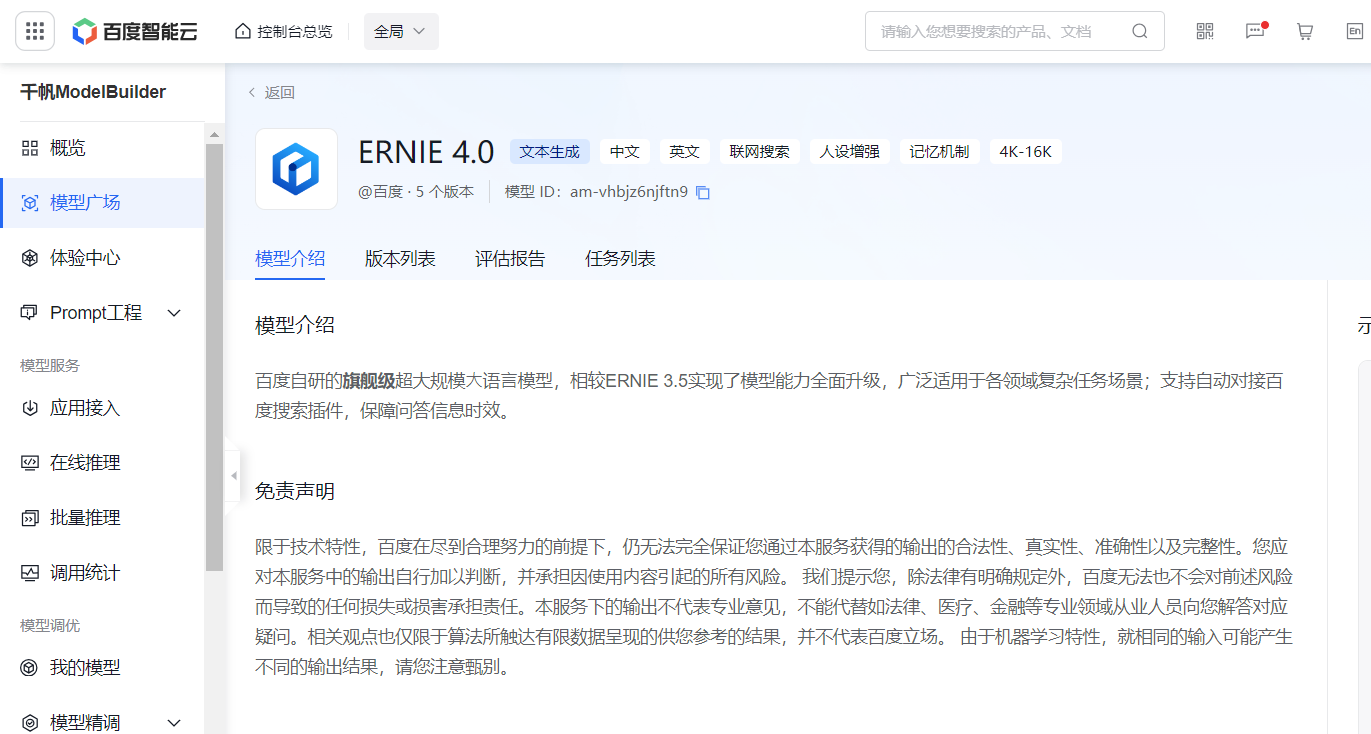
图像理解模型使用Fuyu-8B。 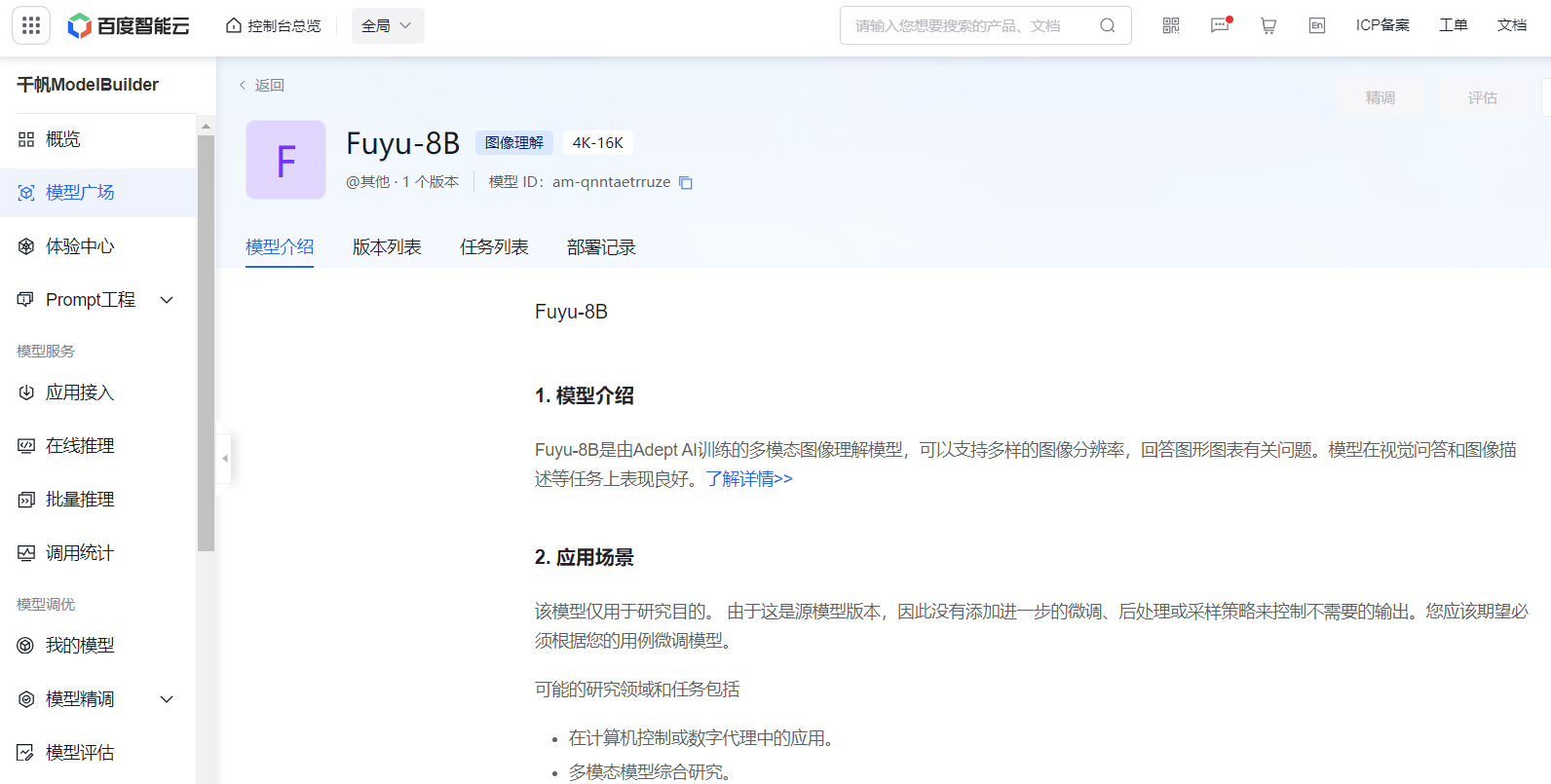
【程序编写】 1.OpenCV获取摄像头图像
-
- # -*- coding: UTF-8 -*-
-
- # MindPlus
- # Python
- import sys
- sys.path.append("/root/mindplus/.lib/thirdExtension/nick-base64-thirdex")
- import cv2
- from pinpong.board import Board,Pin
- from pinpong.extension.unihiker import *
- import base64
- from io import BytesIO
- from PIL import Image
-
-
- Board().begin()
- p_p21_in=Pin(Pin.P21, Pin.IN)
-
- def frame2base64(frame):
- frame = cv2.cvtColor(frame, cv2.COLOR_BGR2RGB)
- img = Image.fromarray(frame) #将每一帧转为Image
- output_buffer = BytesIO() #创建一个BytesIO
- img.save(output_buffer, format='JPEG') #写入output_buffer
- byte_data = output_buffer.getvalue() #在内存中读取
- base64_data = base64.b64encode(byte_data) #转为BASE64
- return base64_data #转码成功 返回base64编码
-
- def base642base64(frame):
- #data=str('data:image/png;base64,')
- base64data = str(frame2base64(frame))
- framedata = base64data[2:(len(base64data)-1)]
- #base642base64_data = data + str(framedata)
- base642base64_data =str(framedata)
- return base642base64_data
- vd = cv2.VideoCapture()
- vd.open(0)
- while not (vd.isOpened()):
- pass
- cv2.namedWindow("Mind+'s Windows", cv2.WINDOW_NORMAL)
- cv2.setWindowProperty("Mind+'s Windows", cv2.WND_PROP_FULLSCREEN, cv2.WINDOW_FULLSCREEN)
-
- while True:
- if vd.grab():
- ret, grab = vd.read()
- cv2.imshow("Mind+'s Windows", grab)
- if cv2.waitKey(20) & 0xff== 27:
- pass
- if (p_p21_in.read_digital()==True):
- picbase64 = base642base64(grab)
- print(picbase64)
-
2.图片理解 -
- import requests
- import json
-
- API_KEY = "Ef8EeI3loPIqIbxxTWZnh0av"
- SECRET_KEY = "****************************"
-
- def main():
-
- url = "https://aip.baidubce.com/rpc/2.0/ai_custom/v1/wenxinworkshop/image2text/fuyu_8b?access_token=" + get_access_token()
-
- payload = json.dumps({
- "prompt": "请描述图中美景",
- "image": ""#base64编码图片
- })
- headers = {
- 'Content-Type': 'application/json'
- }
-
- response = requests.request("POST", url, headers=headers, data=payload)
-
- print(response.text)
-
-
- def get_access_token():
- """
- 使用 AK,SK 生成鉴权签名(Access Token)
- :return: access_token,或是None(如果错误)
- """
- url = "https://aip.baidubce.com/oauth/2.0/token"
- params = {"grant_type": "client_credentials", "client_id": API_KEY, "client_secret": SECRET_KEY}
- return str(requests.post(url, params=params).json().get("access_token"))
-
- if __name__ == '__main__':
- main()
-
3.写诗
-
-
- import requests
- import json
-
- API_KEY = "**********************"
- SECRET_KEY = "……………………………………"
-
- def main():
-
- url = "https://aip.baidubce.com/rpc/2.0/ai_custom/v1/wenxinworkshop/chat/completions_pro?access_token=" + get_access_token()
-
- payload = json.dumps({
- "messages": [
- {
- "role": "user",
- "content": "In the image , a city street is shown with several buildings. A person is crossing the street in the middle of the scene , and there is a bike parked on the right side of the street.\n\nThe street is surrounded by trees, some of which can be seen on the left side . There are four cars parked on the street , two near the center, one on the right side , and one further to the right . Additionally, there are two pedestrians in the middle of the street , one closer to the right and the other further to the left .\n\n The overall scene conveys a sense of urban life, with the lush green trees, people, cars, and bicycles contributing to the city scape."
- }
- ],
- "temperature": 0.95,
- "top_p": 0.8,
- "penalty_score": 1,
- "enable_system_memory": True,
- "system_memory_id": "sm-upmjb9yaya0gtr45",
- "system": "你是一位诗人,能根据用户提供的描述,提练出主题,并做诗一首。例如:此时此景,我要吟诗一首……",
- "disable_search": False,
- "enable_citation": False
- })
- headers = {
- 'Content-Type': 'application/json'
- }
-
- response = requests.request("POST", url, headers=headers, data=payload)
-
- result=json.loads(response.text)
-
- print(result['result'])
-
-
- def get_access_token():
- """
- 使用 AK,SK 生成鉴权签名(Access Token)
- :return: access_token,或是None(如果错误)
- """
- url = "https://aip.baidubce.com/oauth/2.0/token"
- params = {"grant_type": "client_credentials", "client_id": API_KEY, "client_secret": SECRET_KEY}
- return str(requests.post(url, params=params).json().get("access_token"))
-
- if __name__ == '__main__':
- main()
-
4.语音合成-
- # -*- coding: UTF-8 -*-
-
- # MindPlus
- # Python
- import sys
- sys.path.append("/root/mindplus/.lib/thirdExtension/nick-base64-thirdex")
- from df_xfyun_speech import XfTts
-
- appId = "5c7a6af2"
- apiKey ="94932090baf7bb1eae2200ace714f424"
- apiSecret = "*******************"
- options = {}
- business_args = {"aue":"raw","vcn":"aisjinger","tte":"utf8","speed":50,"volume":50,"pitch":50,"bgs":0}
- options["business_args"] = business_args
- tts = XfTts(appId, apiKey, apiSecret, options)
- tts.synthesis("你好, Mind+", "speech.wav")
-
5.播放音频
-
- import pyaudio
- import wave
-
- # 打开WAV文件
- wf = wave.open('your_file.wav', 'rb')
-
- # 创建PyAudio对象
- p = pyaudio.PyAudio()
-
- # 打开流
- stream = p.open(format=p.get_format_from_width(wf.getsampwidth()),
- channels=wf.getnchannels(),
- rate=wf.getframerate(),
- output=True)
-
- # 读取数据
- data = wf.readframes(1024)
-
- # 播放
- while len(data) > 0:
- stream.write(data)
- data = wf.readframes(1024)
-
- # 停止流
- stream.stop_stream()
- stream.close()
-
- # 关闭PyAudio
- p.terminate()
6.完整程序-
- # -*- coding: UTF-8 -*-
-
- # MindPlus
- # Python
- import sys
- sys.path.append("/root/mindplus/.lib/thirdExtension/nick-base64-thirdex")
- import cv2
- from pinpong.board import Board,Pin
- from pinpong.extension.unihiker import *
- import base64
- from io import BytesIO
- from PIL import Image
- import requests
- import json
- from df_xfyun_speech import XfTts
- import pyaudio
- import wave
-
- appId = "5c7a6af2"
- apiKey ="94932090baf7bb1eae2200ace714f424"
- apiSecret = "********************"
- options = {}
- business_args = {"aue":"raw","vcn":"x2_xiaoqian","tte":"utf8","speed":50,"volume":50,"pitch":50,"bgs":0}
- options["business_args"] = business_args
- tts = XfTts(appId, apiKey, apiSecret, options)
- def get_access_token():
- """
- 使用 AK,SK 生成鉴权签名(Access Token)
- :return: access_token,或是None(如果错误)
- """
- url = "https://aip.baidubce.com/oauth/2.0/token"
- params = {"grant_type": "client_credentials", "client_id": API_KEY, "client_secret": SECRET_KEY}
- return str(requests.post(url, params=params).json().get("access_token"))
-
- def image2text(url,base64image):
- payload = json.dumps({
- "prompt": "请描述图中美景",
- "image":base64image
- })
- headers = {
- 'Content-Type': 'application/json'
- }
-
- response = requests.request("POST", url, headers=headers, data=payload)
-
- return(response.text)
- cv2.namedWindow("Mind+'s Windows", cv2.WINDOW_NORMAL)
- cv2.setWindowProperty("Mind+'s Windows", cv2.WND_PROP_FULLSCREEN, cv2.WINDOW_FULLSCREEN)
- img = cv2.imread("back.png", cv2.IMREAD_UNCHANGED)
- img = cv2.rotate(img,cv2.ROTATE_90_CLOCKWISE)
- cv2.imshow("Mind+'s Windows", img)
- if cv2.waitKey(20) & 0xff== 27:
- pass
- Board().begin()
- p_p21_in=Pin(Pin.P21, Pin.IN)
-
- def frame2base64(frame):
- frame = cv2.cvtColor(frame, cv2.COLOR_BGR2RGB)
- img = Image.fromarray(frame) #将每一帧转为Image
- output_buffer = BytesIO() #创建一个BytesIO
- img.save(output_buffer, format='JPEG') #写入output_buffer
- byte_data = output_buffer.getvalue() #在内存中读取
- base64_data = base64.b64encode(byte_data) #转为BASE64
- return base64_data #转码成功 返回base64编码
-
- def base642base64(frame):
- #data=str('data:image/png;base64,')
- base64data = str(frame2base64(frame))
- framedata = base64data[2:(len(base64data)-1)]
- #base642base64_data = data + str(framedata)
- base642base64_data =str(framedata)
- return base642base64_data
- def playwav(result):
- tts.synthesis(result, "speech.wav")
-
- # 打开WAV文件
- wf = wave.open('speech.wav', 'rb')
- # 创建PyAudio对象
- p = pyaudio.PyAudio()
- # 打开流
- stream = p.open(format=p.get_format_from_width(wf.getsampwidth()),
- channels=wf.getnchannels(),
- rate=wf.getframerate(),
- output=True)
- # 读取数据
- data = wf.readframes(1024)
- # 播放
- while len(data) > 0:
- stream.write(data)
- data = wf.readframes(1024)
- # 停止流
- stream.stop_stream()
- stream.close()
- # 关闭PyAudio
- p.terminate()
- vd = cv2.VideoCapture()
- vd.open(0)
- while not (vd.isOpened()):
- pass
-
- API_KEY = "********"
- SECRET_KEY = "************"
- url = "https://aip.baidubce.com/rpc/2.0/ai_custom/v1/wenxinworkshop/image2text/fuyu_8b?access_token=" + get_access_token()
- url2 = "https://aip.baidubce.com/rpc/2.0/ai_custom/v1/wenxinworkshop/chat/completions_pro?access_token=" + get_access_token()
- while True:
- if vd.grab():
- ret, grab = vd.read()
- cp_img = grab.copy()
- cp_img = cv2.rotate(cp_img,cv2.ROTATE_90_CLOCKWISE)
- cv2.imshow("Mind+'s Windows", cp_img)
- if cv2.waitKey(20) & 0xff== 27:
- pass
- if (p_p21_in.read_digital()==True):
- playwav('拍照完成,正在识别处理中')
- picbase64 = base642base64(grab)
- print(image2text(url,picbase64))
- content=json.loads(image2text(url,picbase64))
- if "result" in content:
- payload = json.dumps({
- "messages": [
- {
- "role": "user",
- "content":content['result']
- }
- ],
- "temperature": 0.95,
- "top_p": 0.8,
- "penalty_score": 1,
- "enable_system_memory": True,
- "system_memory_id": "sm-upmjb9yaya0gtr45",
- "system": "你是一位诗人,能根据用户提供的描述,提练出主题,并做诗一首。例如:此时此情,我要吟诗一首……",
- "disable_search": False,
- "enable_citation": False
- })
- headers = {
- 'Content-Type': 'application/json'
- }
-
- response = requests.request("POST", url2, headers=headers, data=payload)
-
- result=json.loads(response.text)
- print(result['result'])
- playwav(result['result'])
-
-
-
【演示视频】
|






云天老师总能不断地带来惊喜
云天老师总能不断地带来惊喜